

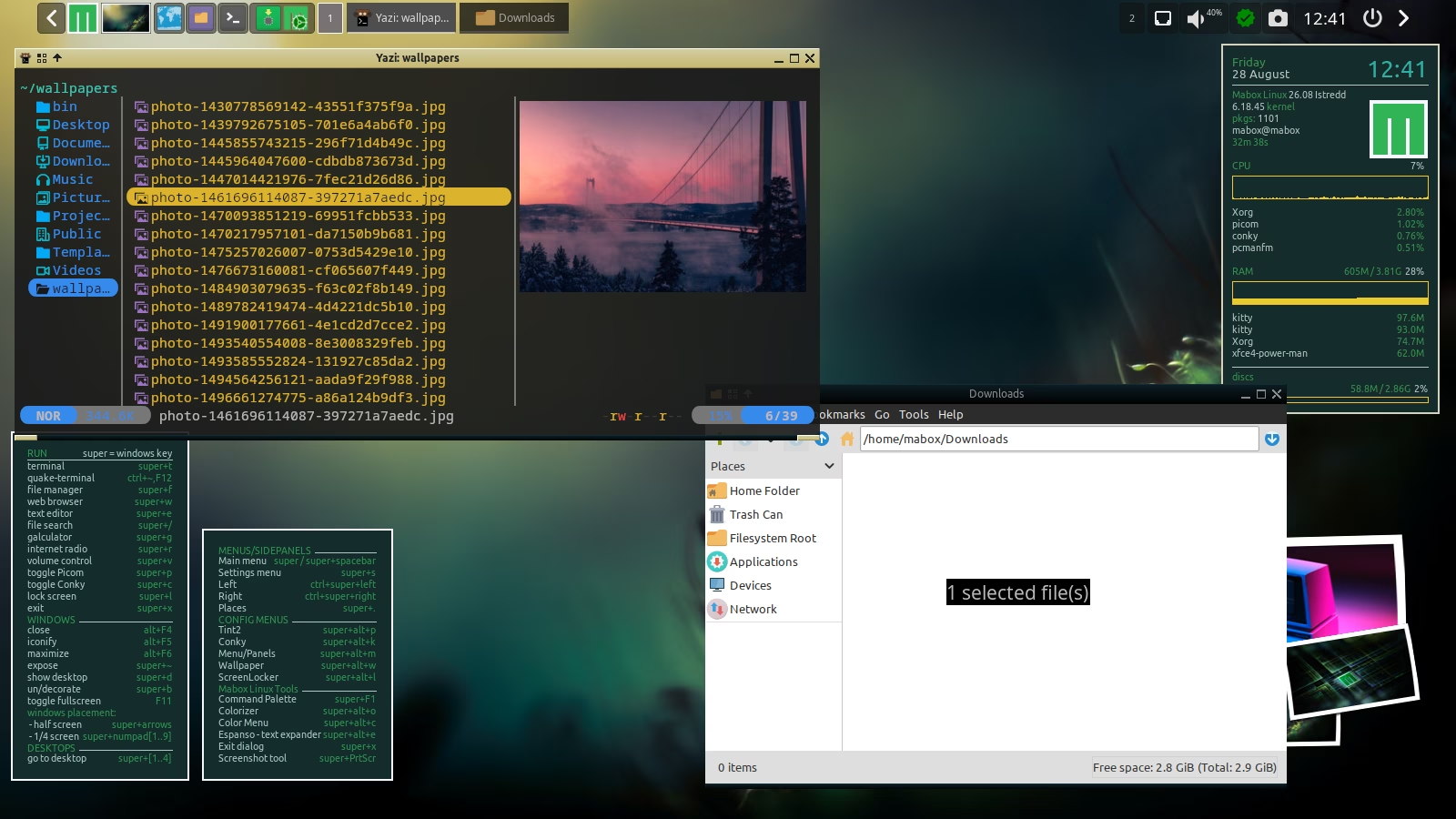
Mabox 26.08 delivers updated packages, improvements to the Quake-style F12 terminal, and community-built utilities for ISO remastering and persistence-enabled USB creation.
 napcok
Mabox 26.07 with tint2 systray fix
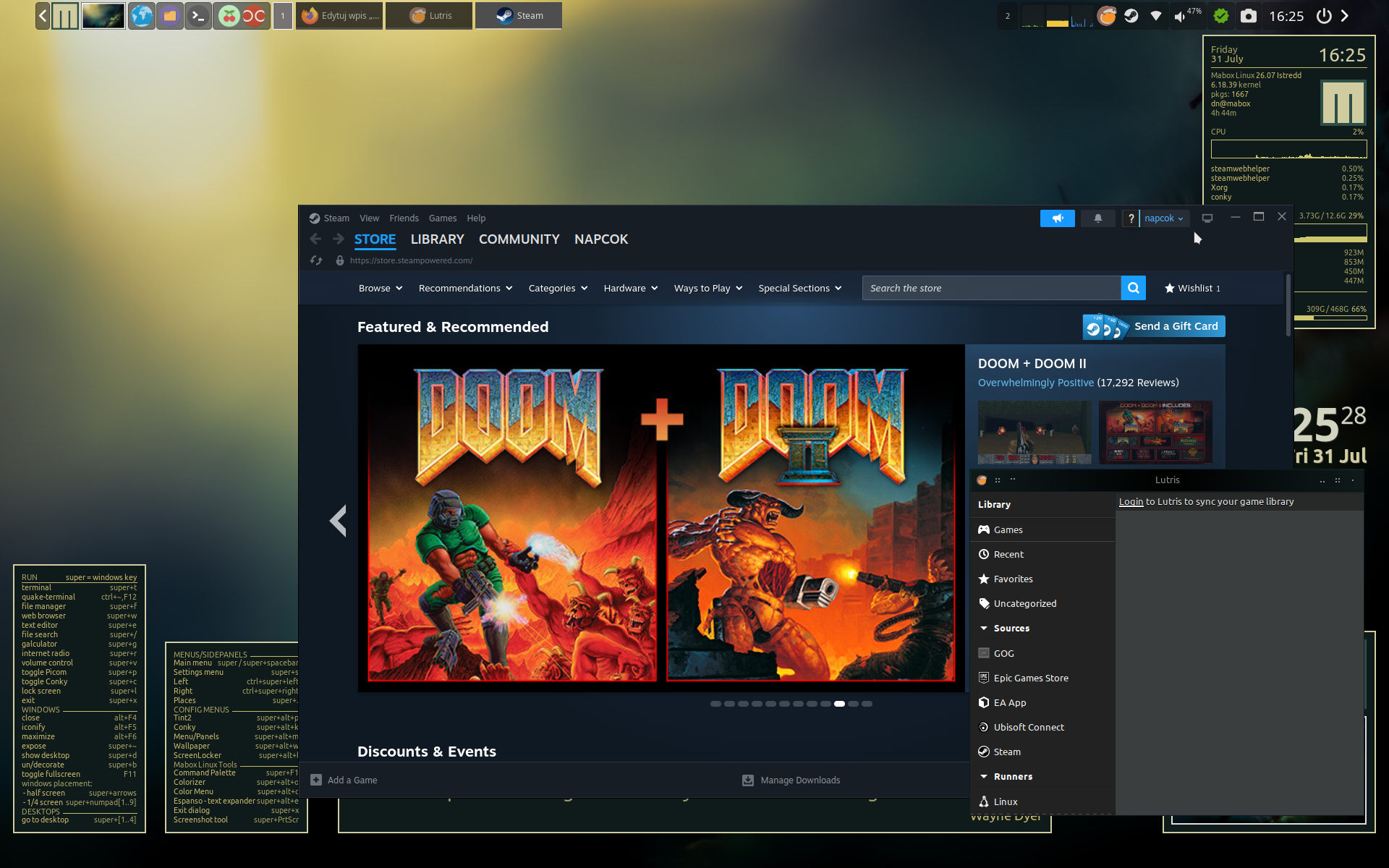
Mabox 26.07 brings an important fix for the system tray (systray) in the tint2 panel.
Until now, some applications could cause the system tray to freeze. This issue affected programs such as Steam, Lutris, LocalSend, and Remote Desktop Manager.
Thanks to the patch for Tint2, they no longer cause problems
Mabox 26.04 with simplified profile option
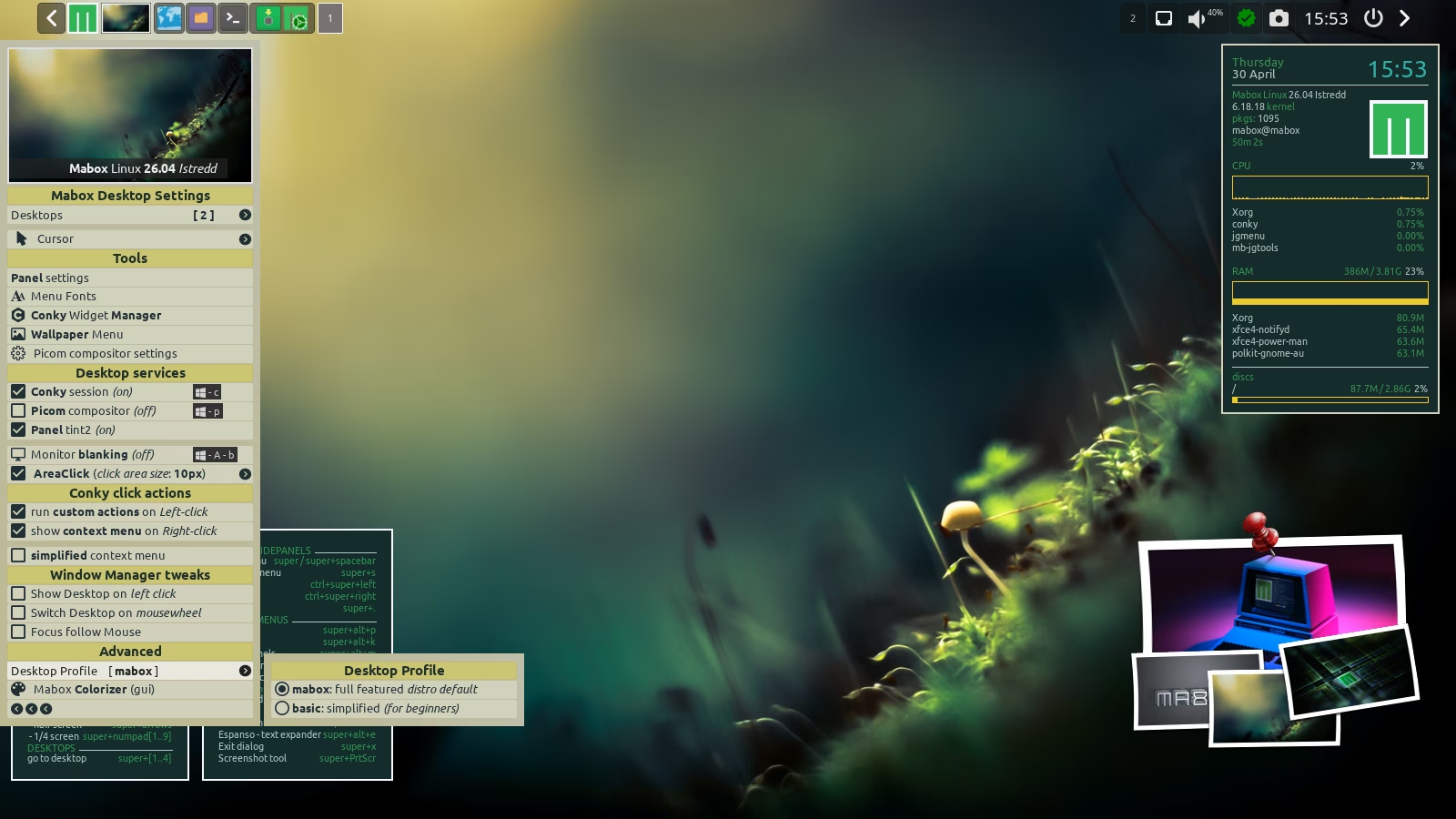
Mabox 26.04, the April refresh of the ISO images, brings a substantial number of fixes in many areas, such as:
- rewritten main menu and side panels
- improvements to the tint2 panel configurations
- a changed default Conky widget
Simplified profile
Mabox now offers the ability to quickly switch to a simplified desktop profile. This can be useful, for example, when you’re installing Mabox for a family member who isn’t necessarily a Linux enthusiast or seasoned power user.
The simplified profile offers a streamlined panel and removes some Mabox features that could surprise or overwhelm beginners, such as:
- context menus and Conky widget actions
- clickable screen corners and edges
Side panels improvements
An attempt to tidy up and simplify the main menu and side panels… try it yourself and see whether these changes appeal to you.
Default Conky sysinfo
The new, default Conky has been equipped with a battery usage indicator and a color‑customizable logo.
Panel configurations updated
The tint2 panel configurations provided by Mabox have been updated to make use of new tools such as the Status/Update Icon and the wallpaper thumbnail with its associated menu.
Autotheming …
Autotheming is enabled in the live session… try it by clicking the thumbnail in the panel:
left‑click — random wallpaper, right‑click — more options.
Notice that the Mabox logo also changes its color scheme — both the one in the panel and the one in the Conky widget.
User Guide 2026 update
The Mabox User Guide has finally received an update.Check Introduction to Mabox Linux Desktop
Are you just starting out with Mabox?
Please read Introduction to Mabox Linux Desktop.
Support Mabox
If Mabox is useful to you, please consider supporting its development. Alternatively, you can support the development of our amazing base distro: Manjaro.
Download
ISO images can be downloaded from SourceForge mirrors and fromrepo.maboxlinux.org/iso.
Two ISO images are available: with the latest LTS 6.18 kernel and slightly older 6.6.
When starting an ISO image, you can choose whether you want to use open source or proprietary drivers.
Have fun with Mabox 🙂
Mabox 26.03 – conky improvements, TODOlist and keyboard shortcuts
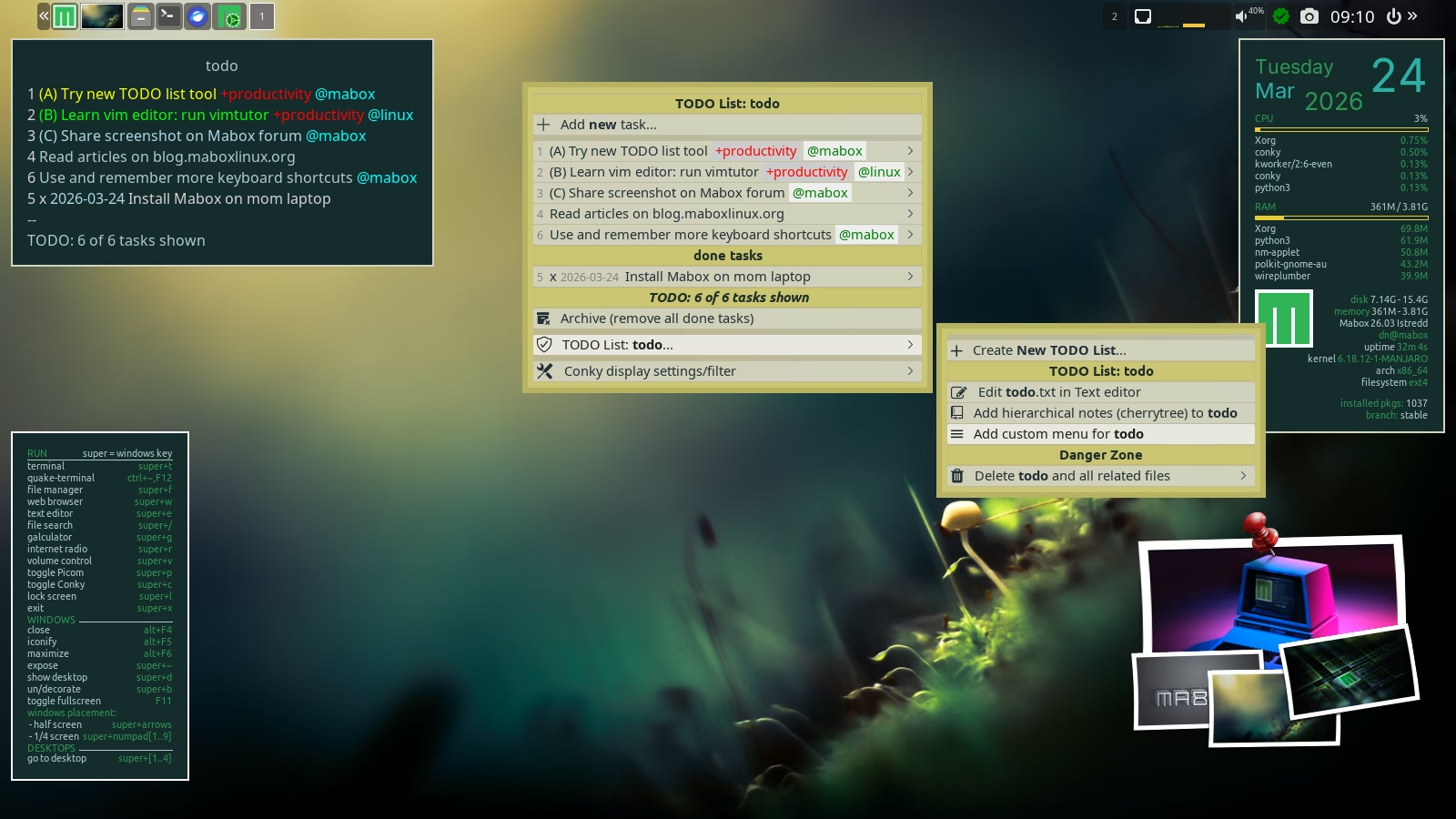
The March release of Mabox 26.03 brings improvements to Conky support, a new tool for managing task lists, and easier previewing and editing of keyboard shortcuts
Conky handling improvements
You can set a simplified context menu for Conky — without several advanced functions.
The Conky Widget Manager W‑A‑k allows you to completely disable Conky’s clickable features — both for left‑click (custom commands) and right‑click (context menu). You can still manage individual widget settings using the Conky Manager.
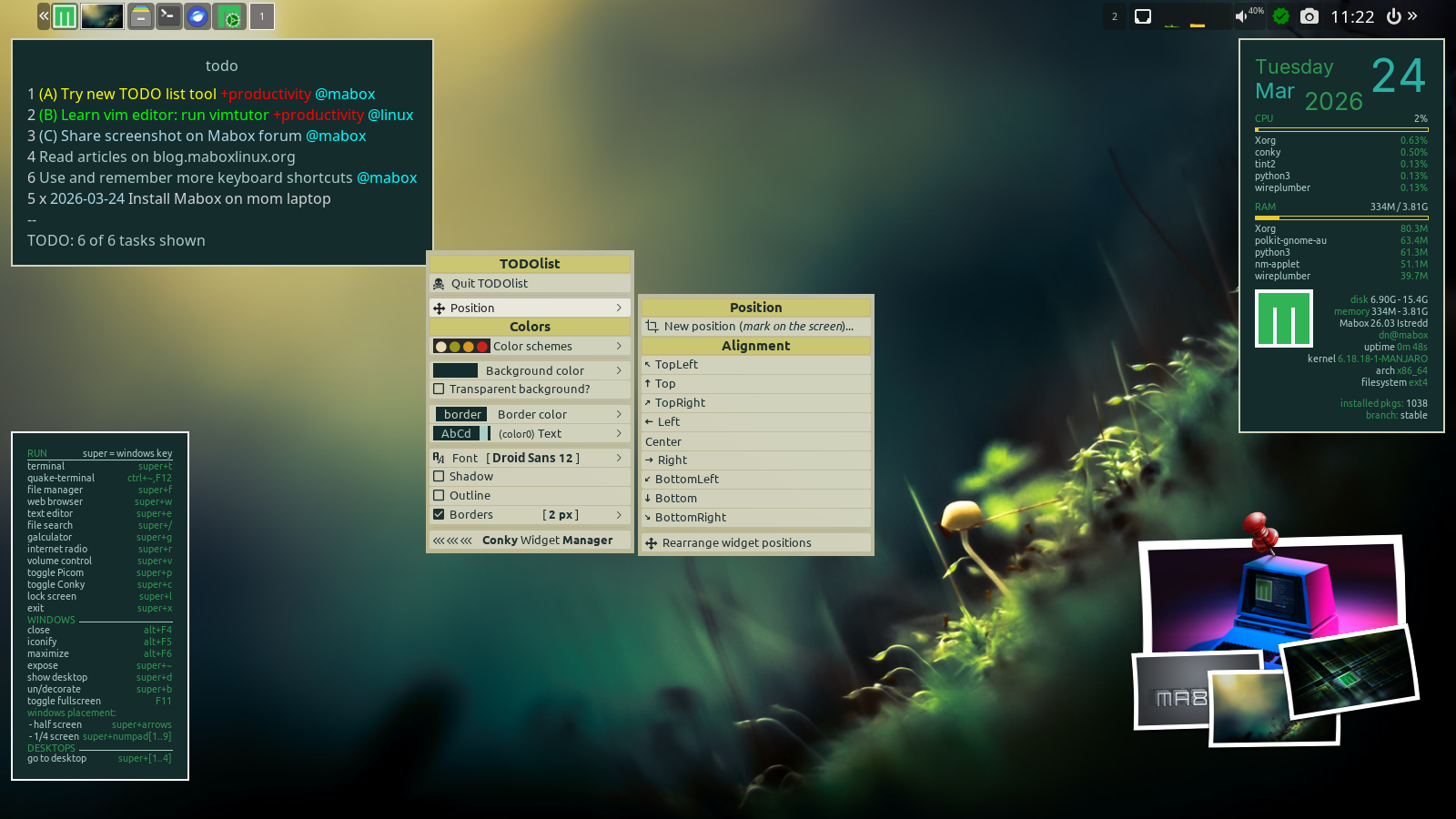
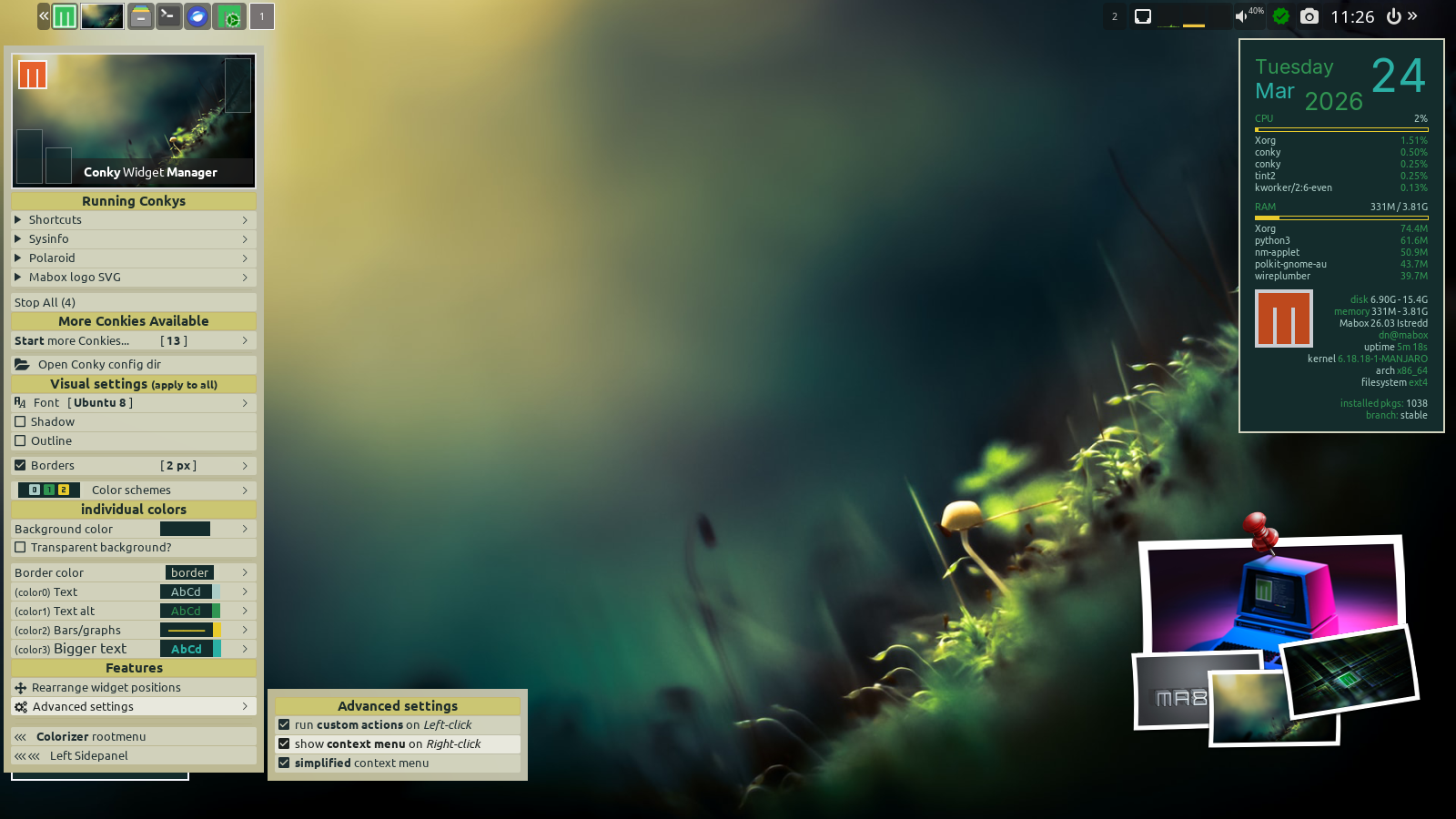
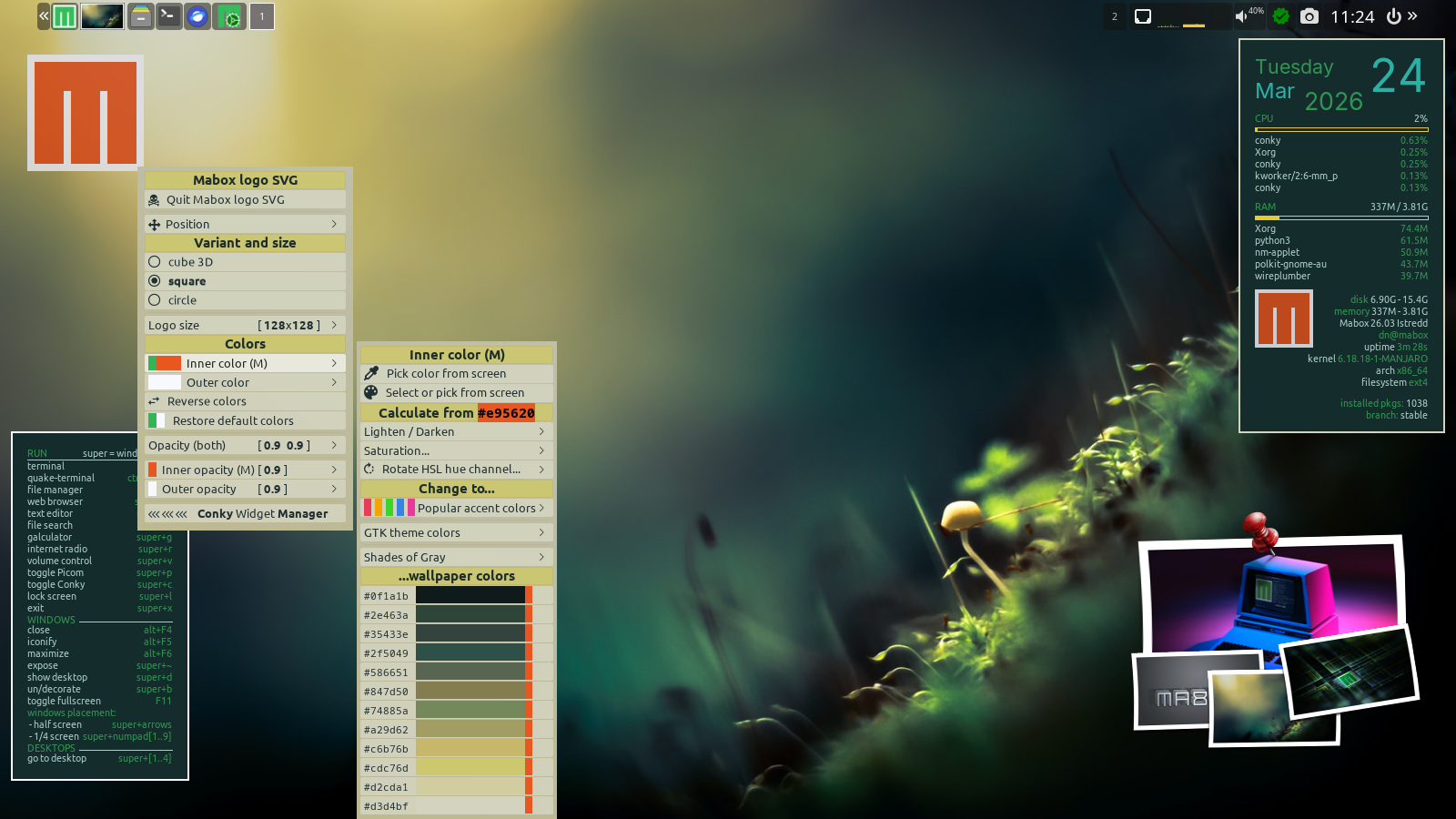
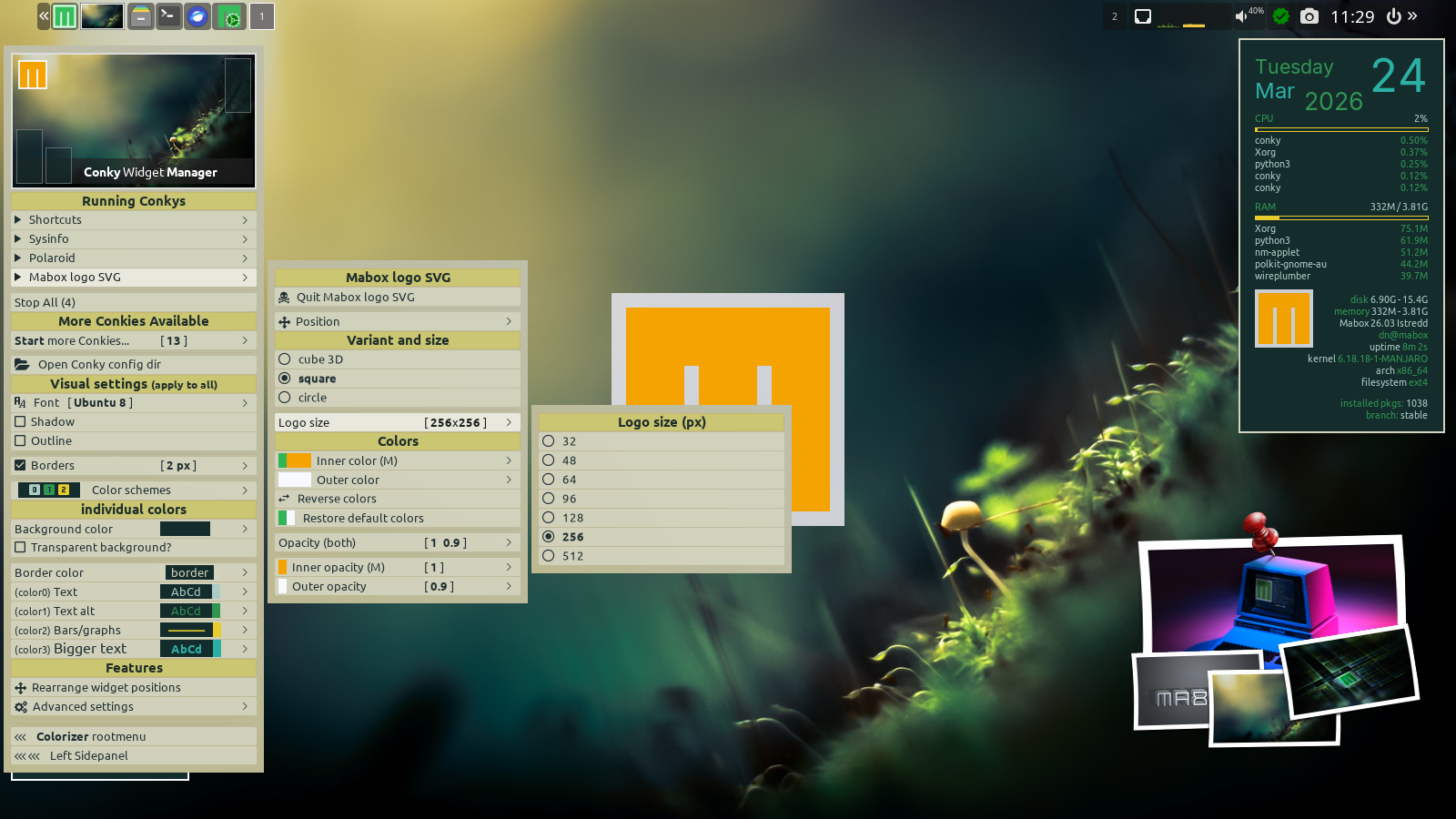
The default Conky widget, sysinfo (in the top‑right corner), now displays the battery charge level.
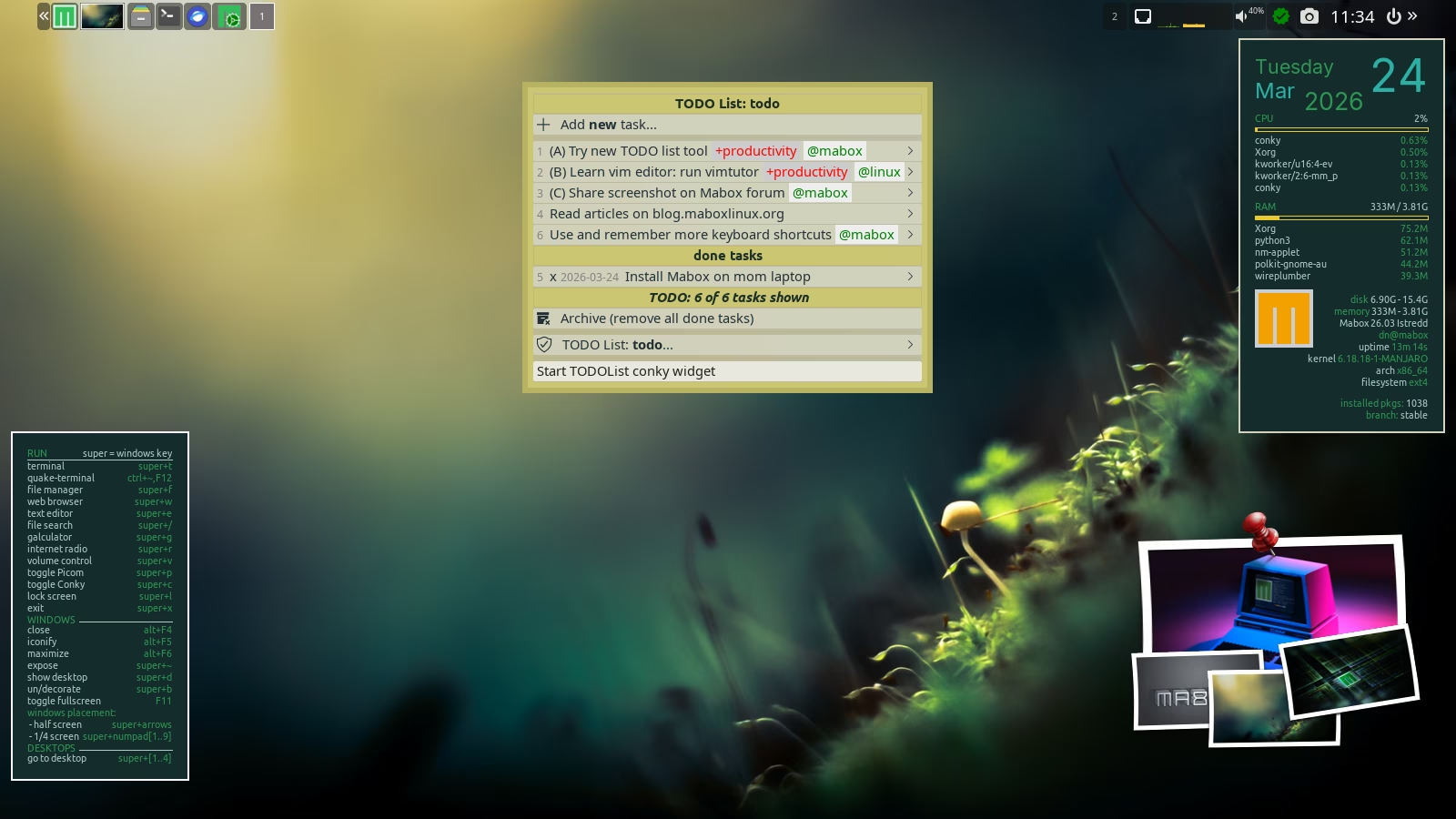
TODOlist
A brand new Mabox tool…
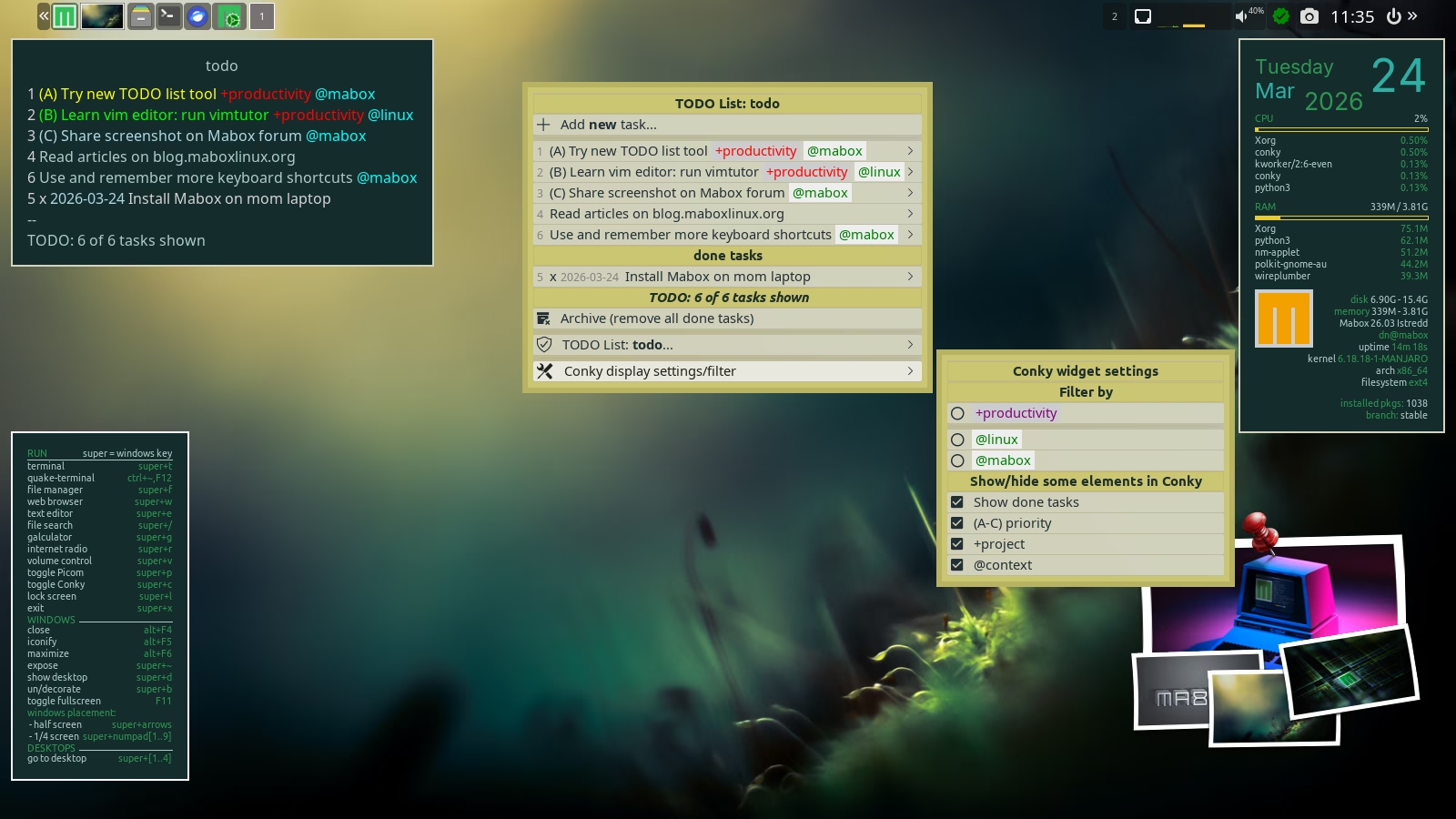
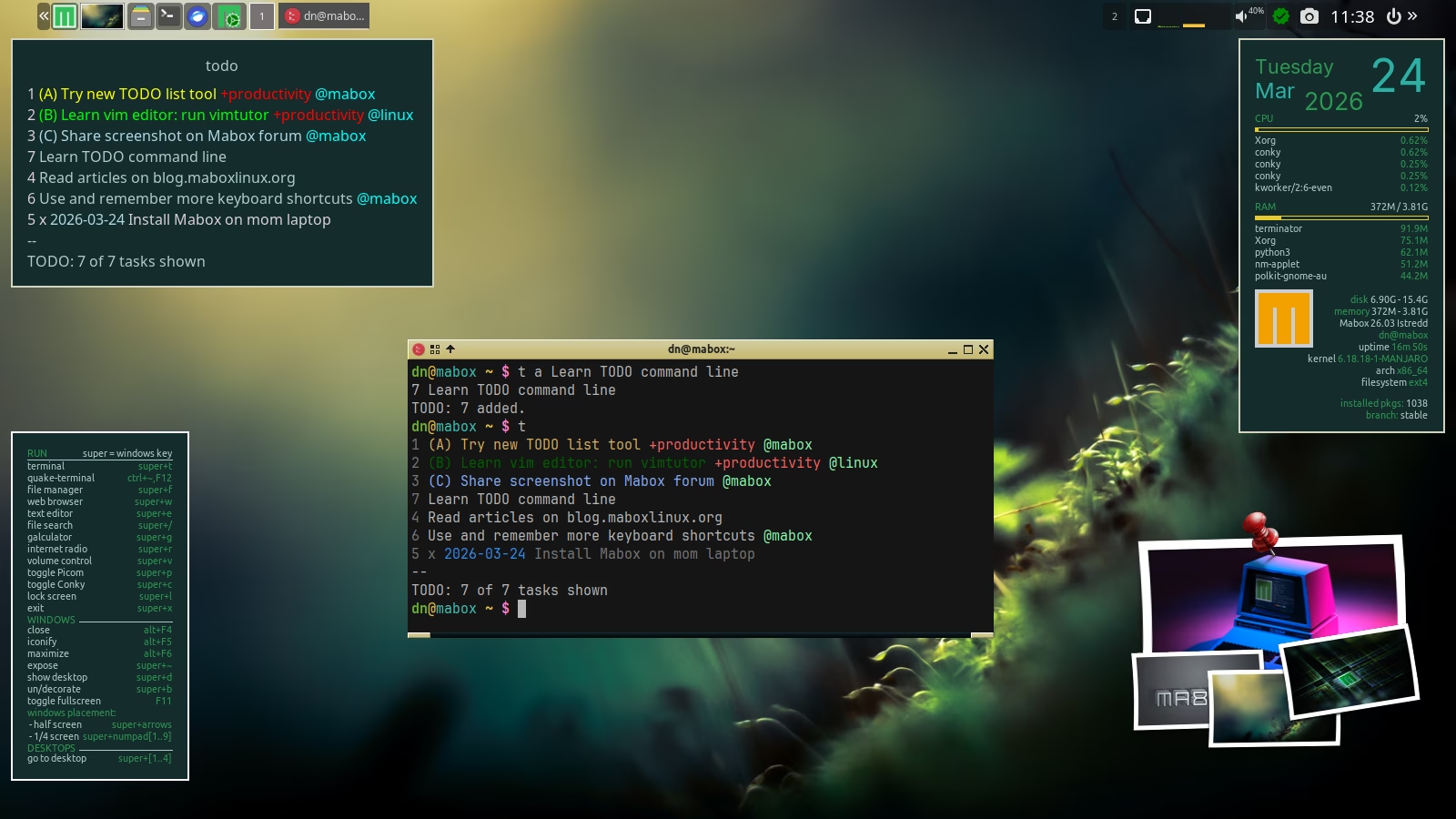
A collection of tools for managing simple to-do lists.
It includes a CLI, dynamic menu, and conky widget.
It’s built on the todo.sh script from todotxt.org with a few enhancements added:
- multiple todo lists
- handy dynamic menu
- Conky widget with easy filtering
- Notes for every todo list – cherrytree (optional)
- customizable menu part for every todo list (optional)
Start TODOlist dynamic menu W-o and play with it 🙂
Keyboard shortcuts
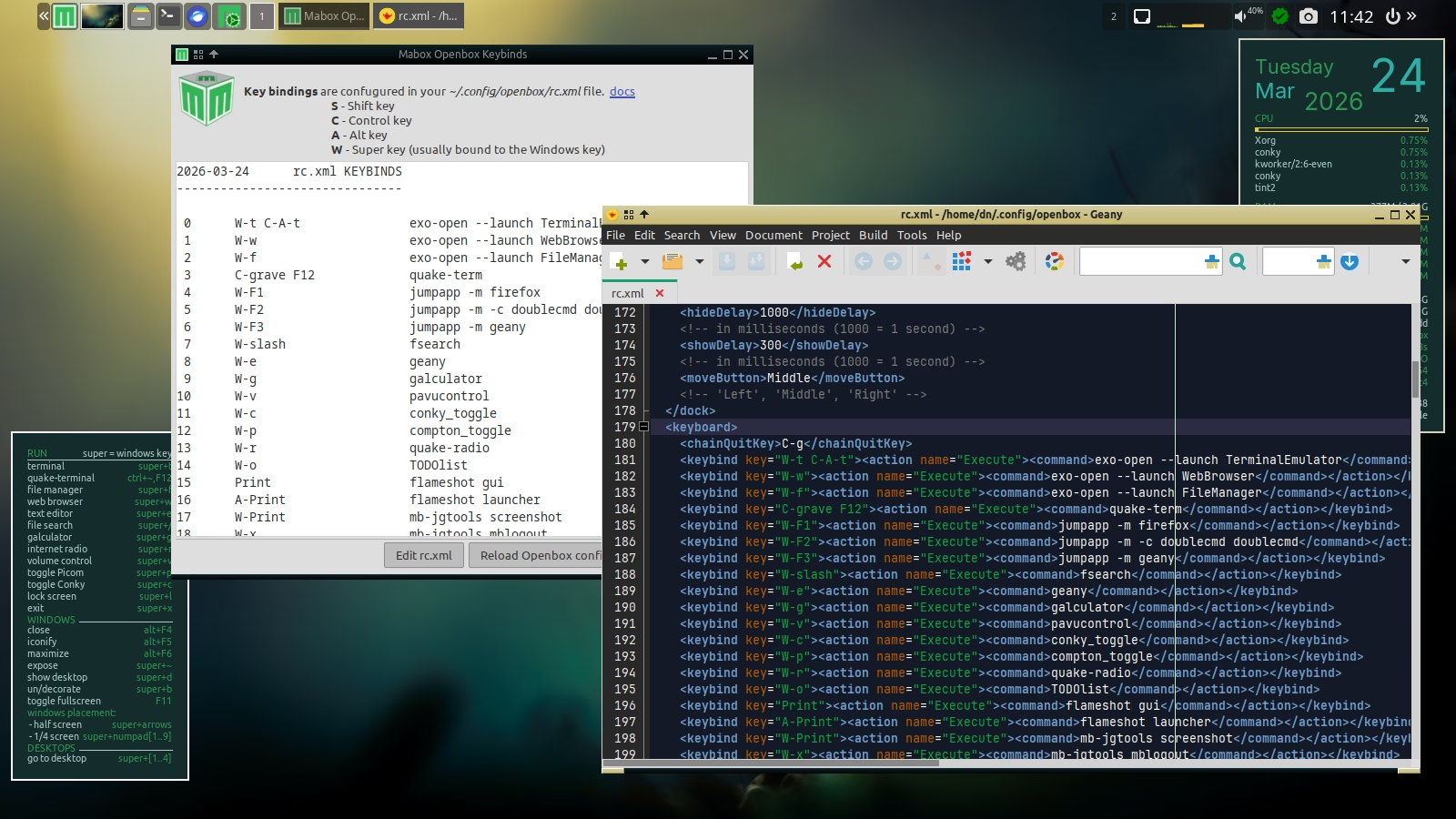 An improved window showing the currently configured keyboard shortcuts.
It’s available by clicking the Conky widget with keyboard shortcuts — in the bottom‑left corner of the screen.
Besides providing a quick overview, you can launch the editor from it and reload the Openbox configuration so that any changes you’ve made take effect.
Are you just starting out with Mabox?
Please read Introduction to Mabox Linux Desktop.
Support Mabox
If Mabox is useful to you, please consider supporting its development. Alternatively, you can support the development of our amazing base distro: Manjaro.
Download
ISO images can be downloaded from SourceForge mirrors and fromrepo.maboxlinux.org/iso.
Two ISO images are available: with the latest LTS 6.18 kernel and slightly older 6.6.
When starting an ISO image, you can choose whether you want to use open source or proprietary drivers.
Have fun with Mabox 🙂
Mabox Linux 26.02 available
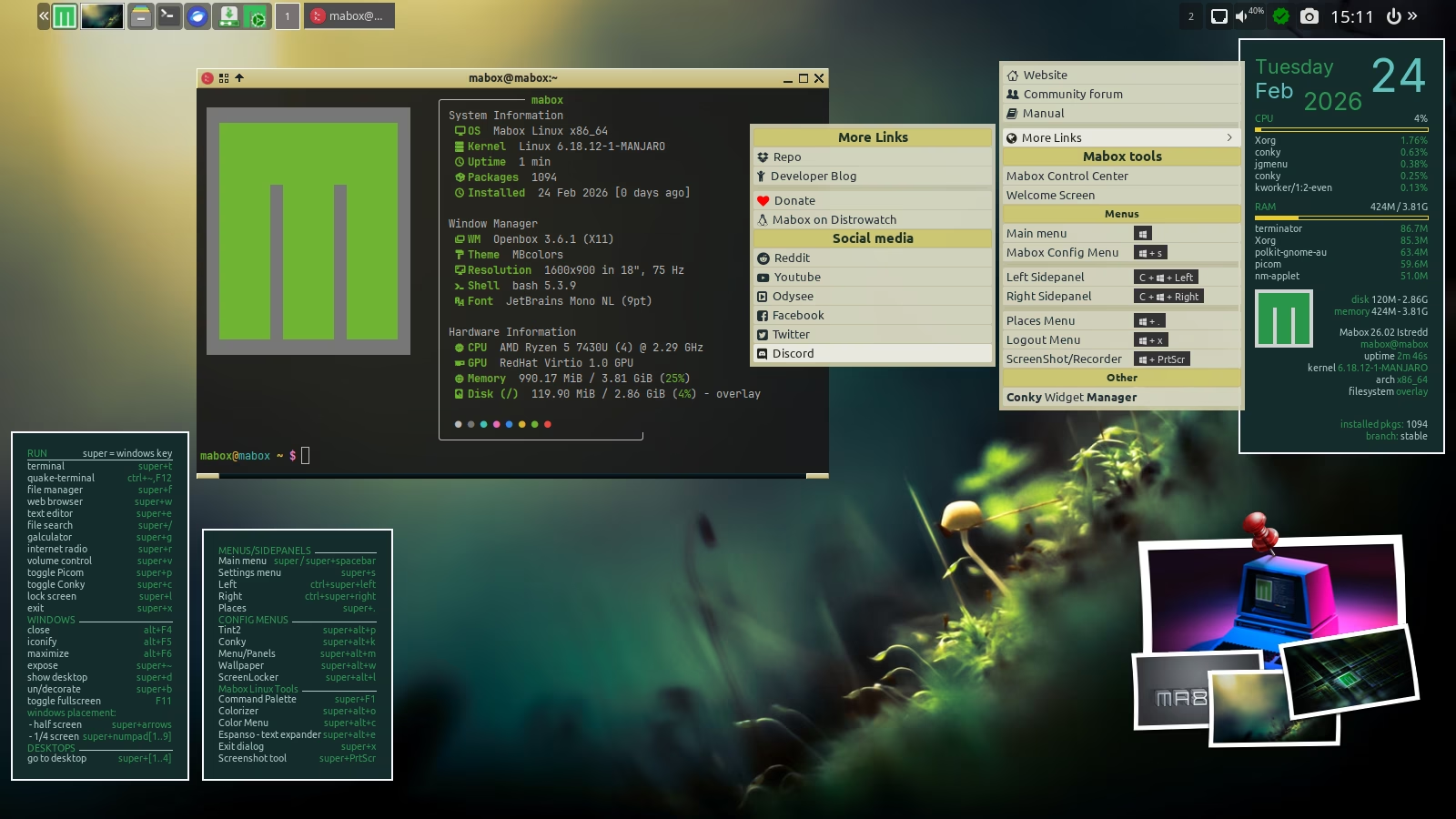
Mabox 26.02 is ready for download. What’s new in this release? The sound menu W-a, the rewritten Colorizer module for Cava – sound visualization – and some fixes for ScreenRecording tool.
As usual, it also includes a portion of corrections and minor improvements in Mabox tools.
Mabox 26.01 – latest 6.18 LTS kernel
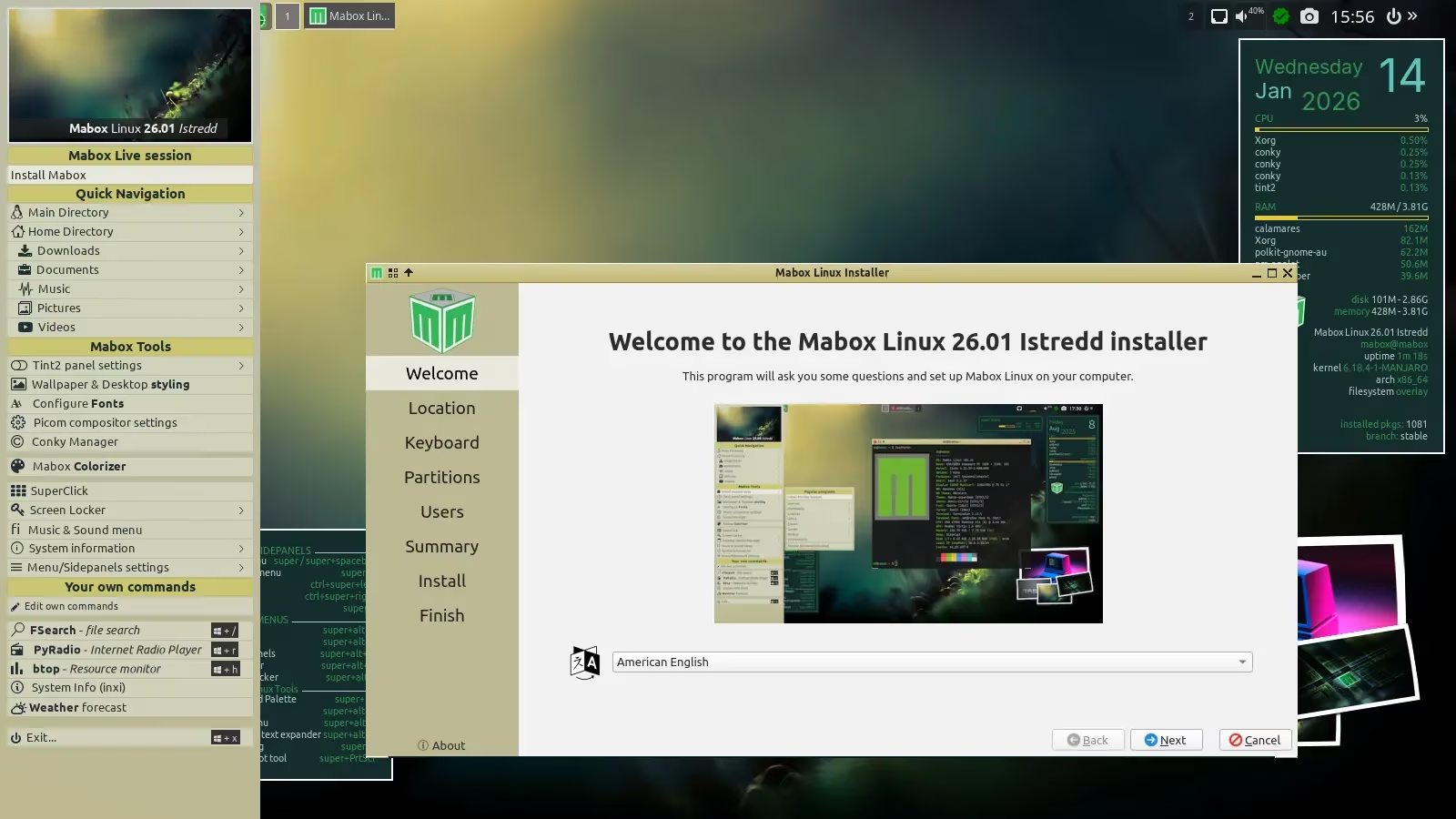
The first release in 2026 brings the latest kernel with extended support – Linux 6.18 LTS.
An ISO image of the slightly older LTS kernel – Linux 6.6 – is also available.
The January ISO was built based on the latest packages currently available (Jan 14) in the stable branch.
Download
ISO images can be downloaded as always from SourceForge or from repo.maboxlinux.org
If you new to Mabox please read Introduction to Mabox Linux Desktop.
Support Mabox development
If you like, you can support Mabox’s development and maintenance on Ko-fi or here.
Thank you 🙂
Mabox 25.12 – improvements, fixes and GTK2 farewell
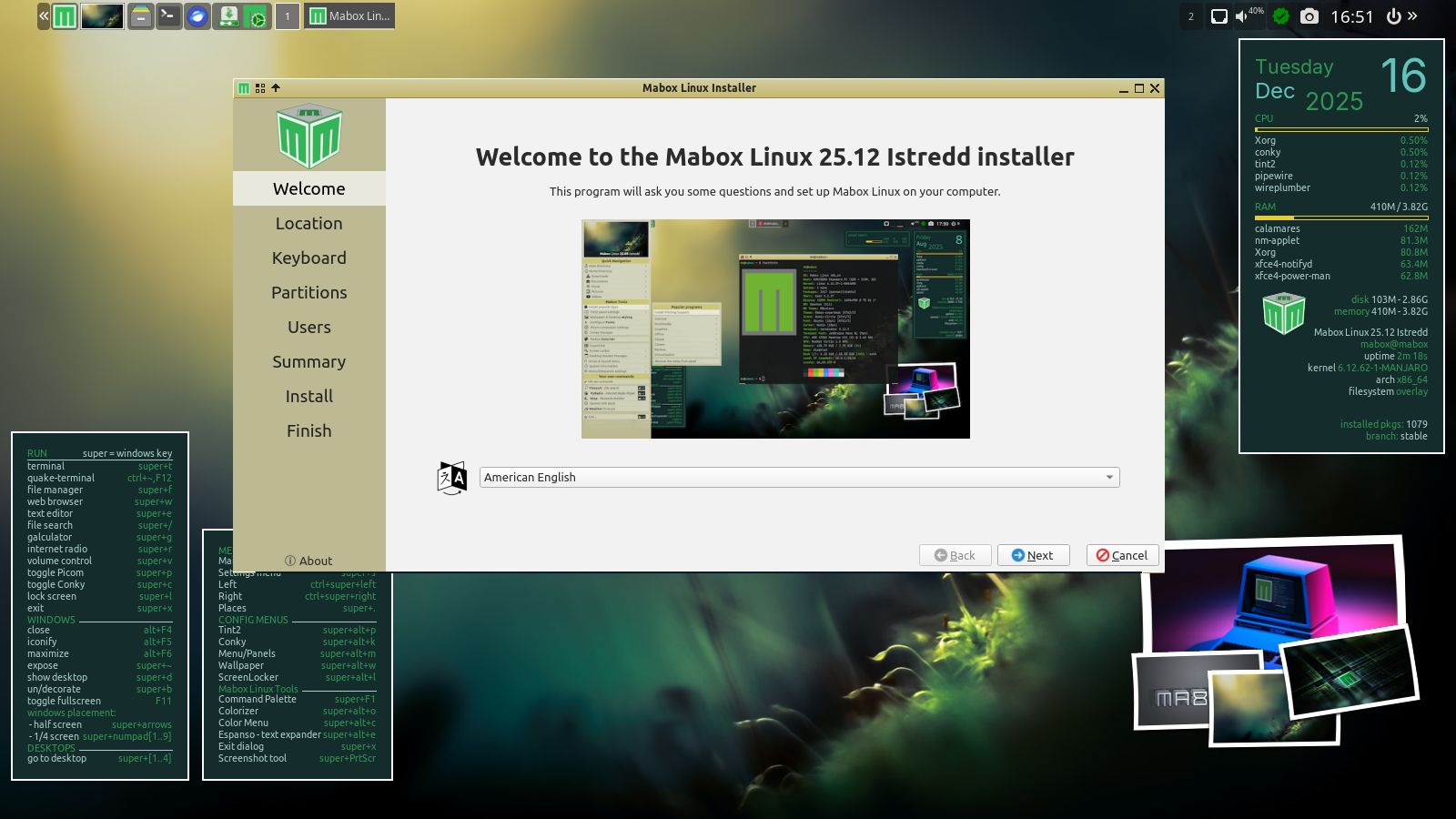
The December release of Mabox 25.12 brings a handful of improvements and fixes. It also means saying goodbye to GTK2 and cleaning up our profile and tools.
Several improvements related to the panel and dynamic menus…
Volume icon
The updated volume icon (near the system tray) should now work as intended.
Functionality:
left-click – mute/unmute
mousewheel up/down – volume up/down
right-click – pavucontrol – volume control GUI.
right-click – previously was bound to Music & Sound menu, which is available now by W-m or by clicking the top-right desktop corner.
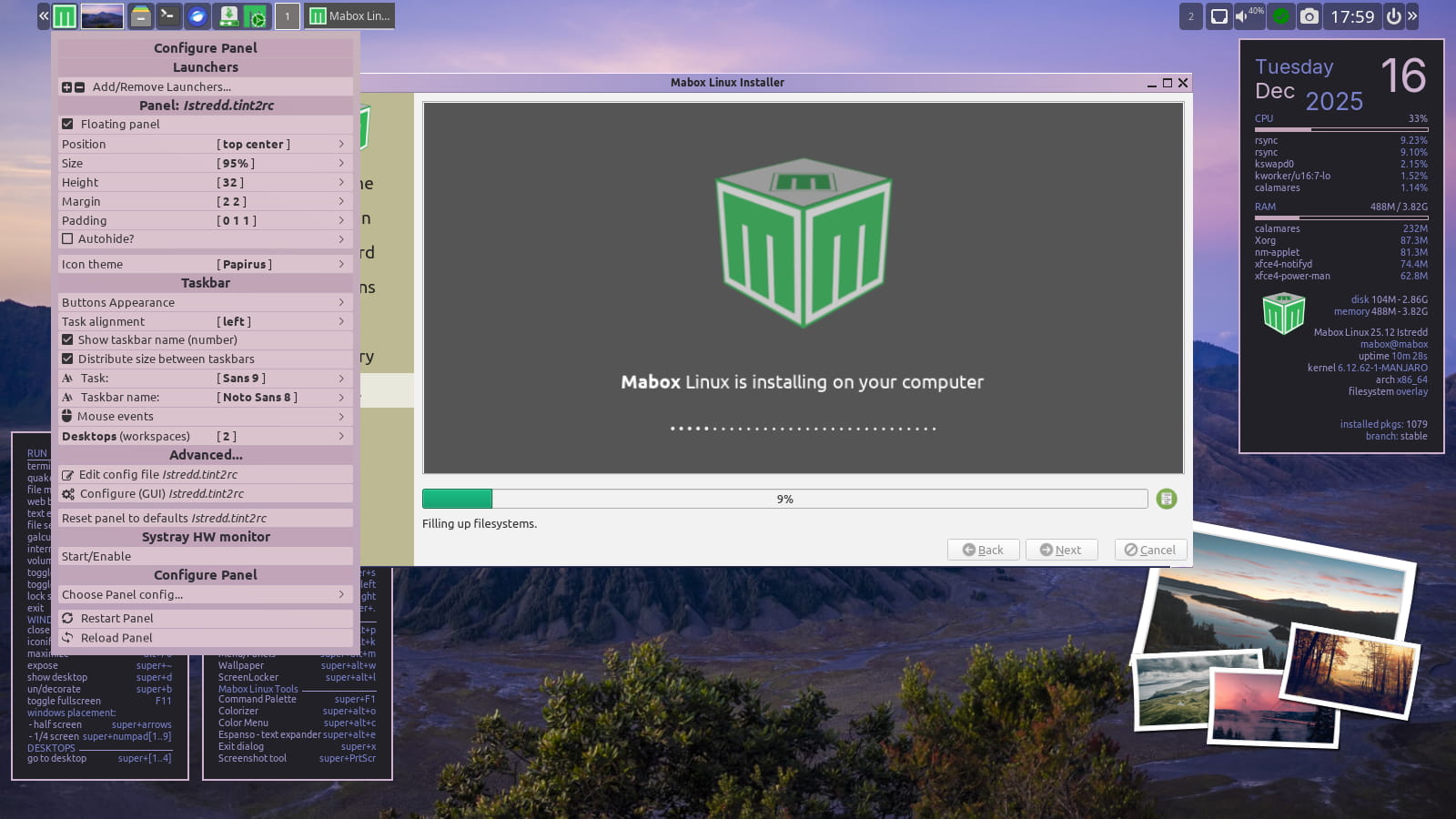
Panel configuration menu
The panel configuration menu was recently enhanced to allow for quick configuration of the taskbar’s behavior. The menu is available by right-clicking the Mabox icon in the panel or by using the keyboard shortcut W-A-p (super/windows + alt + p).
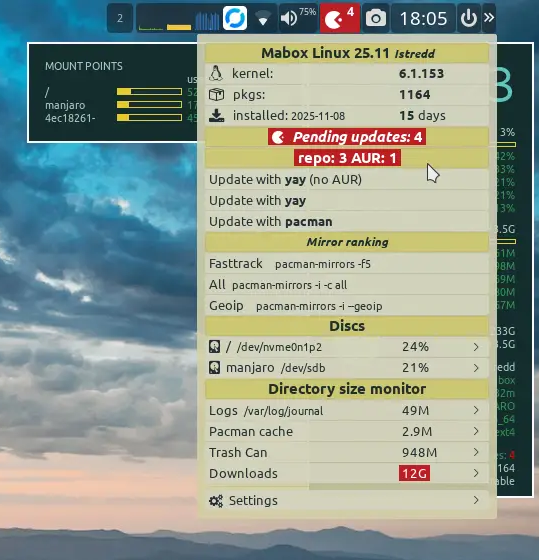
Update notifier/ status icon
Now shows the number of updates divided into packages from official repositories and AUR (Arch Users Repository).
Quick access to file manager bookmarks
Bookmarks from the file manager are also quickly accessible in the dynamic Places menu W-. (super + dot). Both local file system and network bookmarks are supported. SSH, Samba shares, and FTP.
Autotheming enabled in live session
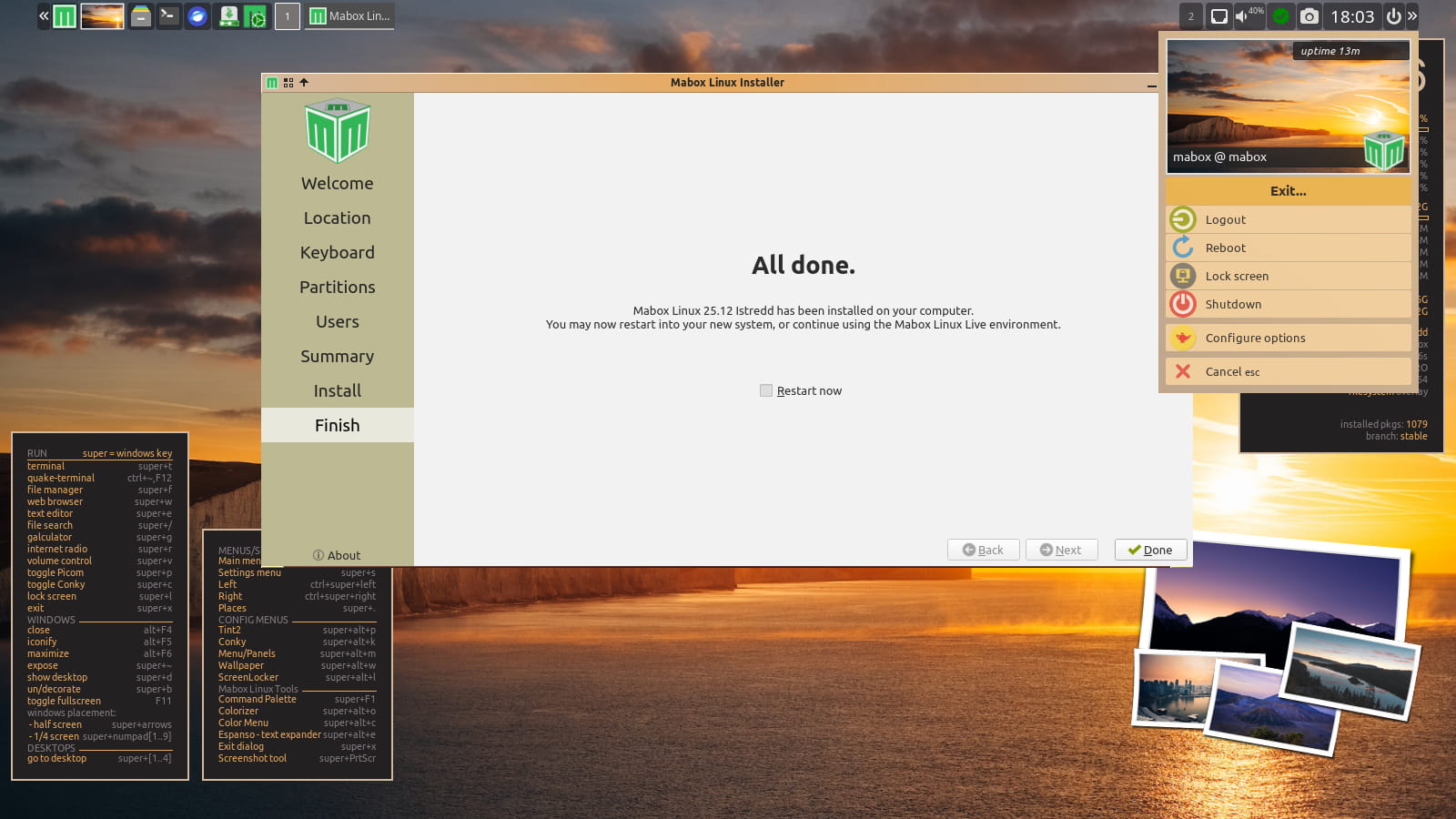
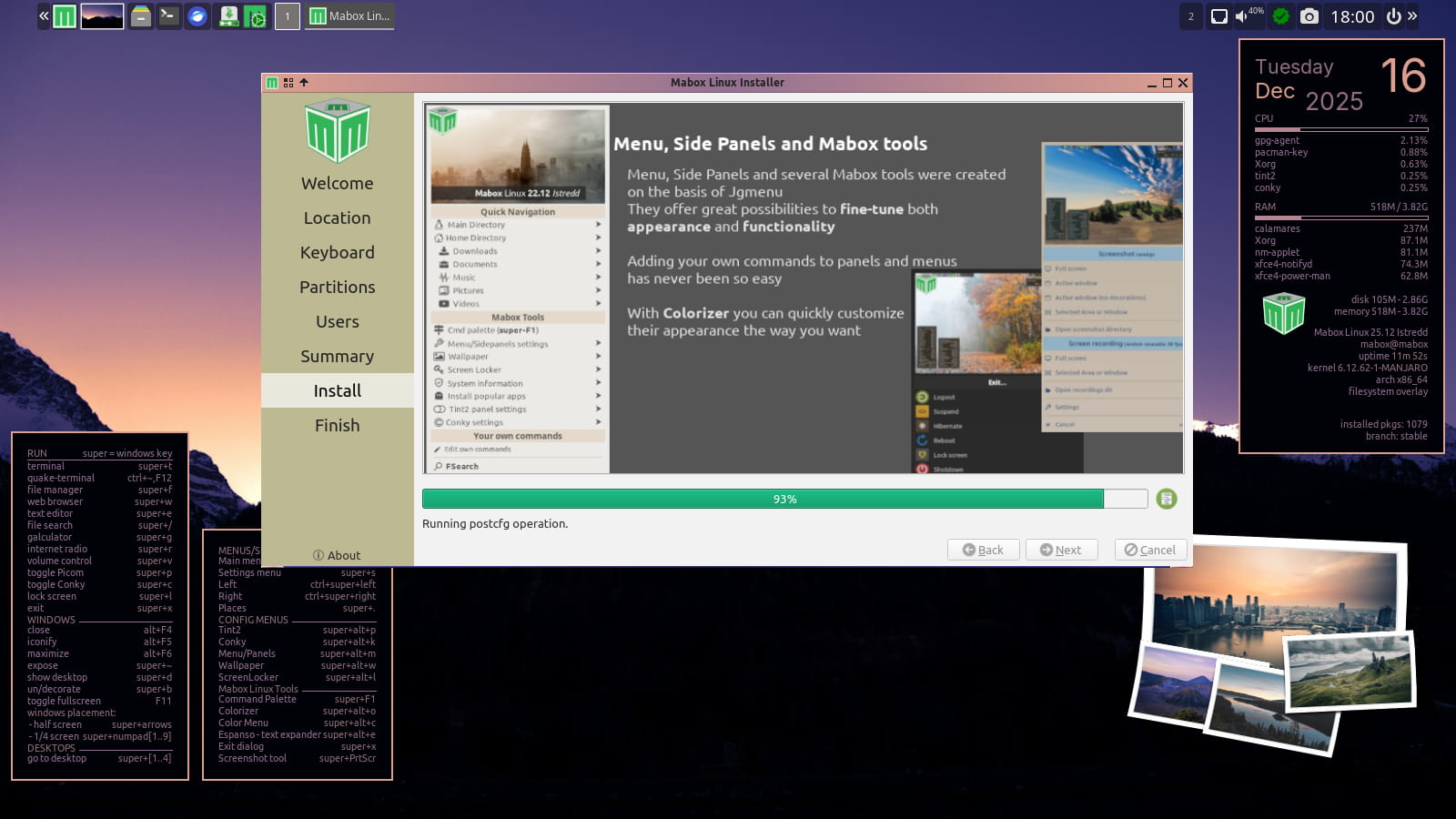
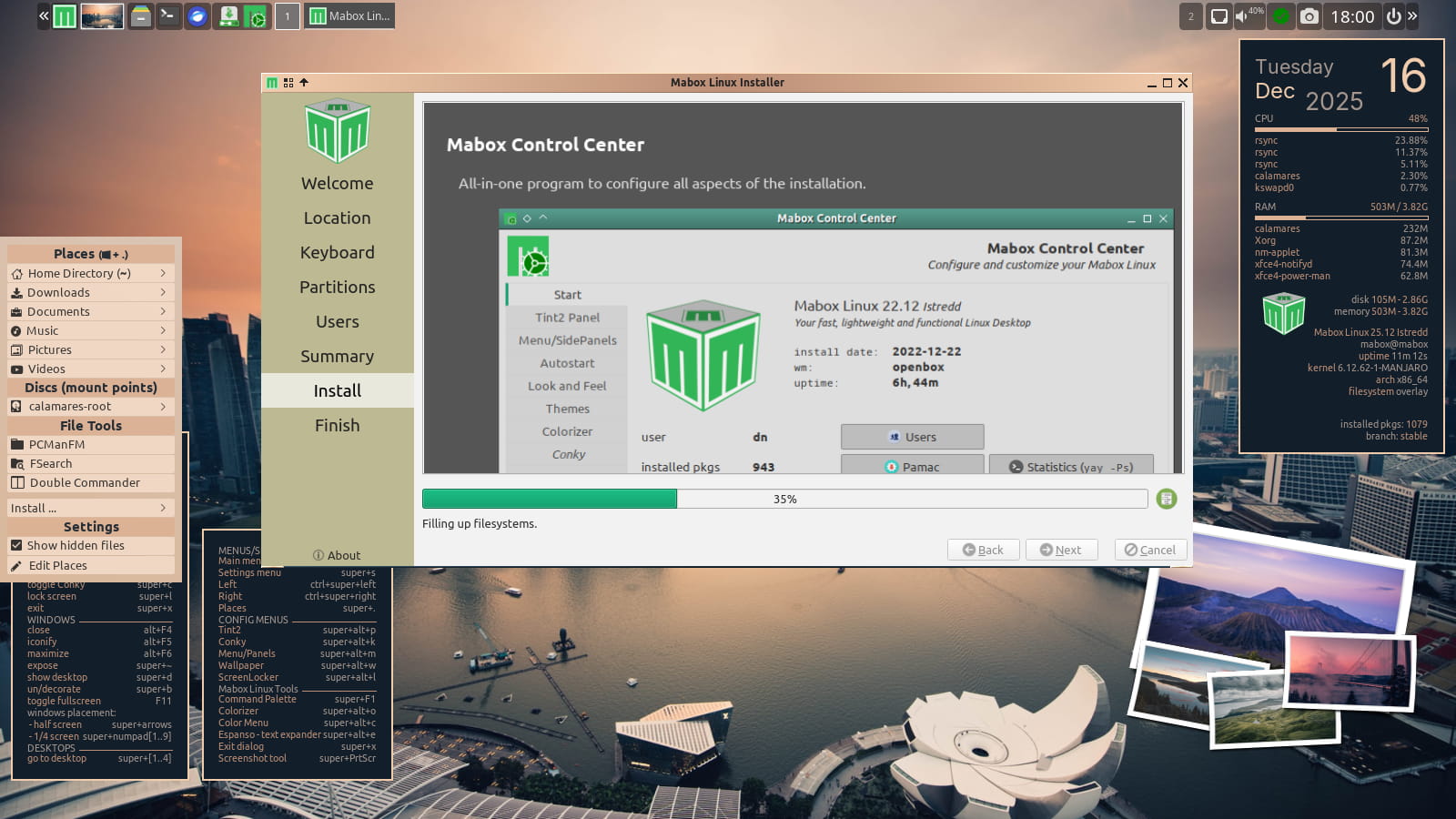
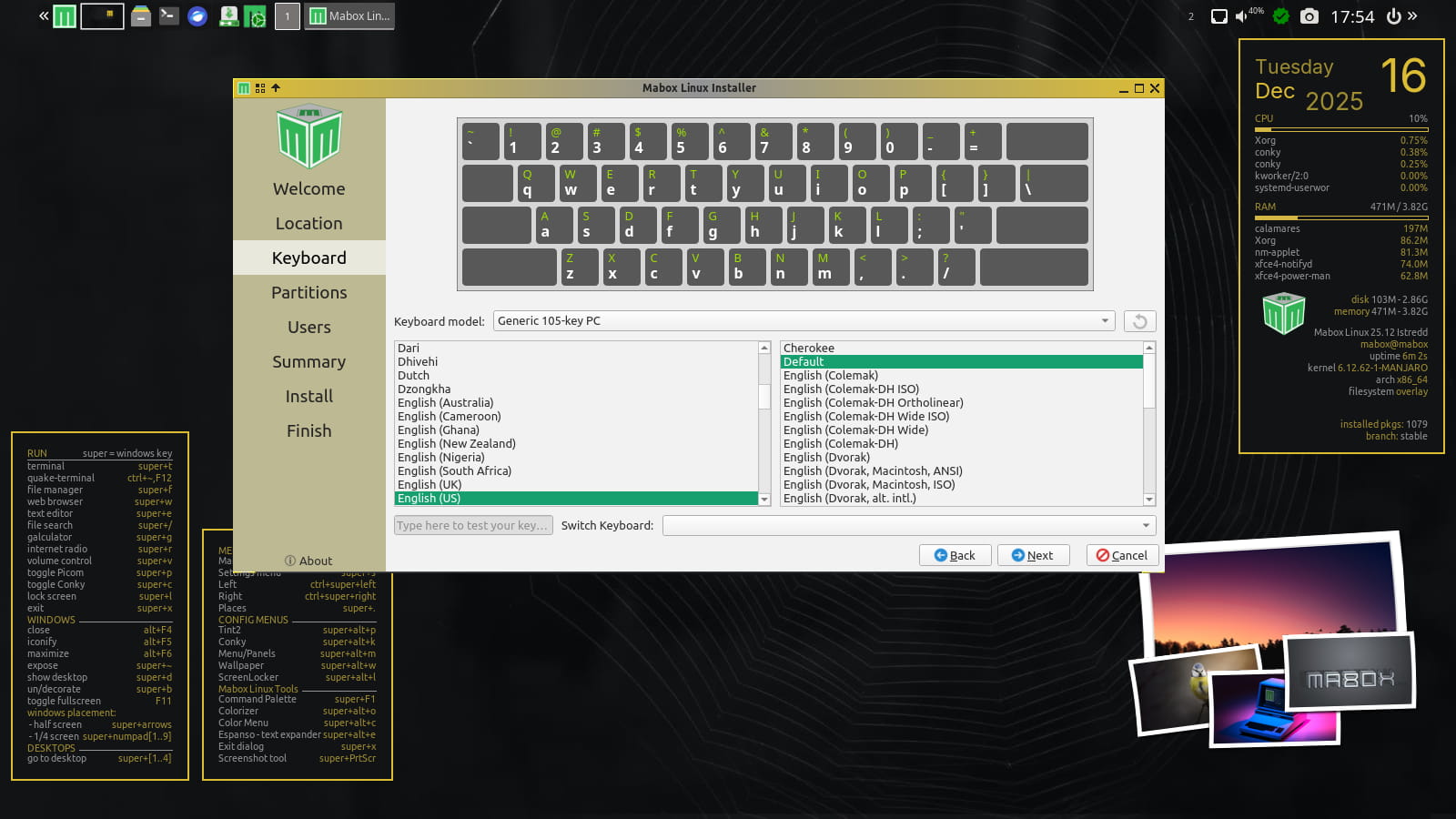
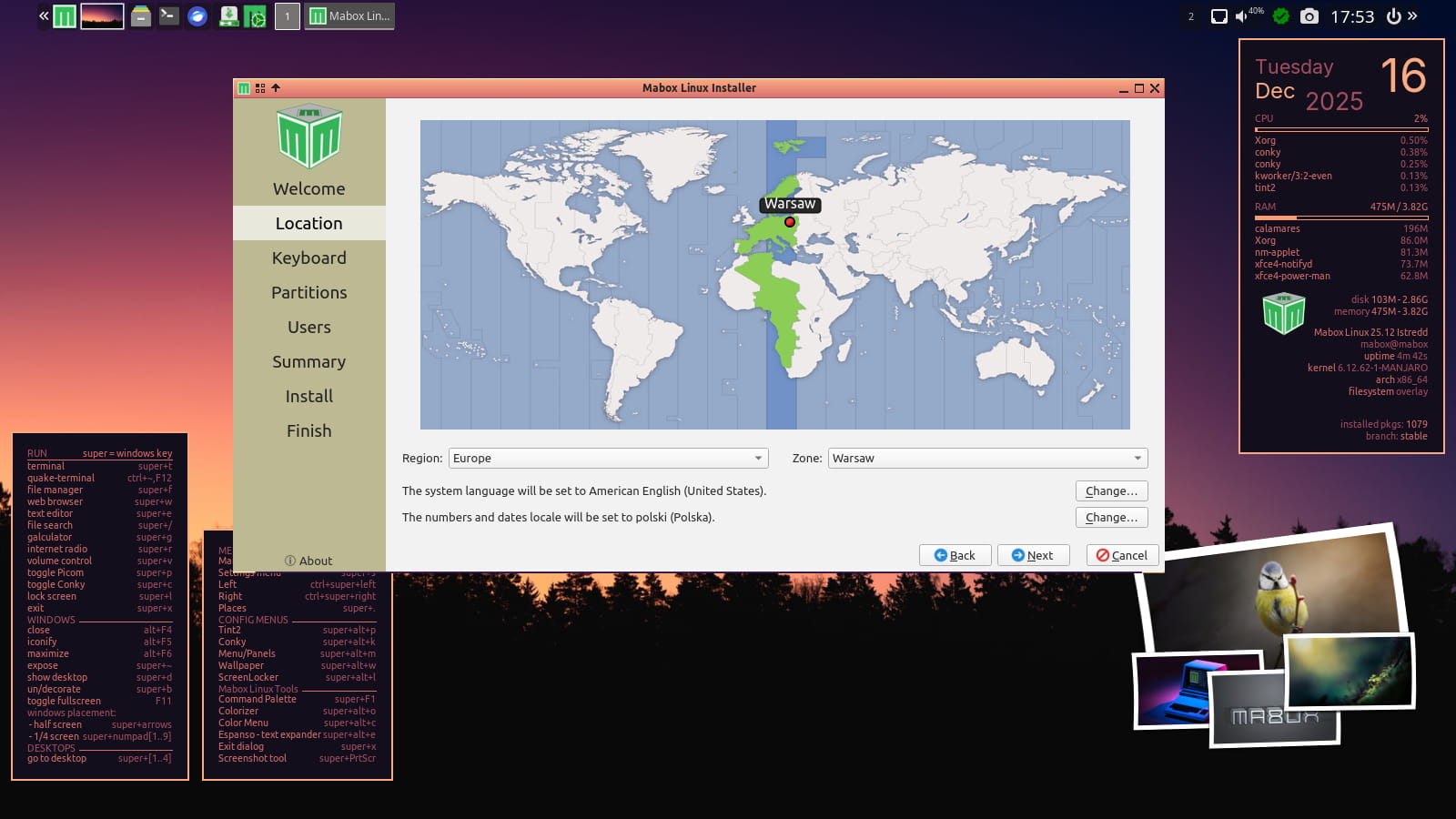
Just left-click on wallpaper “icon” in panel to set random wallpaper and see autotheming in action. Have some fun while installing Mabox 😉
Right-click on thumbnail icon for more options.
Autotheming is disabled by default after installation.
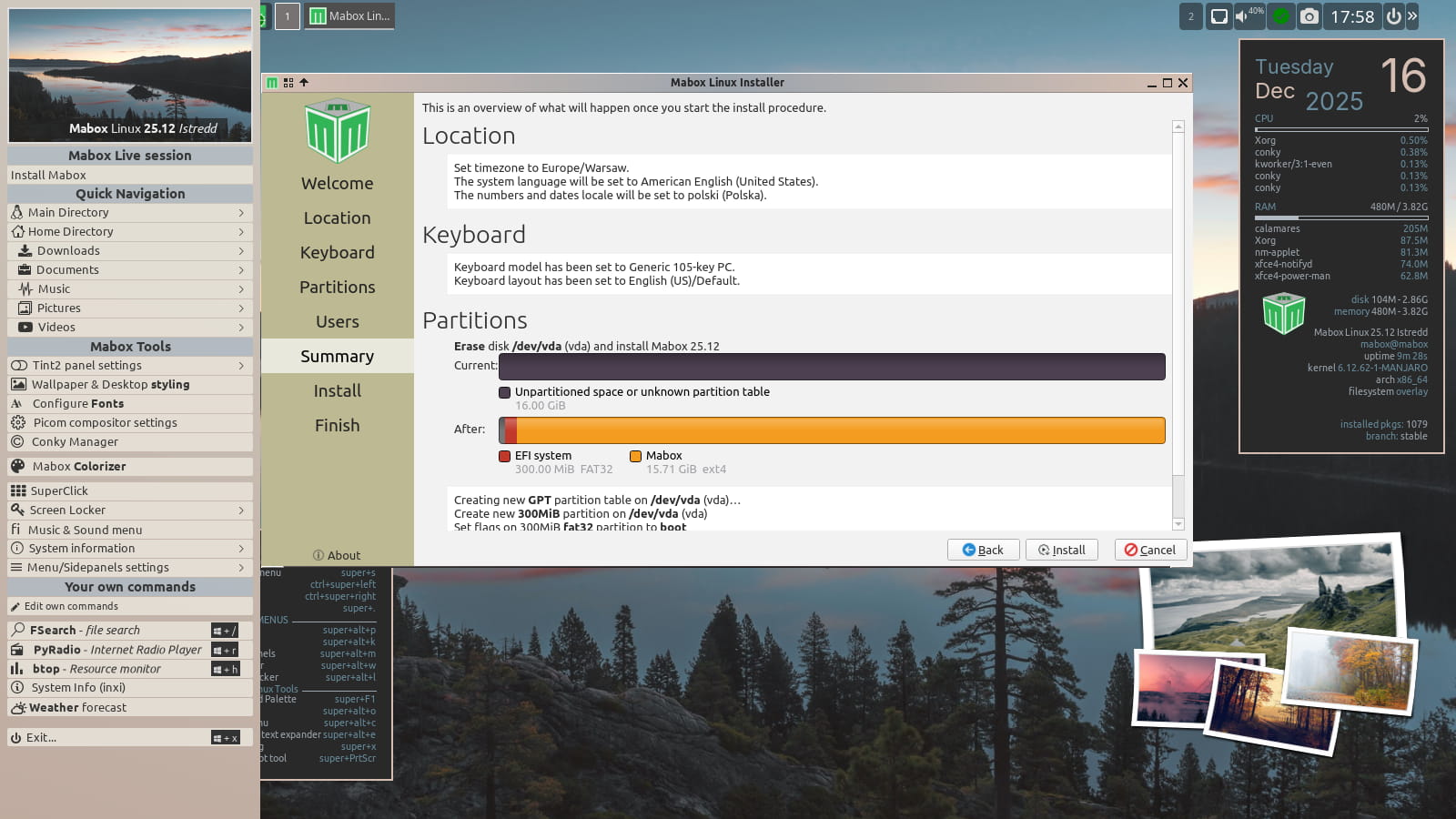
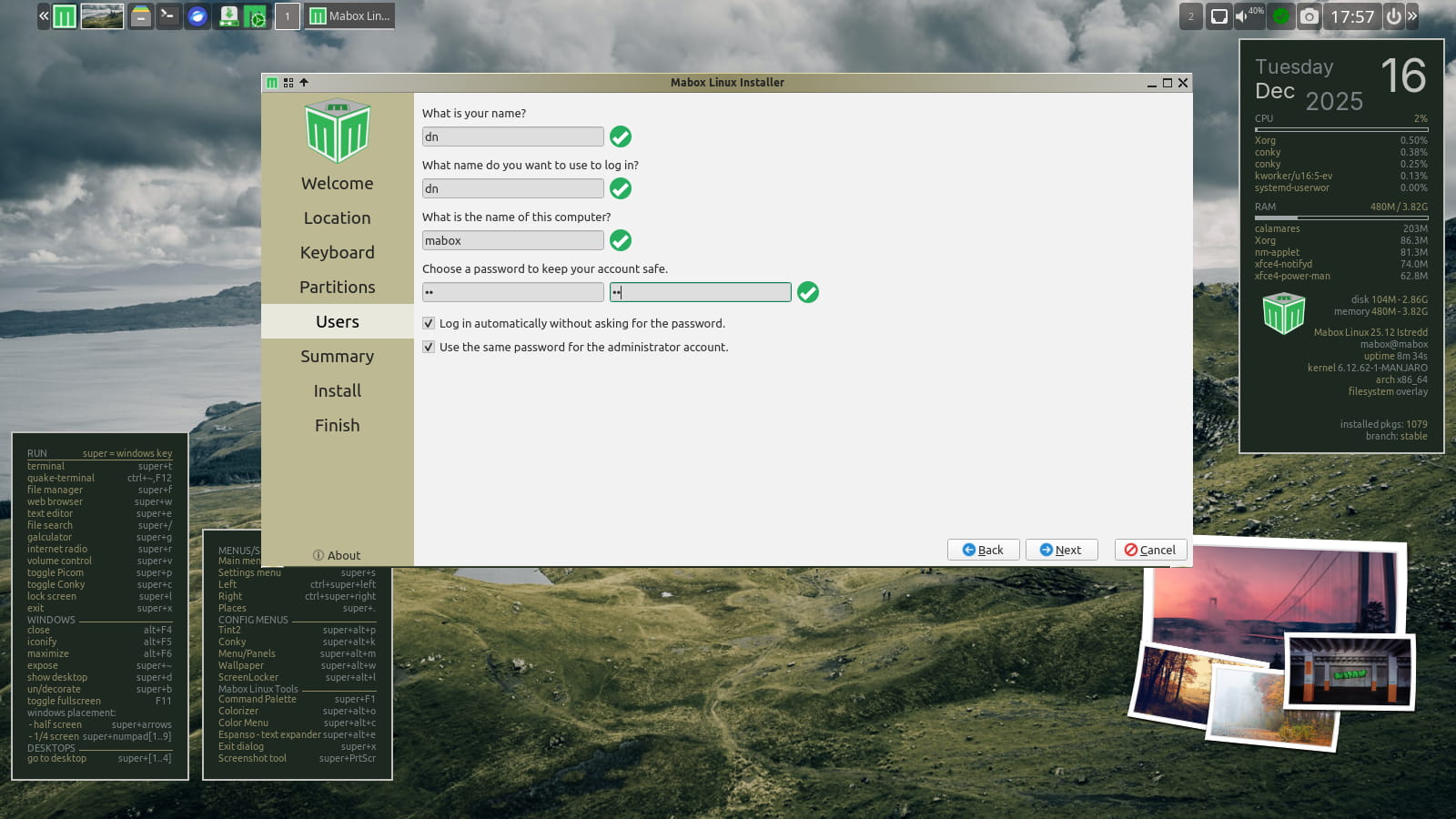
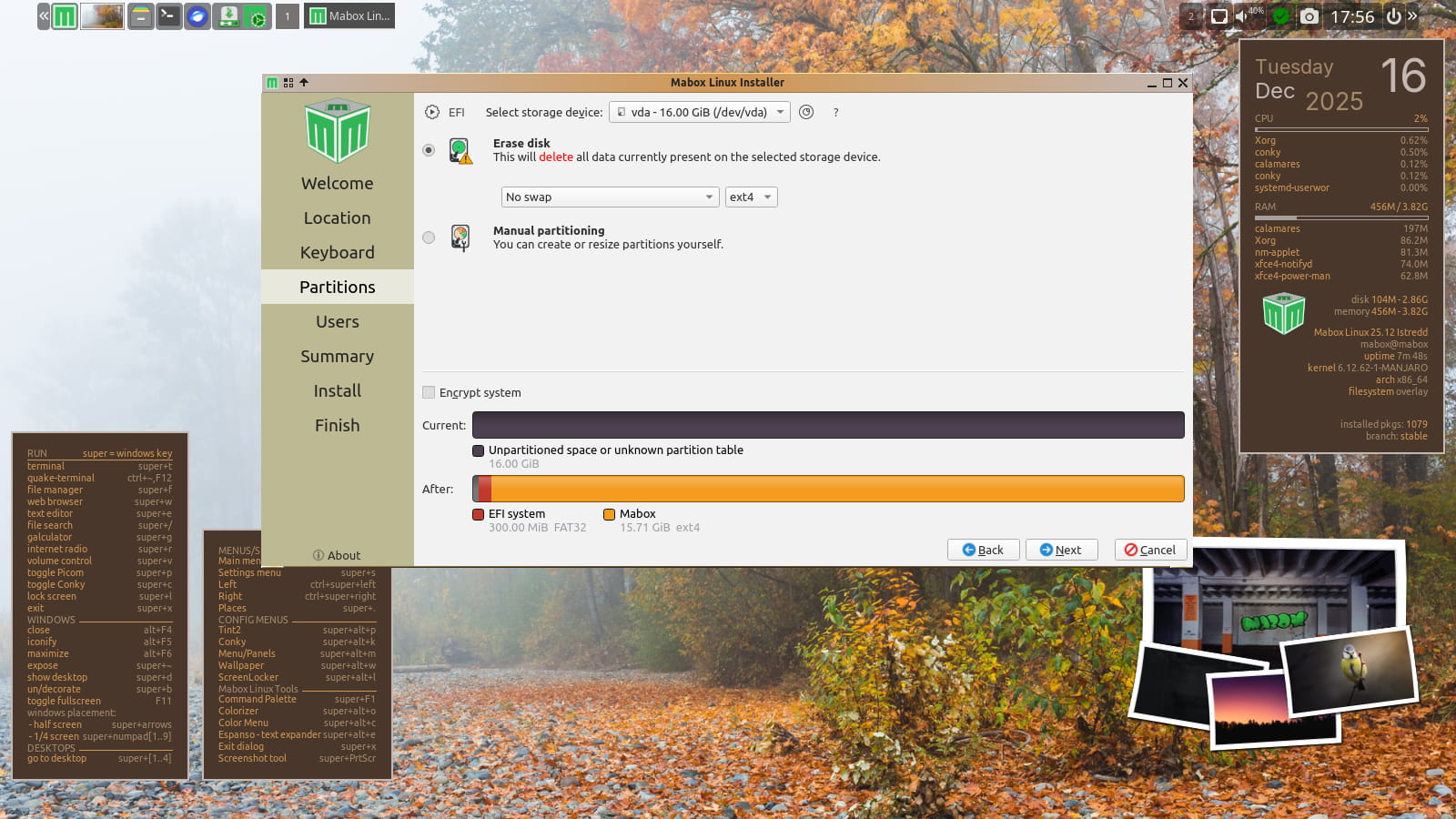
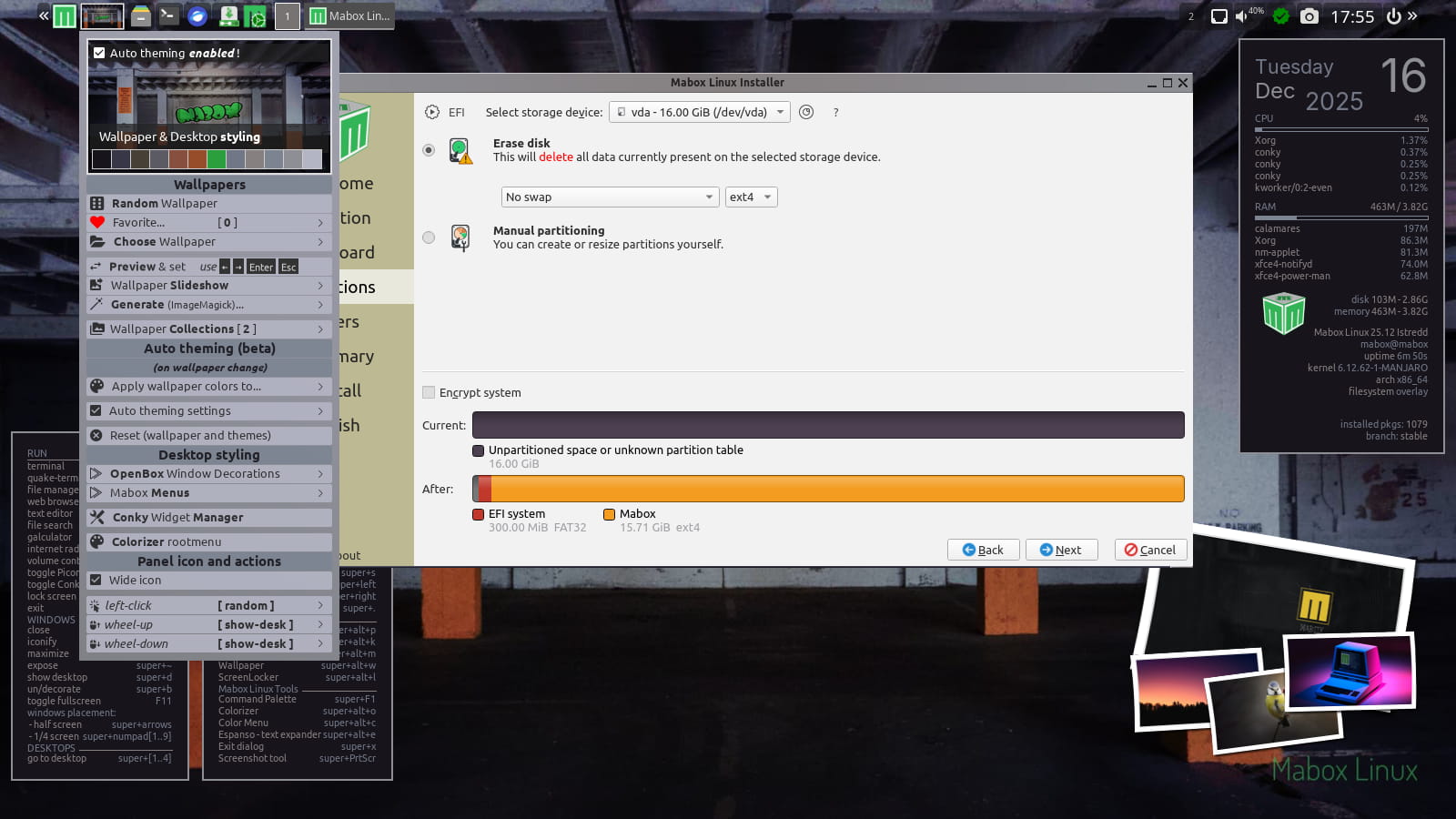
Picom compositor disabled by default
Why?
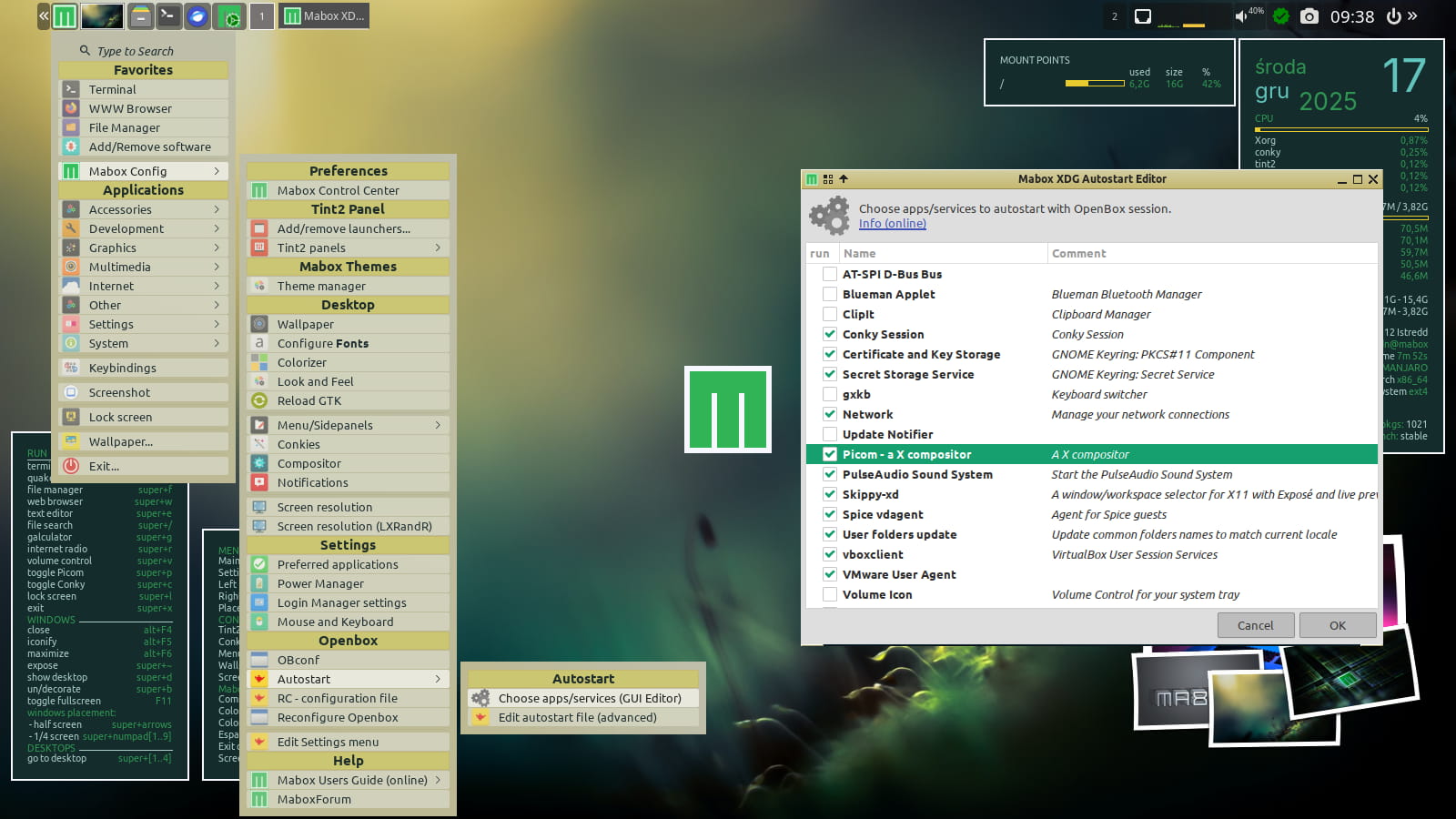
Mabox is often installed on aging computers. On some of them, Picom can cause problems.
Use the W-p shortcut to start/stop Picom.
If you want it to start automatically, select it in: Menu -> Mabox Config -> Autostart -> Choose apps/service (GUI Editor)
GTK3 replaces GTK2
The aging GTK2 toolkit has been sent into well-deserved retirement. Mabox now ships a number of tools built with GTK3.
- pcmanfm file manager
- lxtask task manager
- lxappearance
- lxappearance-obconf
- lxrandr display settings
- lxinput mouse and keyboard settings
- viewnior image viewer
GKrellm system monitor removed from iso-profile (moved to AUR)
Download
ISO images can be downloaded as always from SourceForge or from repo.maboxlinux.org
Two images are available:
– with the latest LTS kernel – linux612
– and with a slightly older LTS – linux61
After installing Mabox, I highly recommend reading:
Quick Introduction to Mabox Linux Desktop
Support Mabox development
If you like, you can support Mabox’s development and maintenance on Ko-fi or here.
Thank you 🙂
Mabox 25.08 – Chinese, Japanese and Korean fonts
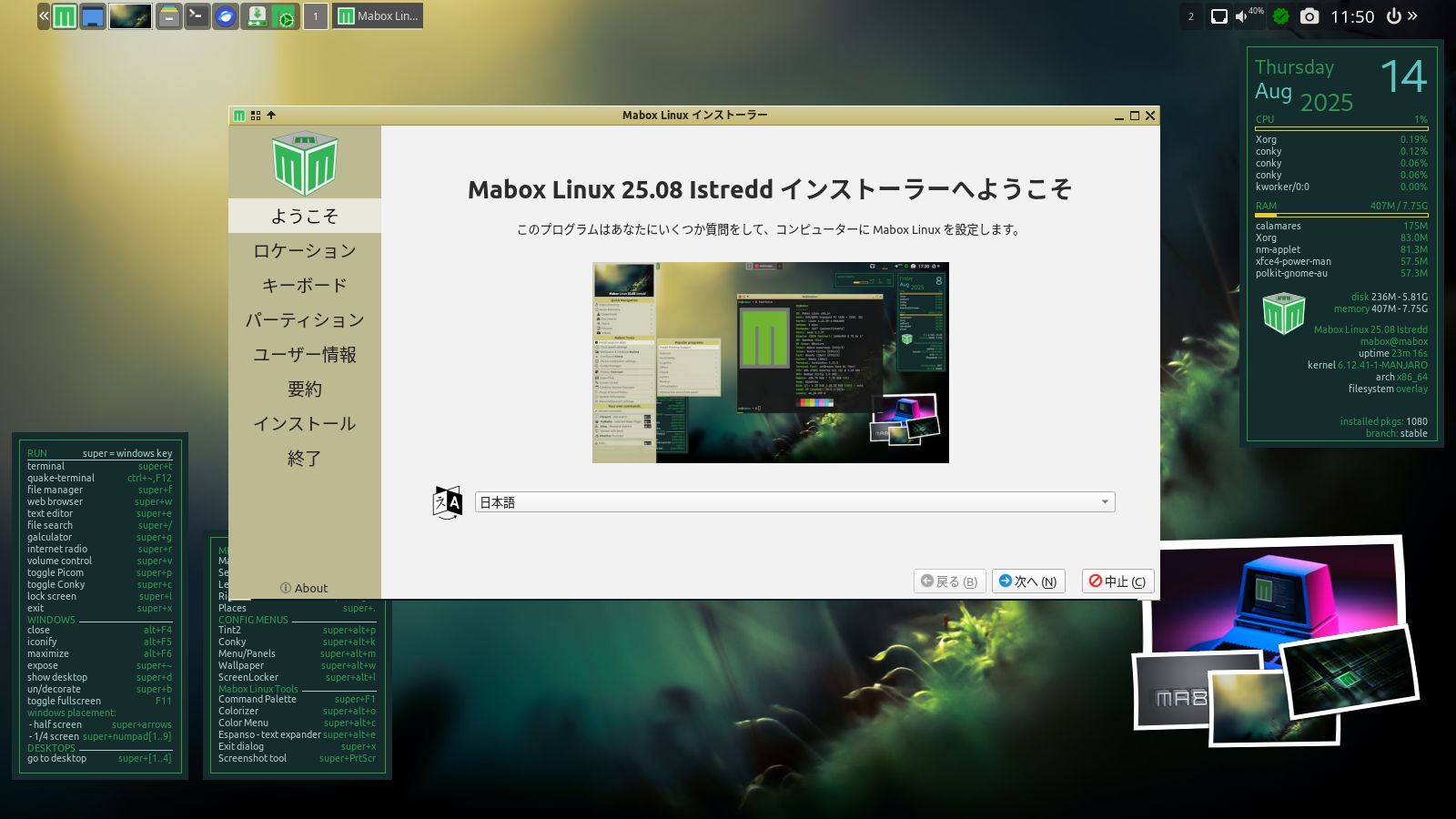
The August refreshed ISOs include the noto-fonts-cjk package for Chinese, Japanese, and Korean fonts – so installing in those languages is easier than ever.
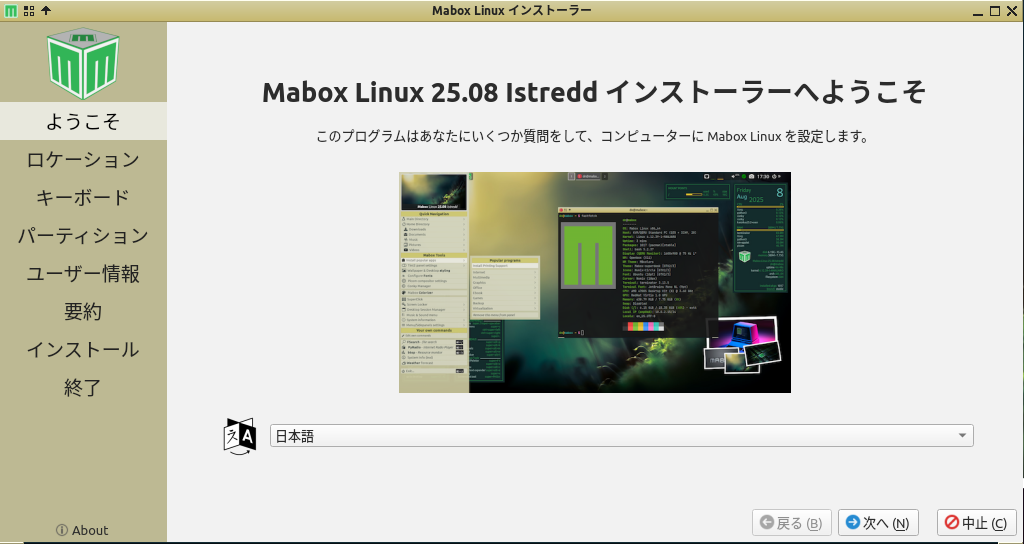
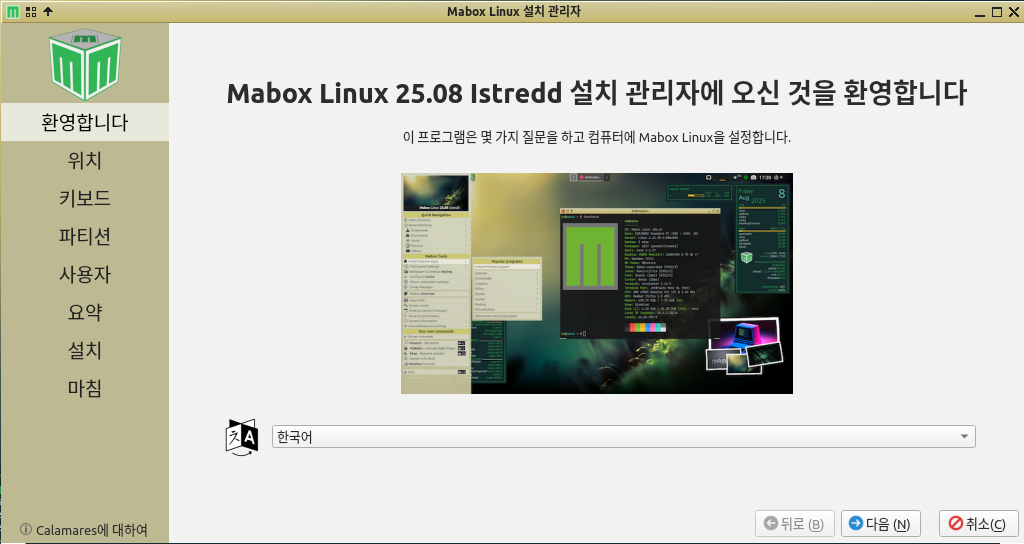
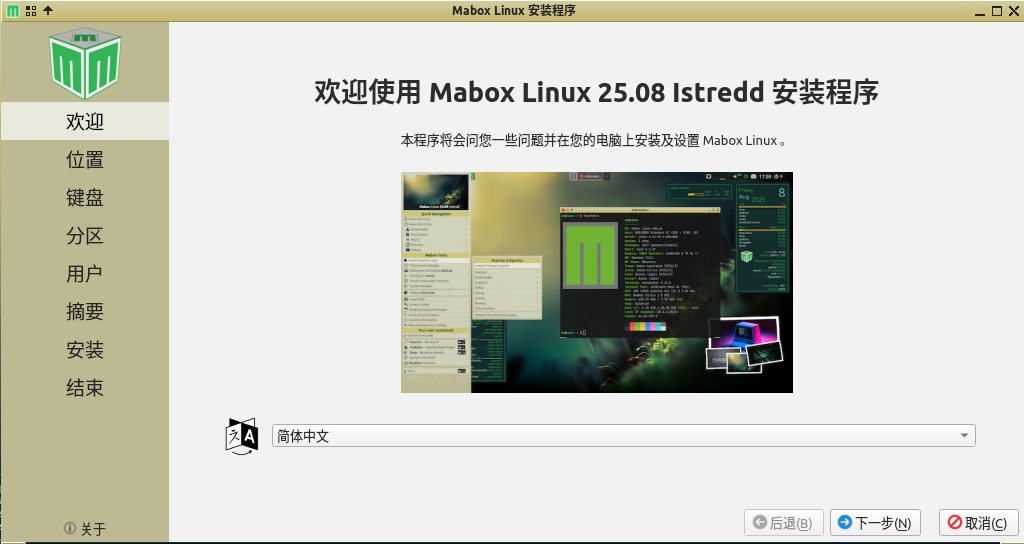
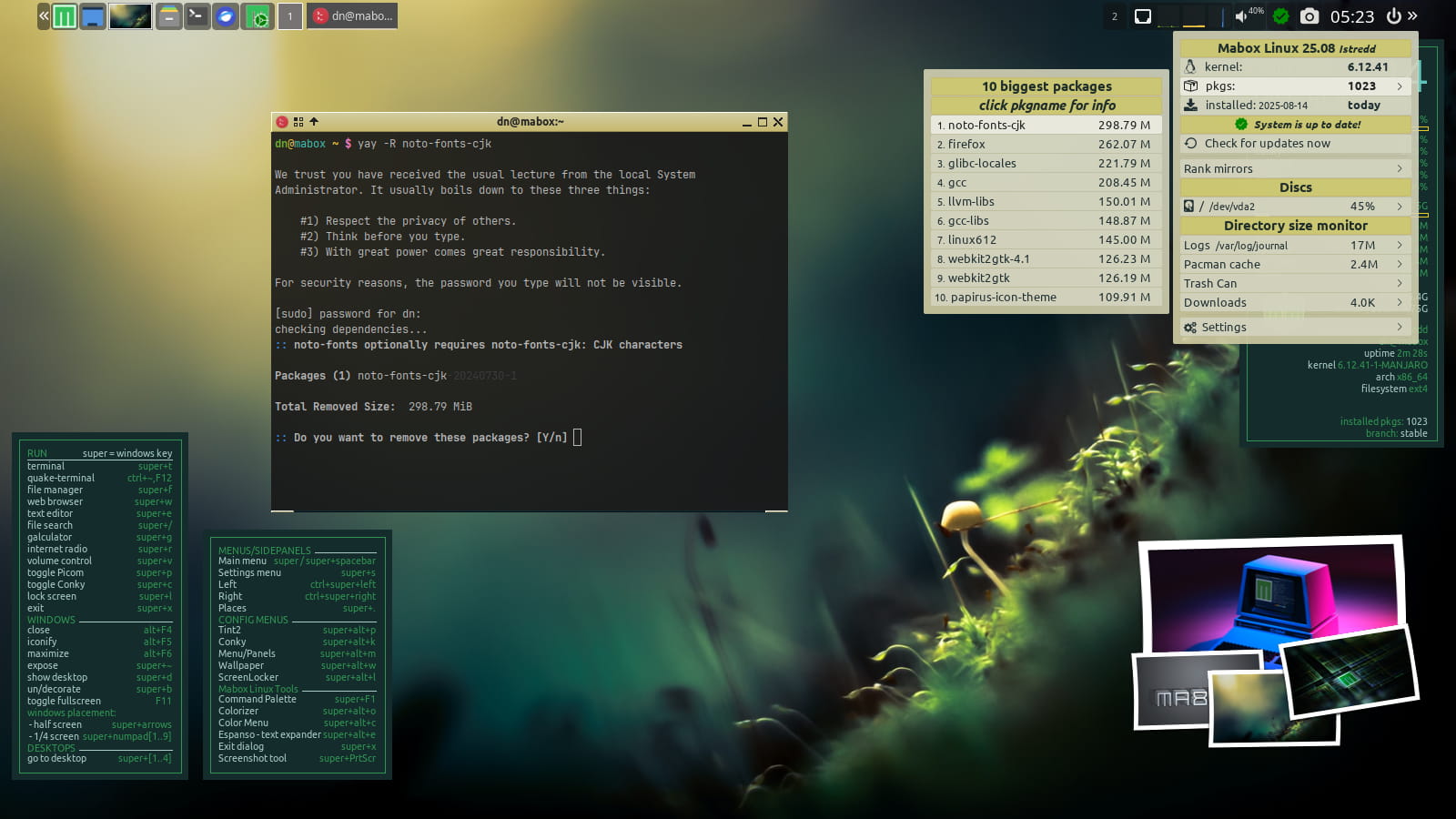
The noto-fonts-cjk package is quite large – almost 300 MB. If you don’t plan to use these fonts, you can remove them after installation.
yay -R noto-fonts-cjk
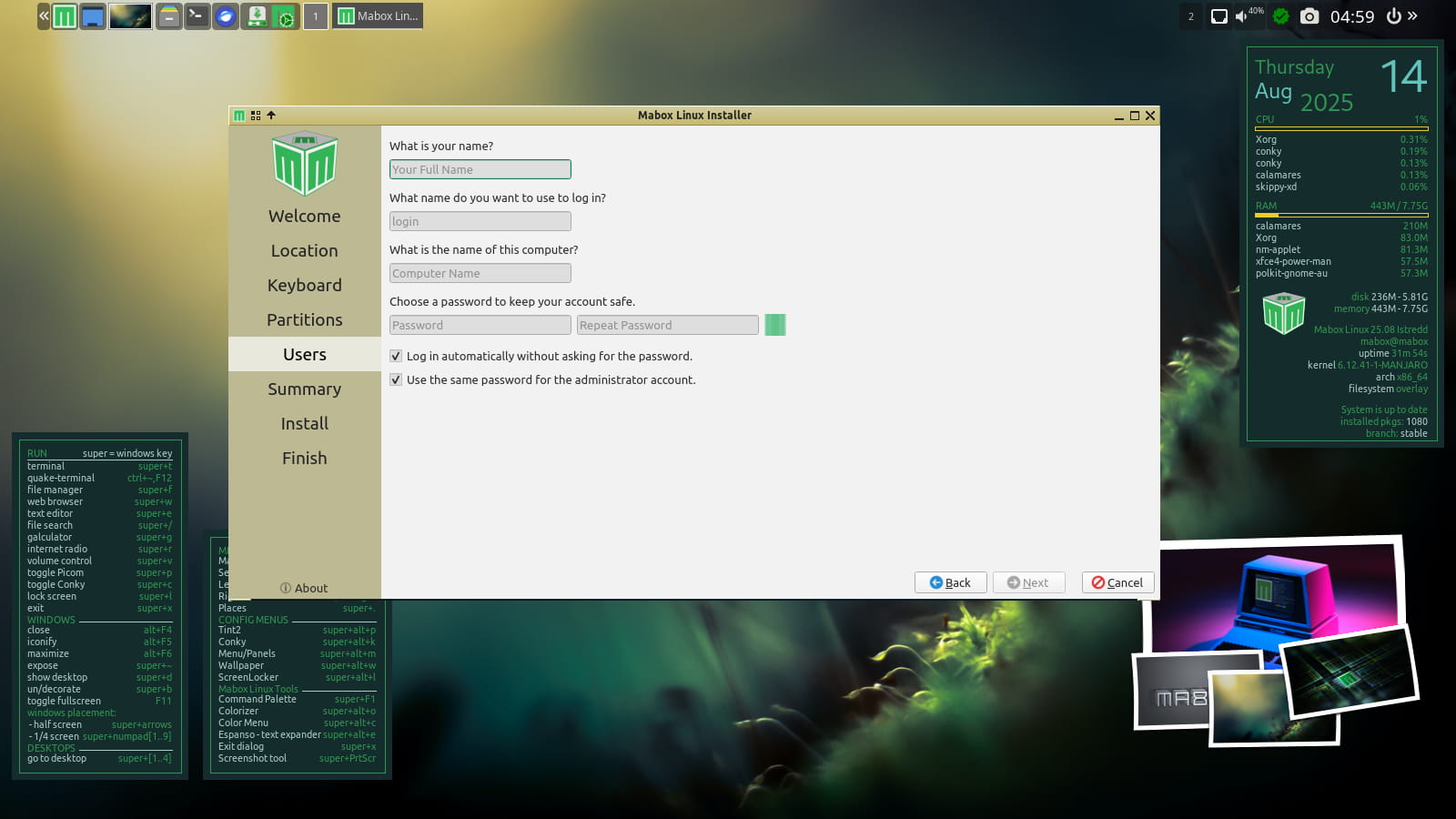
Installer changes
Some installer default settings have also changed.
The default and recommended file system is ext4.
The following options are also checked by default:
– Autologin
– Reuse user password for root account
Download
ISO images can be downloaded as always from SourceForge or from repo.maboxlinux.org
Two images are available:
– with the latest LTS kernel – linux612
– and with a slightly older LTS – linux61
Support Mabox development
If you like Mabox, you can support its maintenance and development on Ko-fi or here.
Mabox 25.07 – July ISO refresh – auto theming!
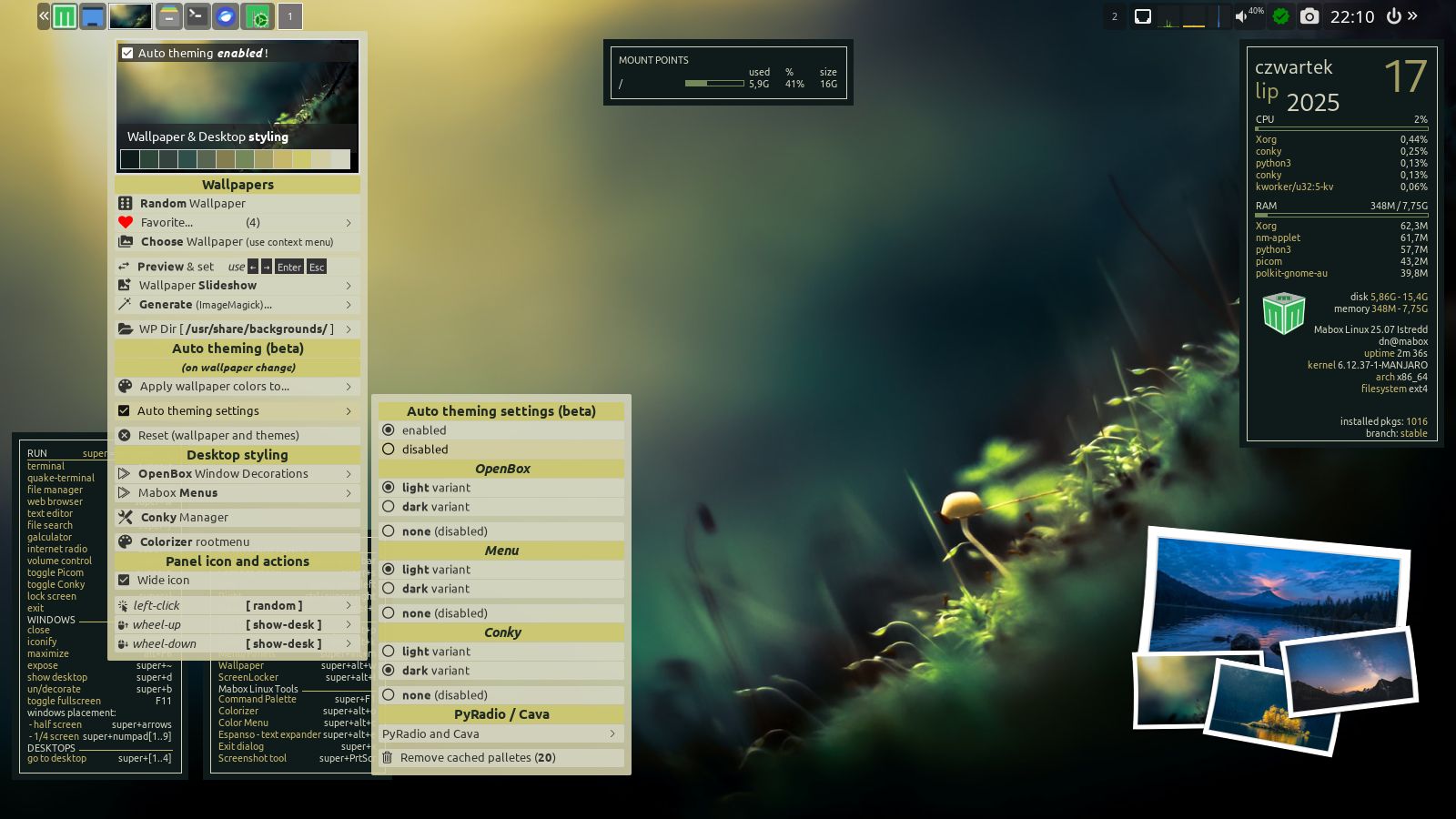
The July ISO refresh brings back the improved automatic theme creation mechanism based on wallpaper colors.
Currently, it supports theme coloring for:
- Openbox window decorations
- Menus
- Conky widgets
- PyRadio
By default, auto theming is disabled to avoid shocking users who don’t expect such effects 😉
To activate auto-theming, right-click the wallpaper thumbnail in the panel. The Wallpaper and Desktop Styling menu will appear. Here you can enable and configure auto-theming.
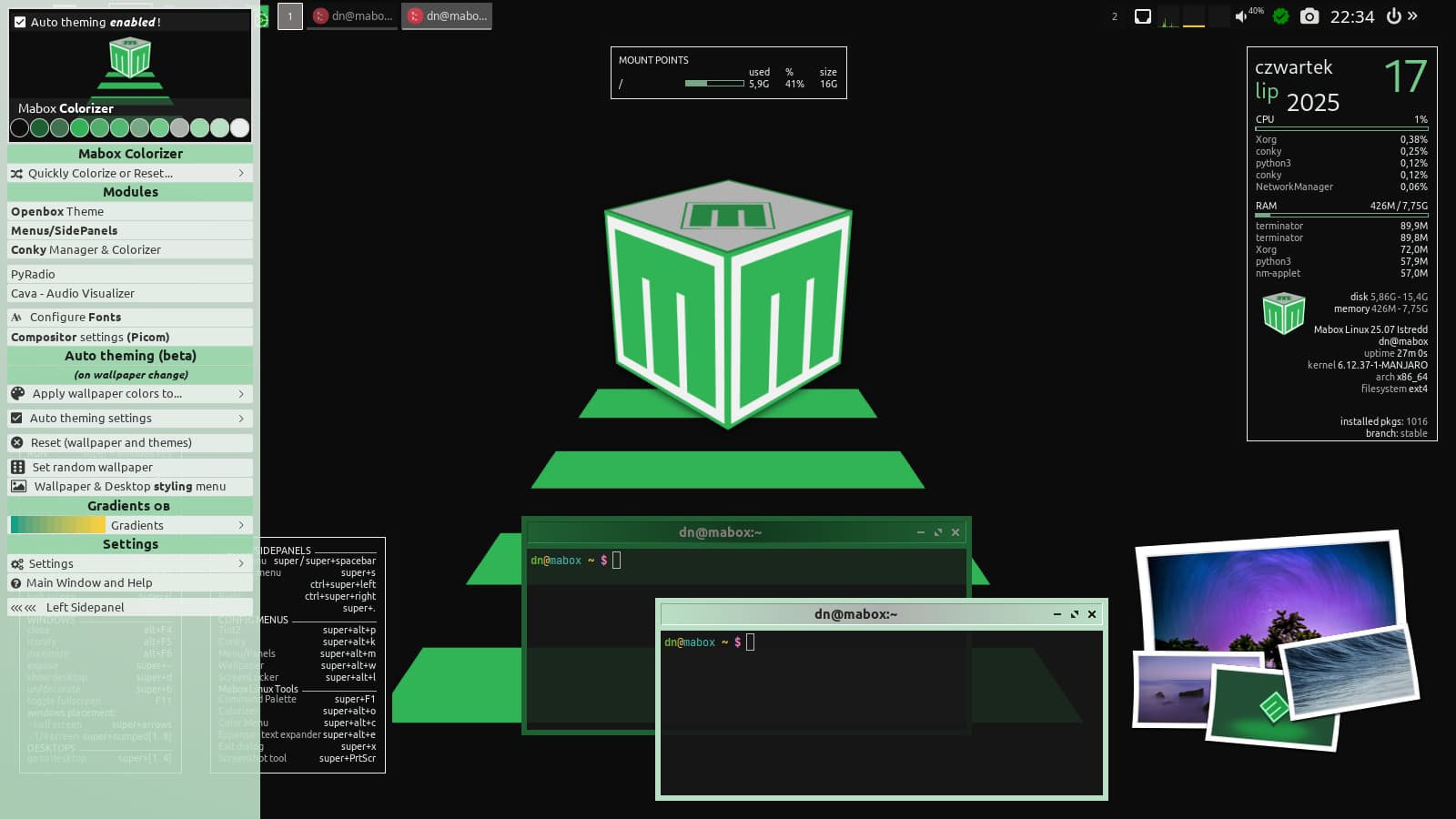
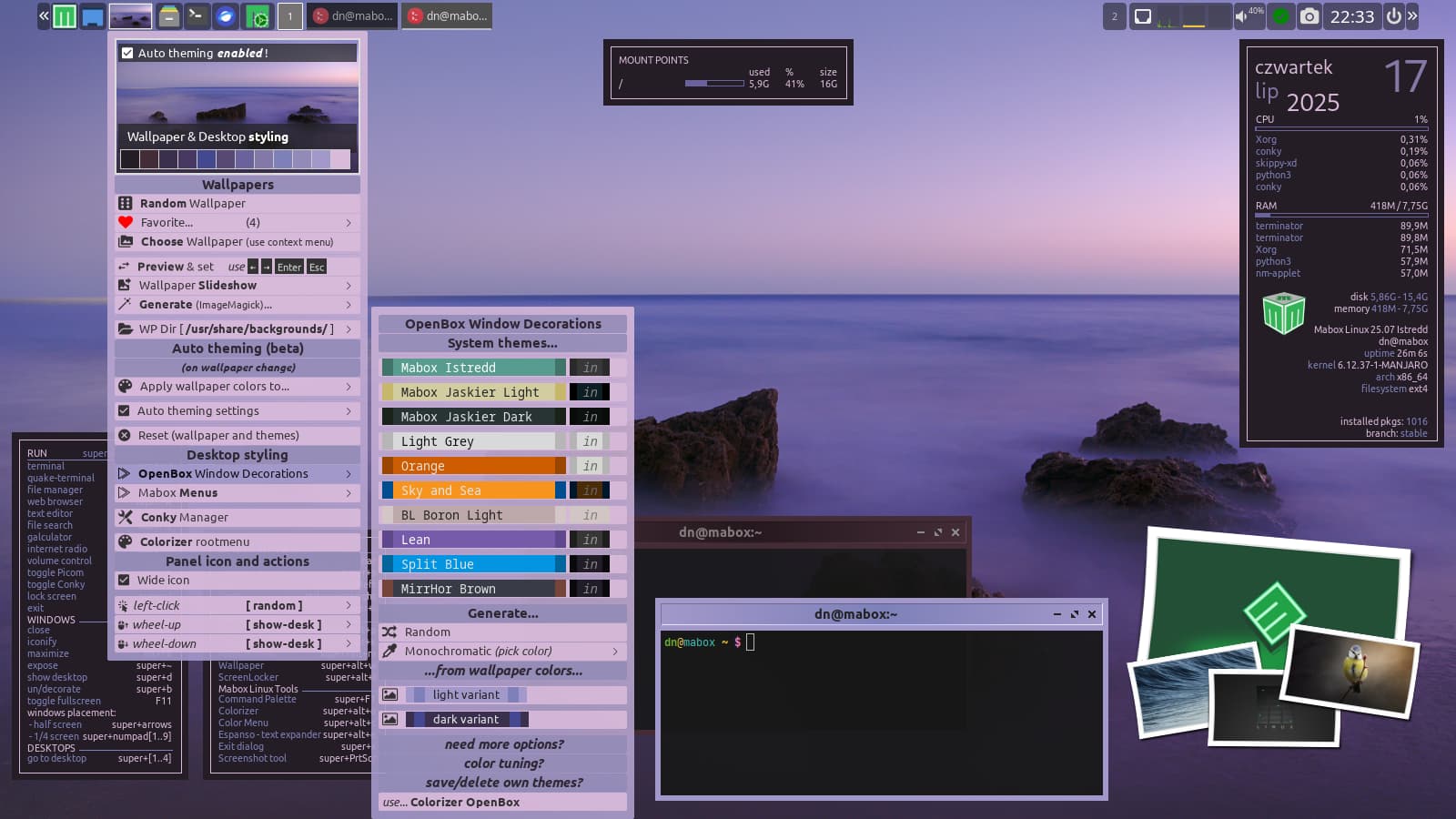
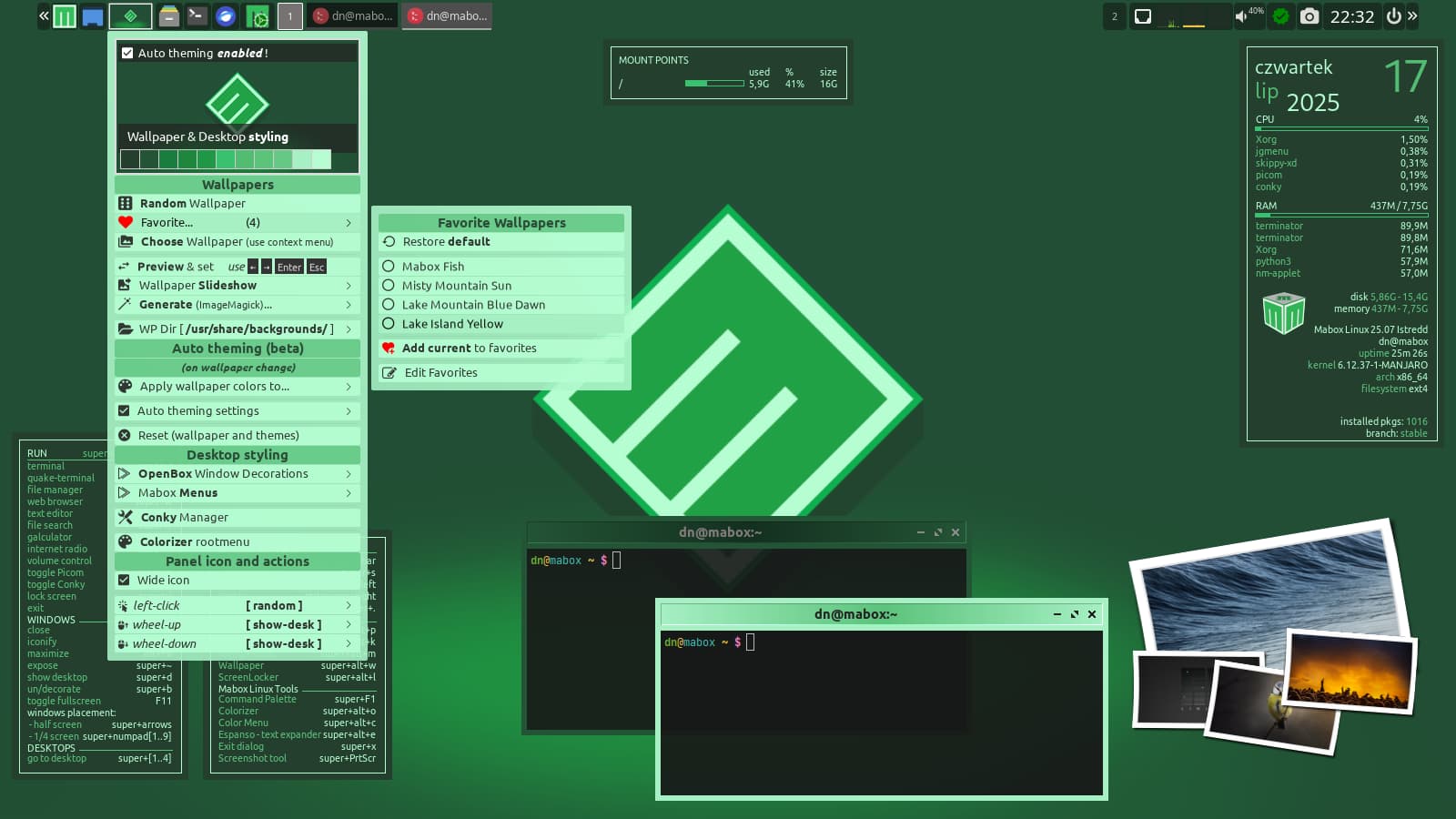
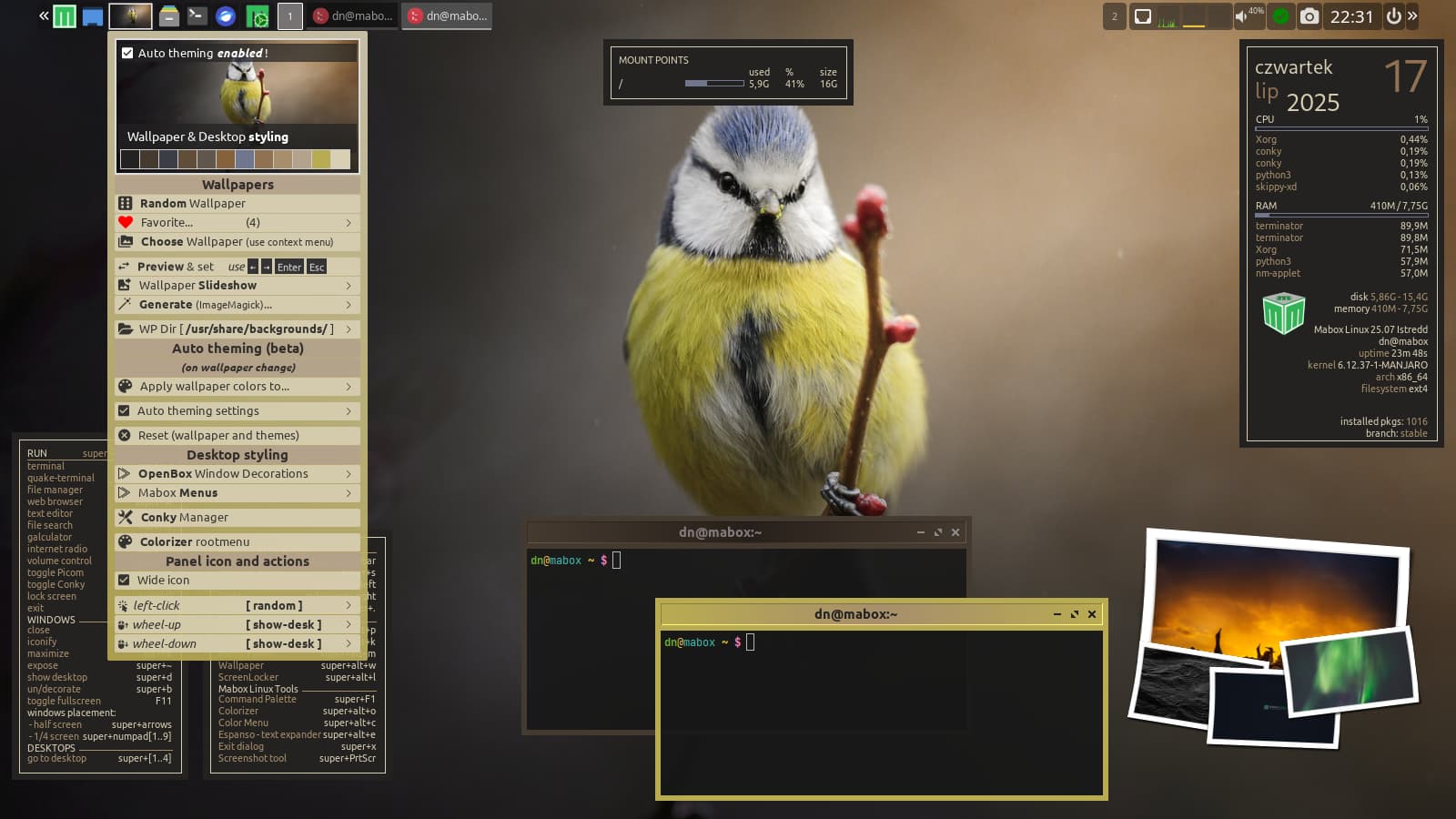
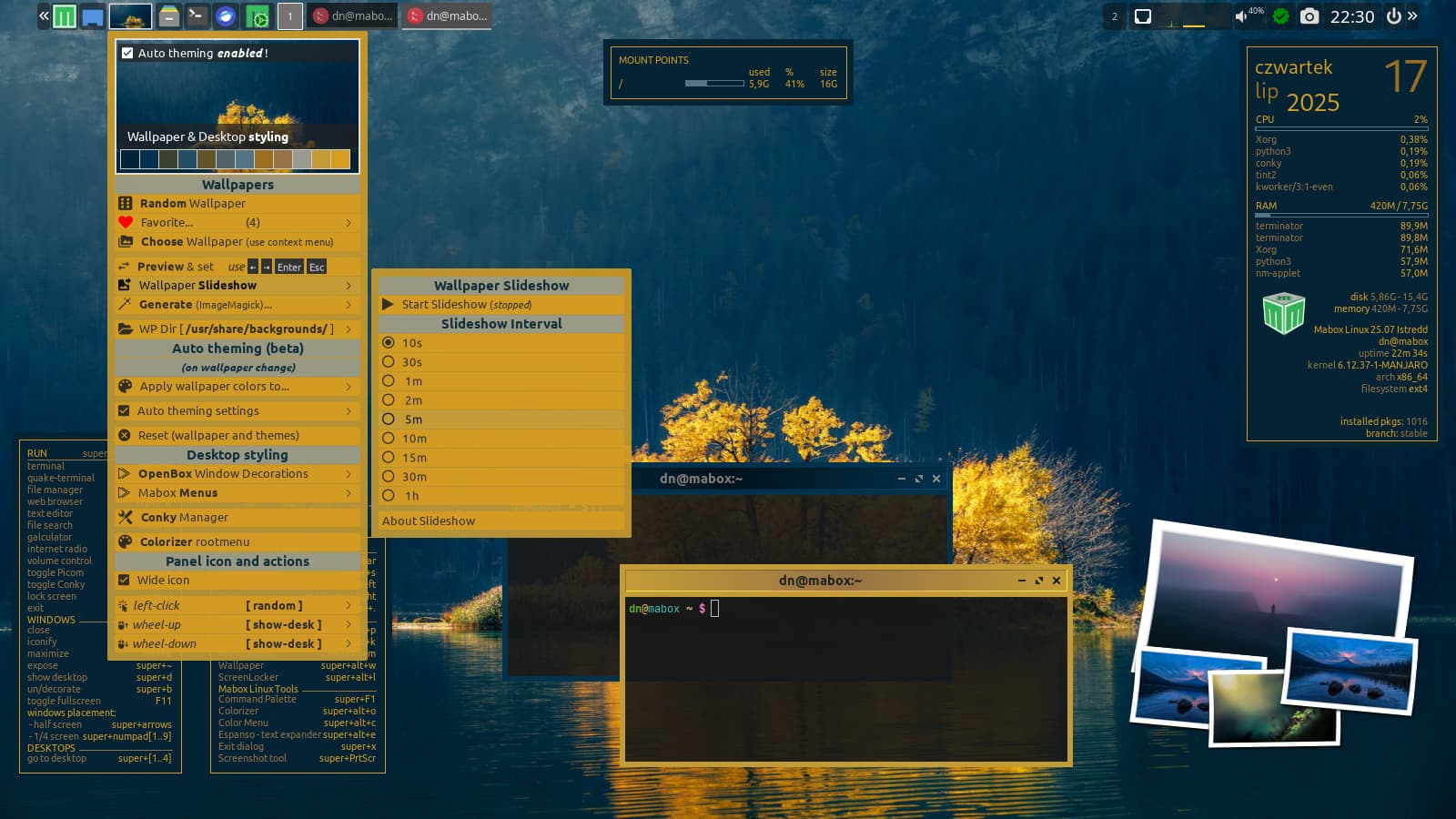
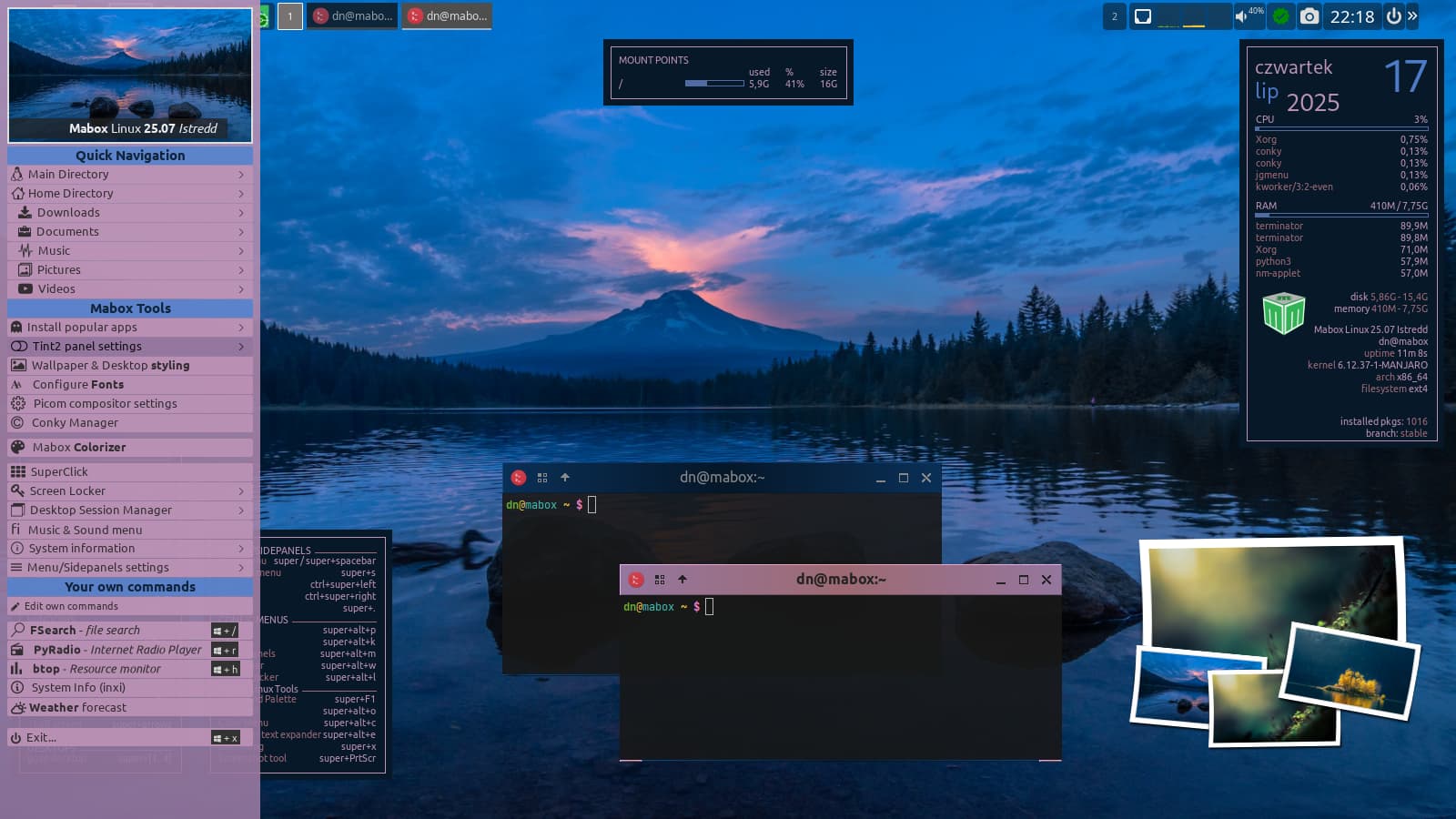
Tip…
besides the color palette, other settings have a significant impact on the appearance of generated themes. For window decorations, experiment with border width, padding, and gradient type. For menus, gradients and opacity are important.
Mabox Colorizer W-A-o(super+alt+o) and its modules: Menu and Openbox allow you to quickly modify these settings.
Have fun and enjoy tinkering 🙂
Download
ISO images can be downloaded as always from SourceForge or from repo.maboxlinux.org
Two images are available:
– with the latest LTS kernel – linux612
– and with a slightly older LTS – linux61
Support Mabox development
If you like Mabox, you can support its maintenance and development on Ko-fi or here.
April ISO refresh – panel improvements, status indicator with dynamic menu
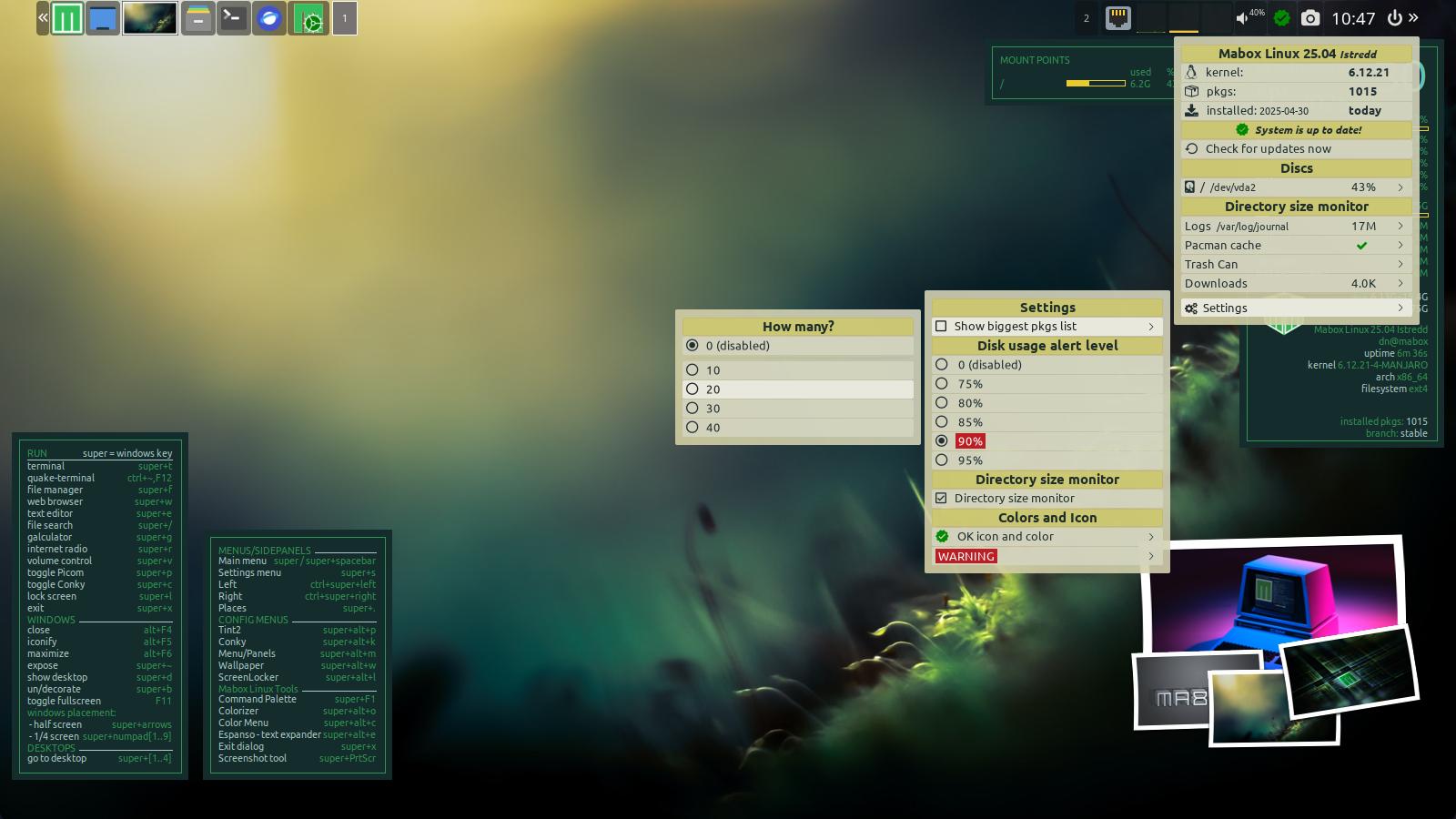
The April ISO update brings a polished look as well as important improvements to the default tint2 panel.
The new look in the form of a thumbnail and additional functionalities have been given to the Panel Icon, which allows you to change the wallpaper and style of desktop elements.
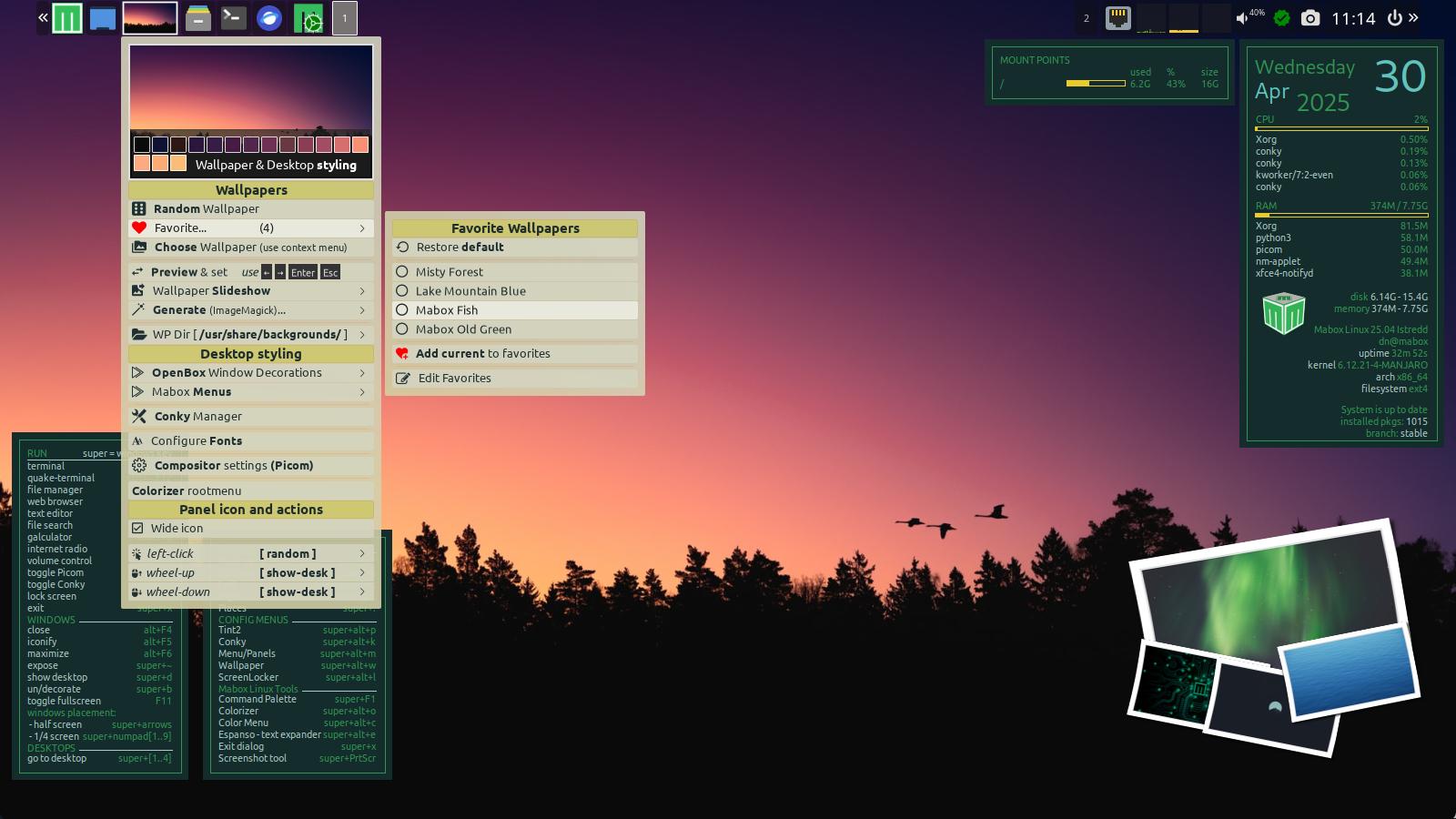
The default left-click action is – set a random wallpaper.
Right-click to call the extended Wallpaper & Desktop Styling menu.
– the ability to create a list of favorite wallpapers has been added
– you can also quickly configure the action for events such as left-click, wheel up and wheel down
– some adjustment to menu color scheme generators: monochrome and from wallpaper colors
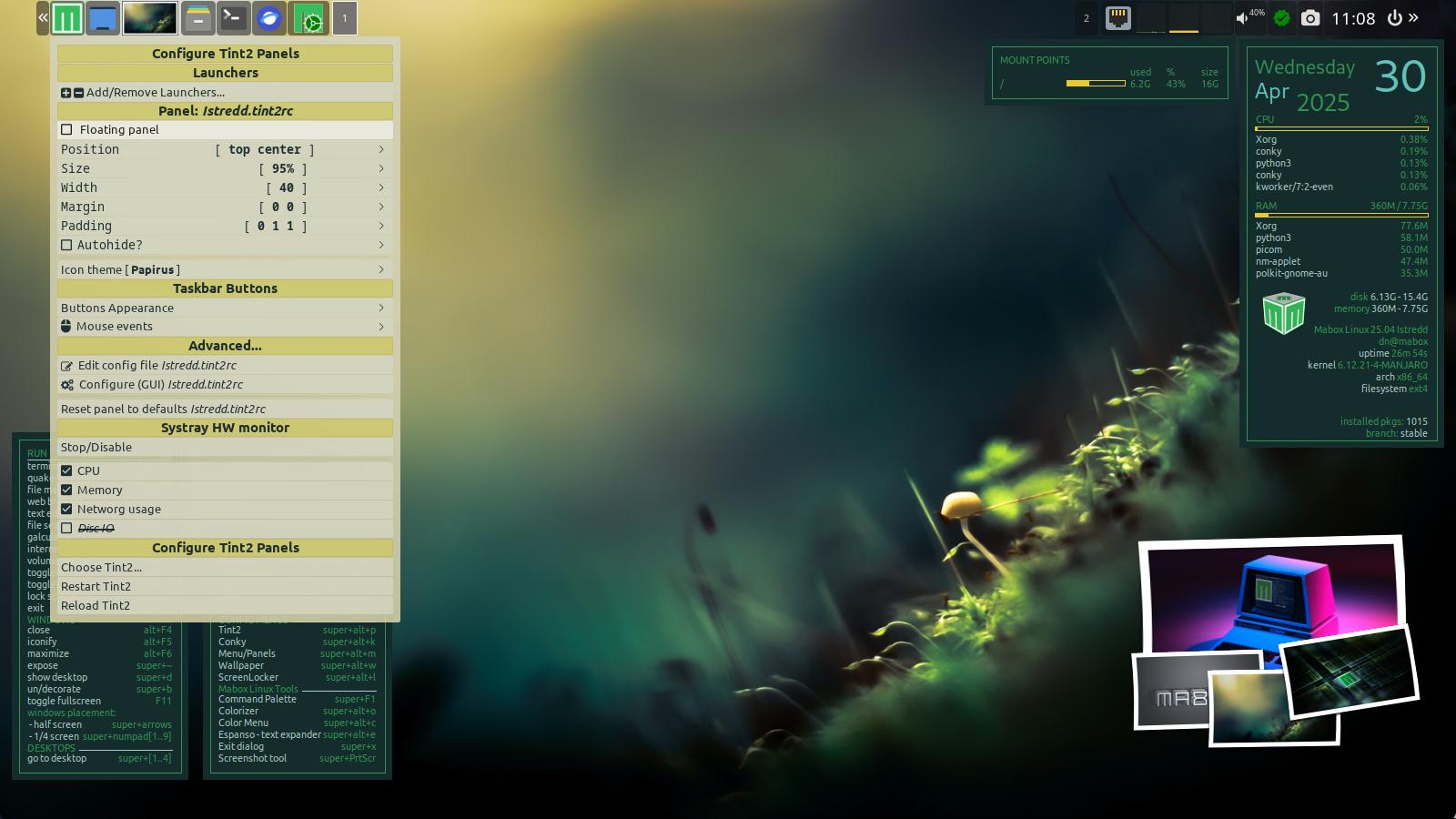
Tint2 panel quick configuration menu got Floating panel switch.
Run this menu by right-click on Menu/Mabox icon or by pressing W-A-p (super + alt + p)
But the most important new feature is…
status indicator with a dynamic menu
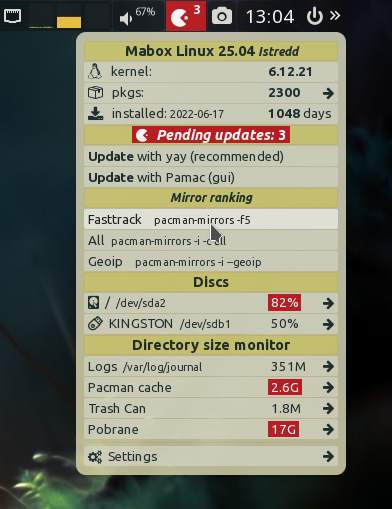
In addition to the obvious functionality of notifying about available updates and performing updates – it has two additional modules:
Discs usage reporting, with a configurable alert level.
It also allows you to browse the contents of mounted drives using a dynamic pipemenu.
Directory size monitor for:
– Logs
– Pacman cache
– Trash Can
– Downloads
Logs, pacman cache and trash can be quickly cleared with one click.
At the top of the menu there is some information like:
running kernel version – click to install additional kernels
number of installed packages … and statistics
installation date (after clicking it will start Mabox Control Center)
If you like, you can enable showing the list of largest installed packages. Clicking on the package name will provide you with additional information about it.
Play around with the settings to customize the icon and menu to your needs.
Discover the potential of the Tint2 panel
Tint2 panel is a good example of what many users love about user-empowering software for Linux: lightweight, functional, configurable. It was specifically made for Openbox.
Mabox tries to creatively use the potential of Tint2, combining it with another great open-source project…
Jgmenu – X11 menu, designed for scripting, ricing and tweaking.
Unlike other simple panels and bars – tint2 allows you to assign actions to elements triggered by events: right-click, middle-click, and even mouse up/mouse down. Mabox takes advantage of these possibilities.
Take a moment to discover them… Hover your mouse over the panel elements to see a tooltip suggesting what actions are assigned to the events.
You will definitely find something interesting there 🙂
Have fun and enjoy tinkering!
Download
ISO images can be downloaded as always from SourceForge or from repo.maboxlinux.org
Two images are available:
– with the latest LTS kernel – linux612
– and with a slightly older LTS – linux61
Support Mabox development
If you like Mabox, you can support its maintenance and development on Ko-fi or here.