
Mabox 26.08 delivers updated packages, improvements to the Quake-style F12 terminal, and community-built utilities for ISO remastering and persistence-enabled USB creation.
Quake Terminal (F12) and the Yazi file manager with drag‑and‑drop support
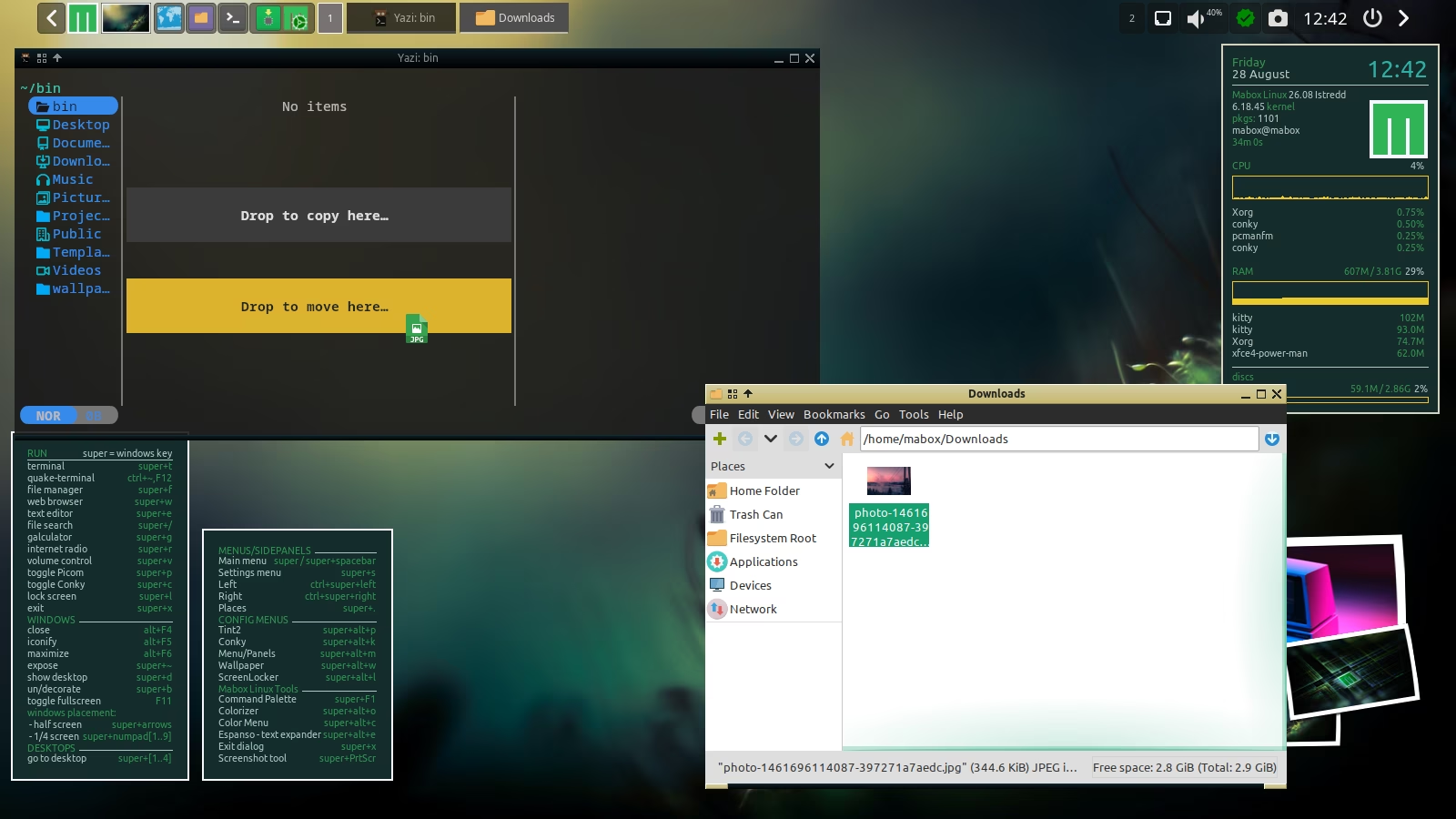
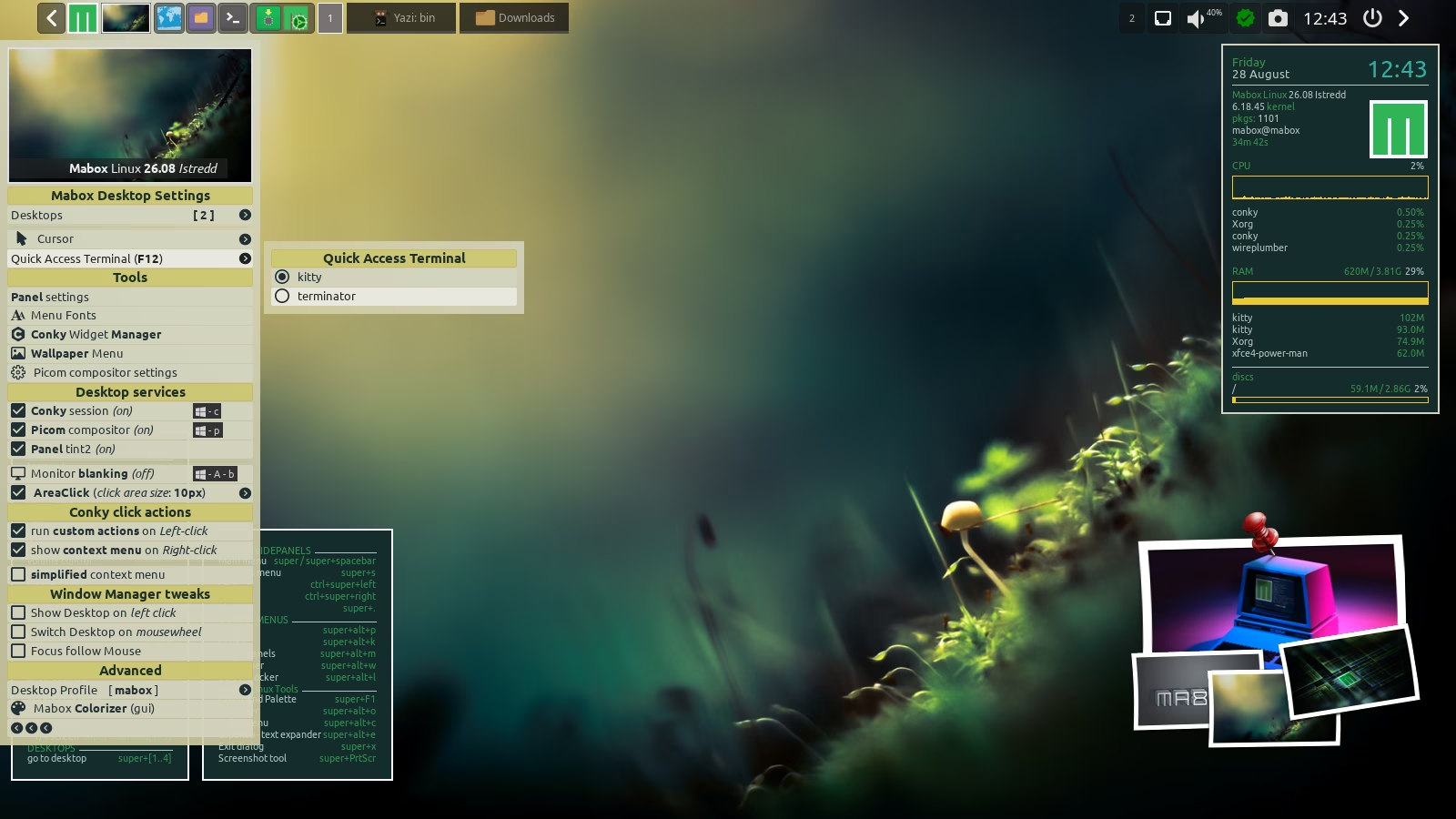
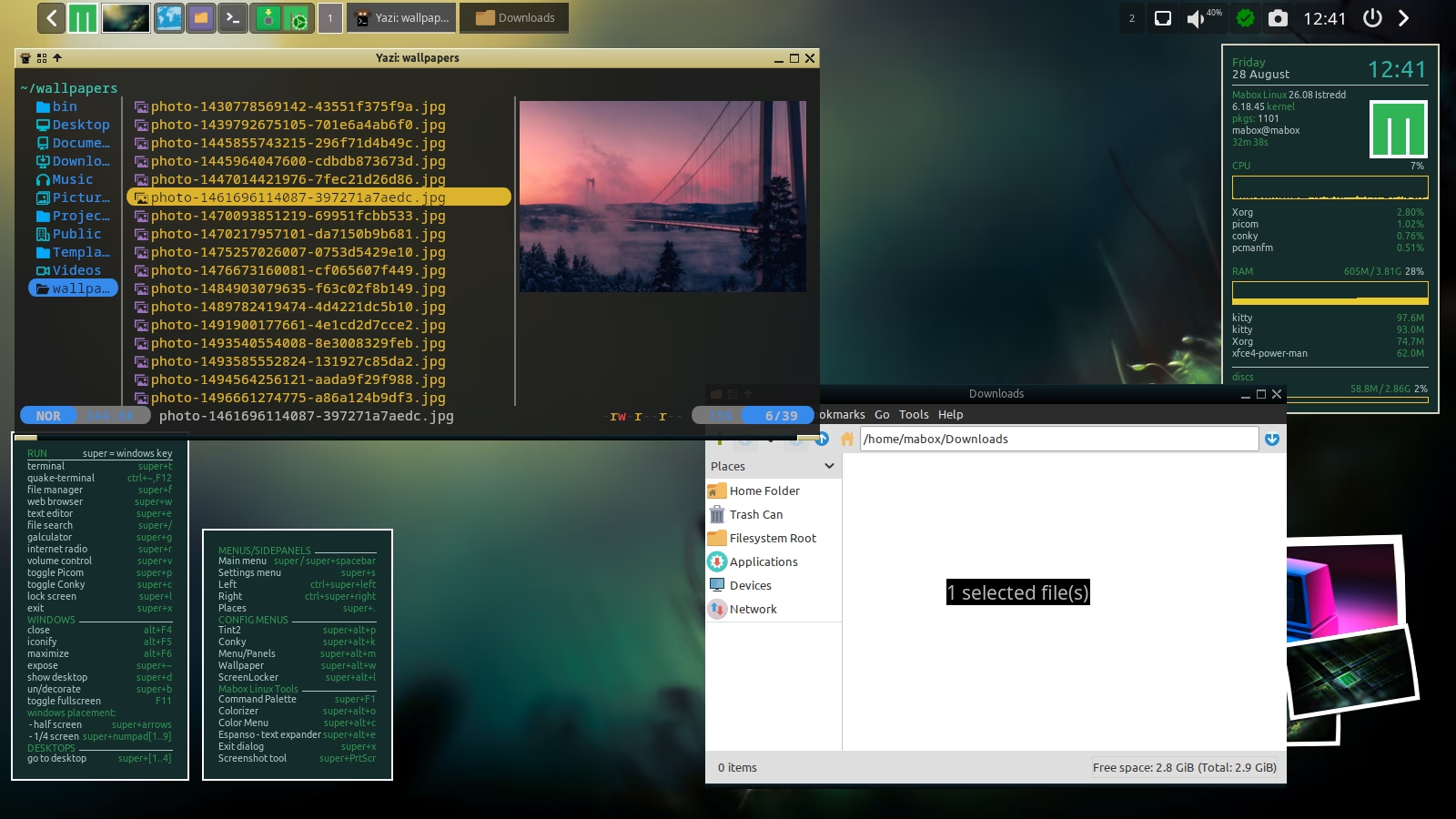
The F12 drop‑down terminal is now powered by kitty, the first terminal to enable drag‑and‑drop file copying. The high‑performance Yazi file manager comes preinstalled.
See the screenshots and a brief demo video [direct link]…
Tools for ISO remastering and creating persistence‑enabled USB drives
Muzqs, a long‑standing Mabox contributor, has released two new utilities:
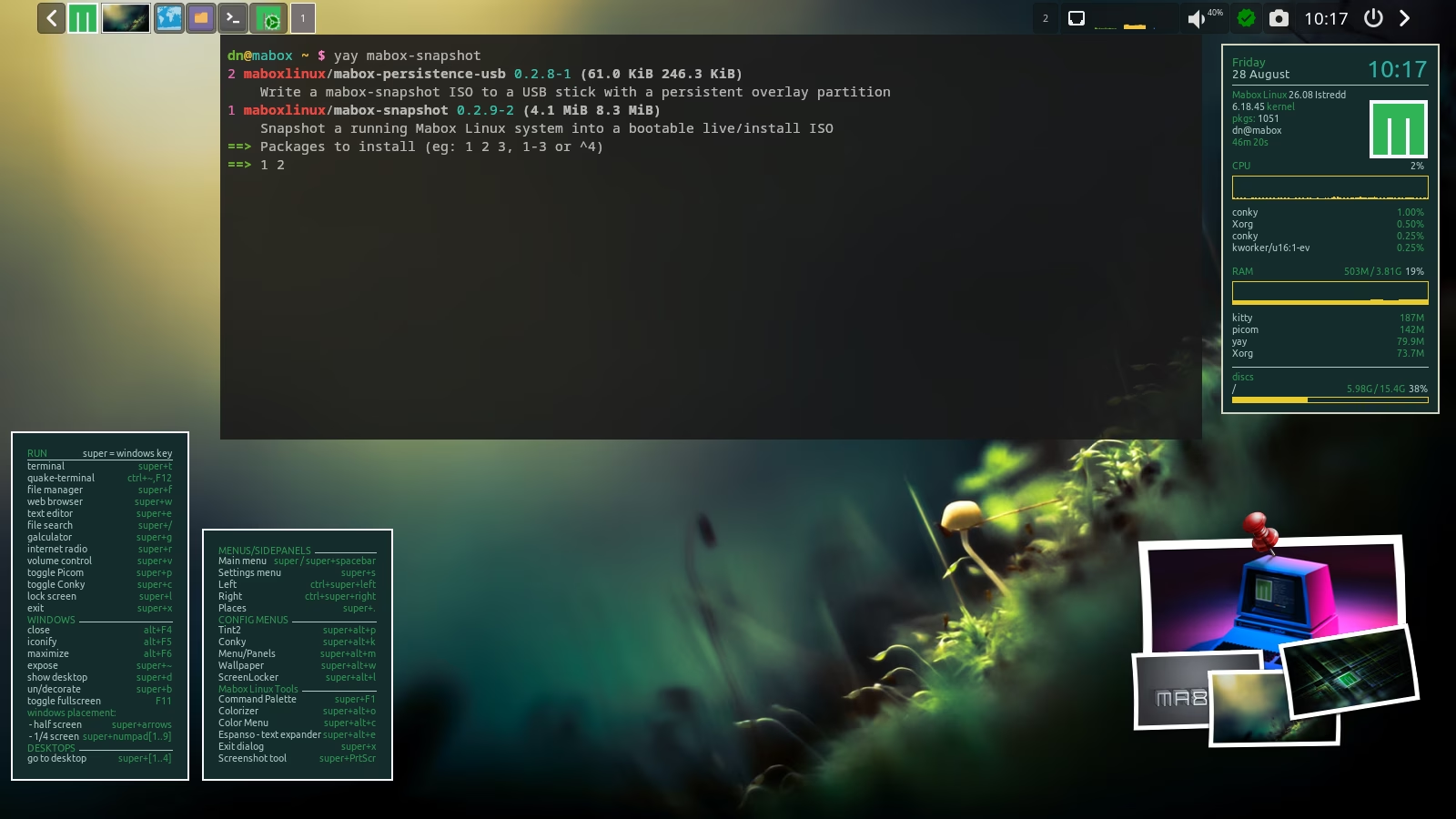
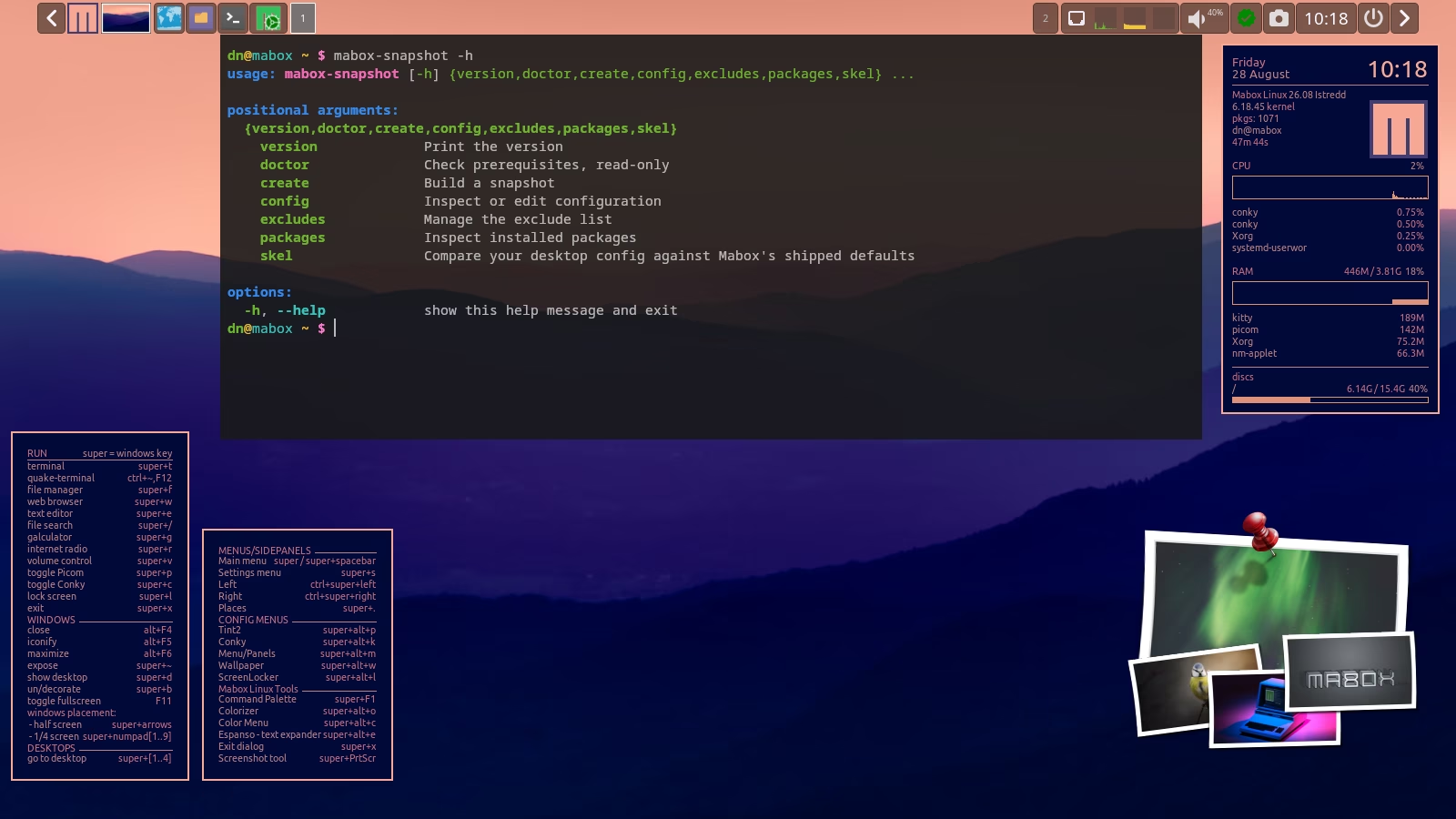
mabox‑snapshot — generates a custom ISO based on your current Mabox setup (github.)
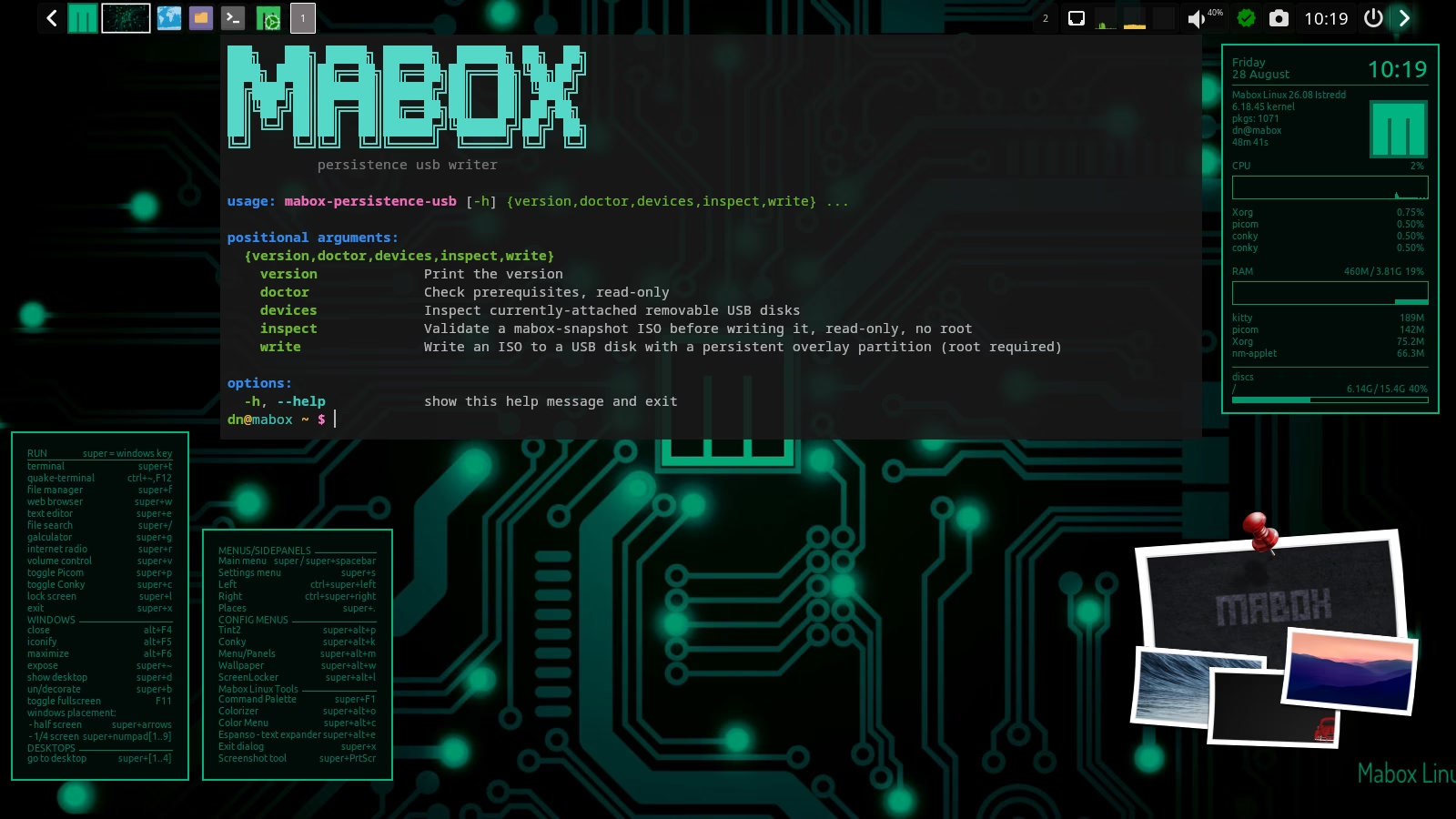
mabox‑persistence‑usb — builds a persistence‑enabled USB from that ISO (github)
Both utilities are now included in the official Mabox repositories.
Are you just starting out with Mabox?
Please read Introduction to Mabox Linux Desktop.
Support Mabox
If Mabox is useful to you, please consider supporting its development. Alternatively, you can support the development of our amazing base distro: Manjaro.
Download
ISO images can be downloaded from SourceForge mirrors and fromrepo.maboxlinux.org/iso.
Two ISO images are available: with the latest LTS 6.18 kernel and slightly older 6.6.
When starting an ISO image, you can choose whether you want to use open source or proprietary drivers.
Have fun with Mabox 🙂

I got a toshiba dynabook, but won’t boot. I need proprietary drivers put into remastered kernel i think. I get green istredd screen on usb stick boot, but won’t proceed further.
Hi jay,
Can you create a topic on the forum for your issue: https://forum.maboxlinux.org/latest
We need a bit more info to give a answer on your question.
Or you can create an issue on github: https://github.com/musqz/mabox-persistence-usb/issues