
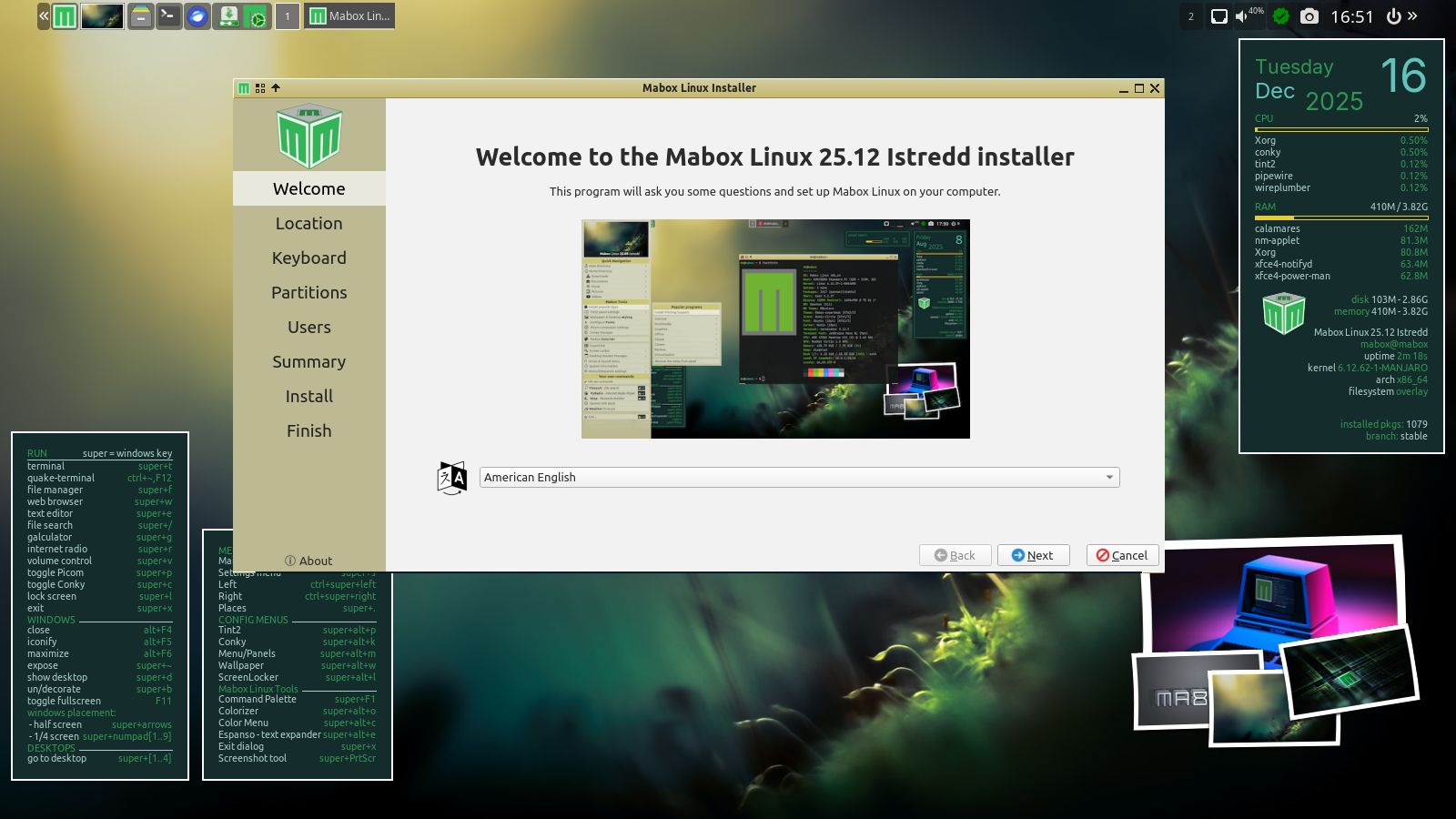
The December release of Mabox 25.12 brings a handful of improvements and fixes. It also means saying goodbye to GTK2 and cleaning up our profile and tools.
Several improvements related to the panel and dynamic menus…
Volume icon
The updated volume icon (near the system tray) should now work as intended.
Functionality:
left-click – mute/unmute
mousewheel up/down – volume up/down
right-click – pavucontrol – volume control GUI.
right-click – previously was bound to Music & Sound menu, which is available now by W-m or by clicking the top-right desktop corner.
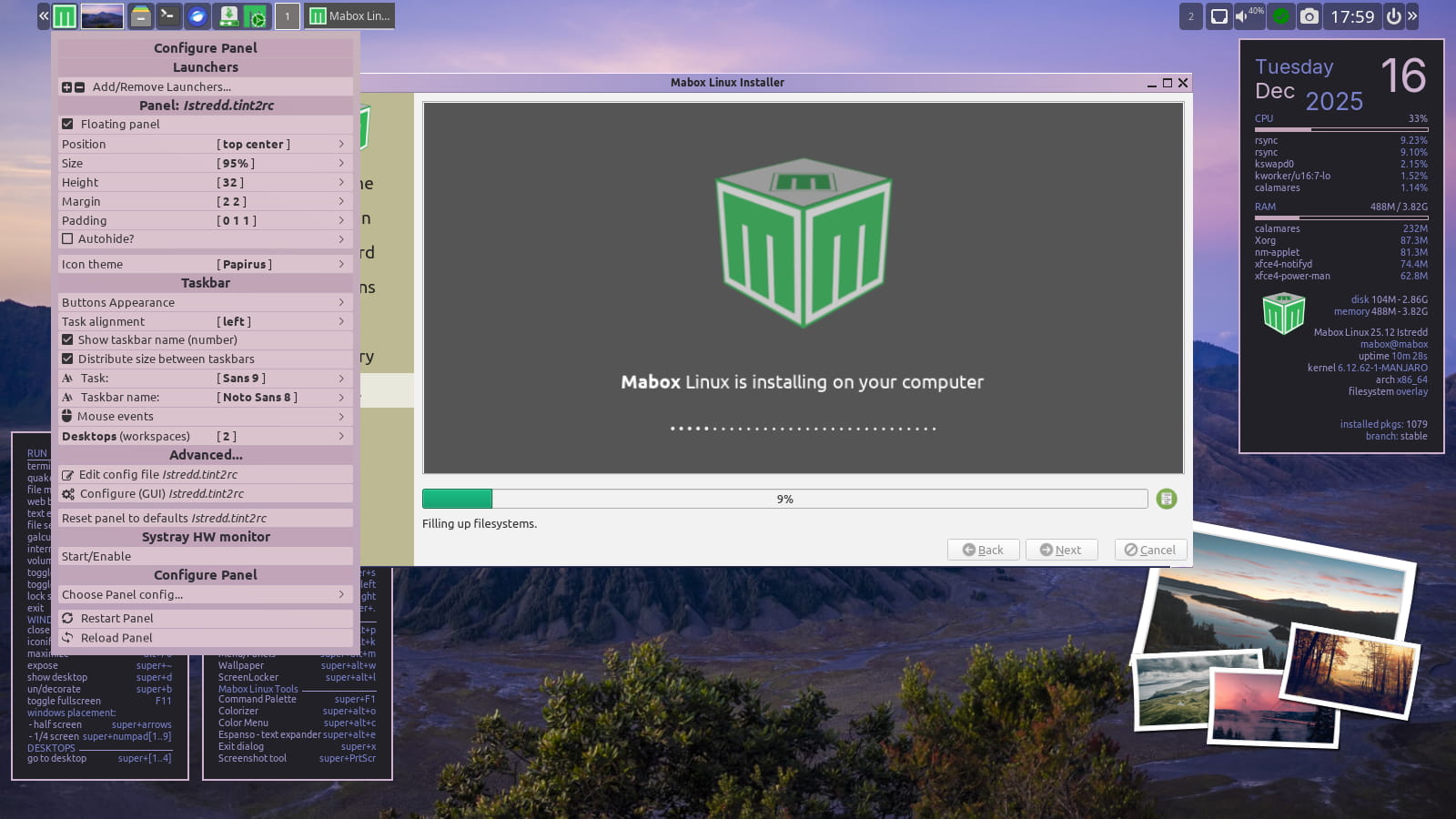
Panel configuration menu
The panel configuration menu was recently enhanced to allow for quick configuration of the taskbar’s behavior. The menu is available by right-clicking the Mabox icon in the panel or by using the keyboard shortcut W-A-p (super/windows + alt + p).
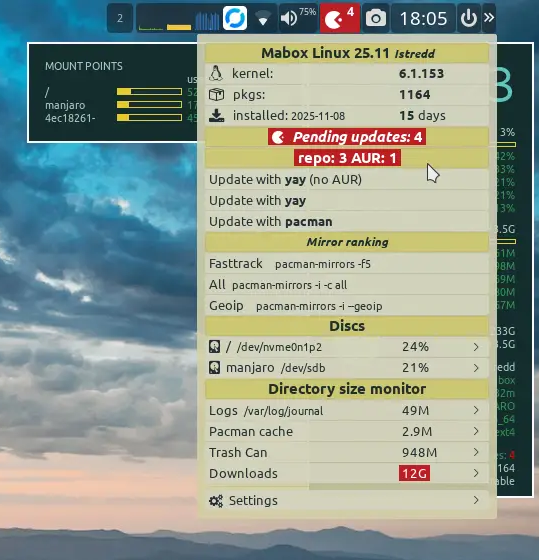
Update notifier/ status icon
Now shows the number of updates divided into packages from official repositories and AUR (Arch Users Repository).
Quick access to file manager bookmarks
Bookmarks from the file manager are also quickly accessible in the dynamic Places menu W-. (super + dot). Both local file system and network bookmarks are supported. SSH, Samba shares, and FTP.
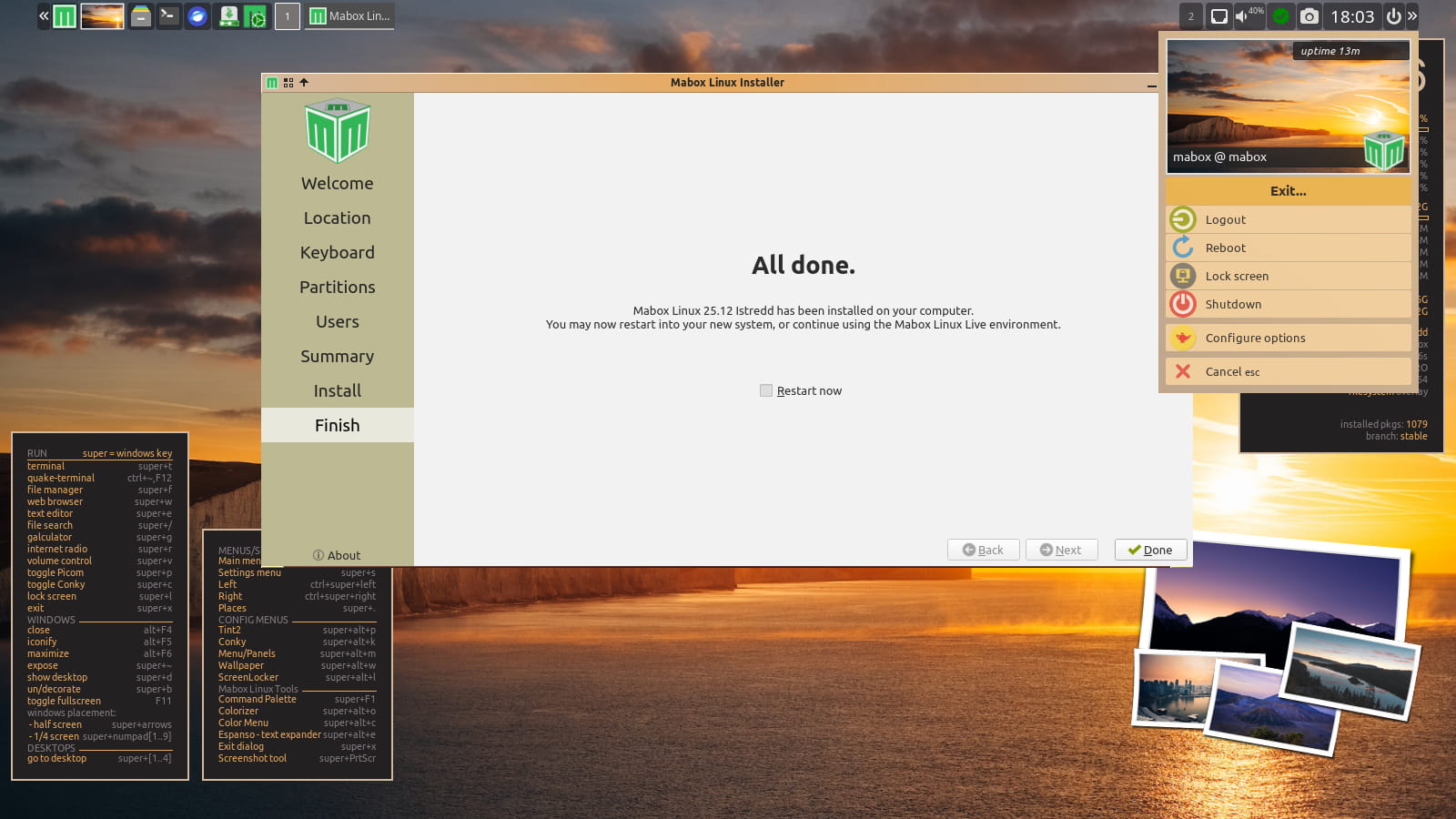
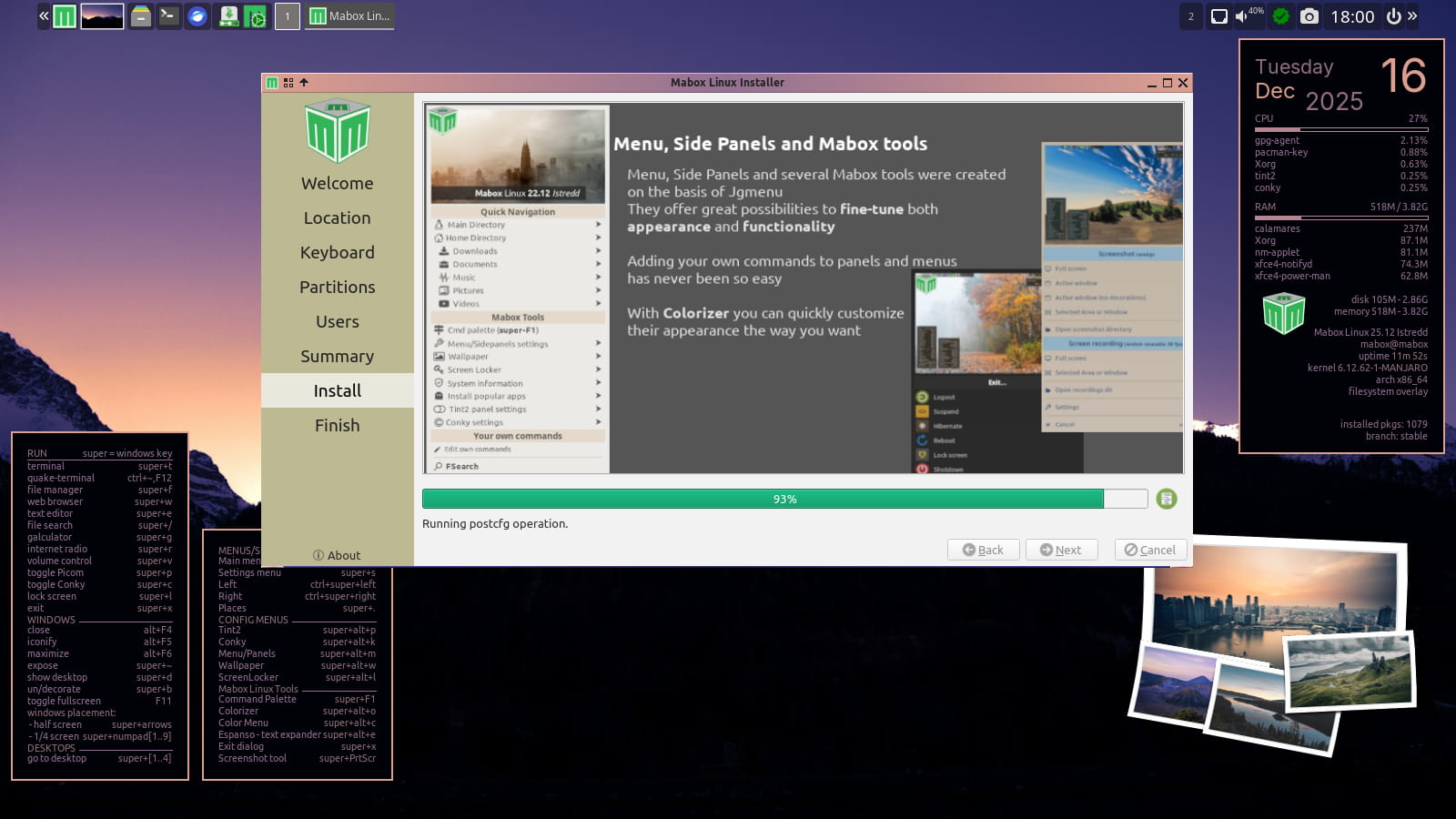
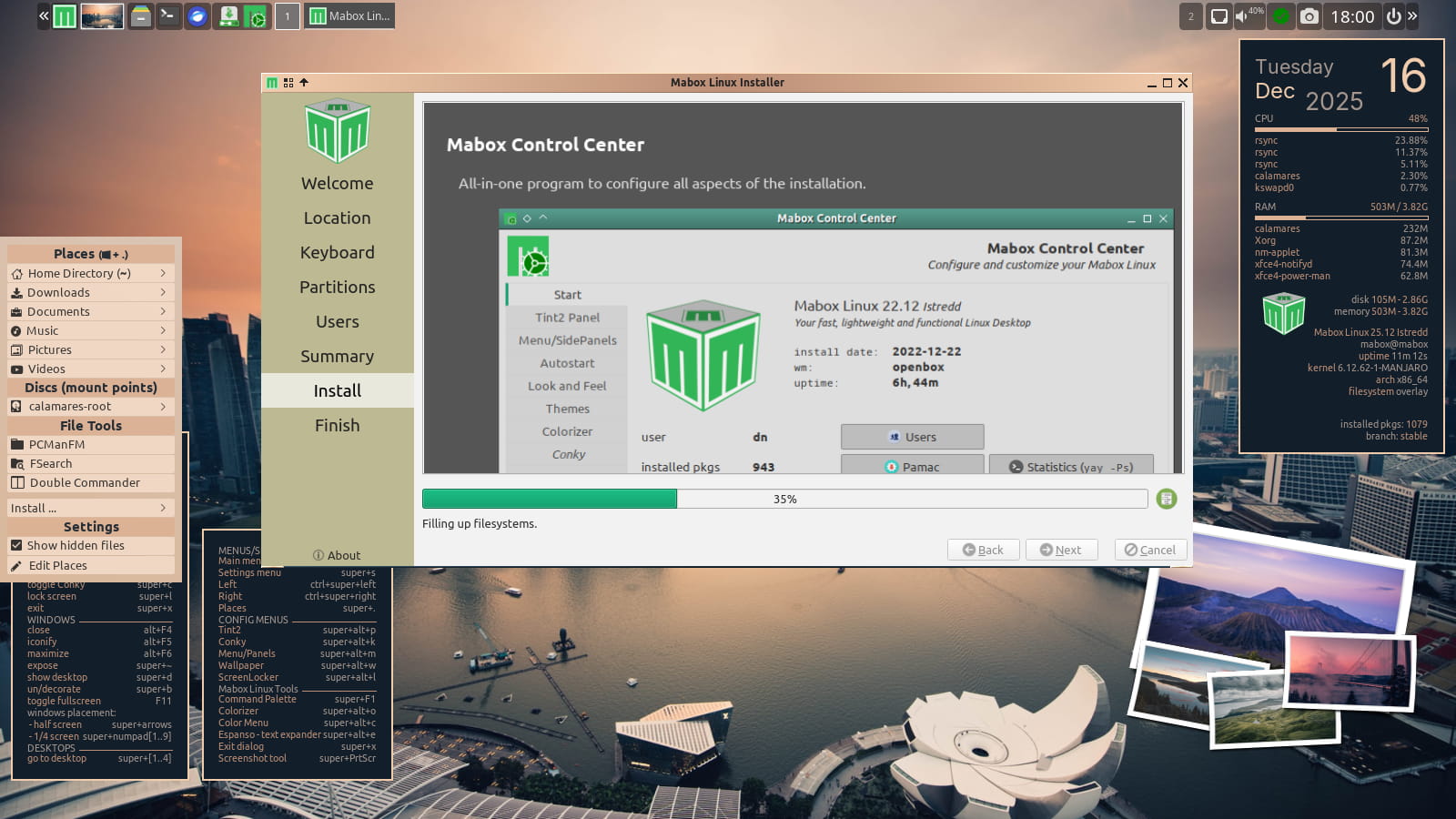
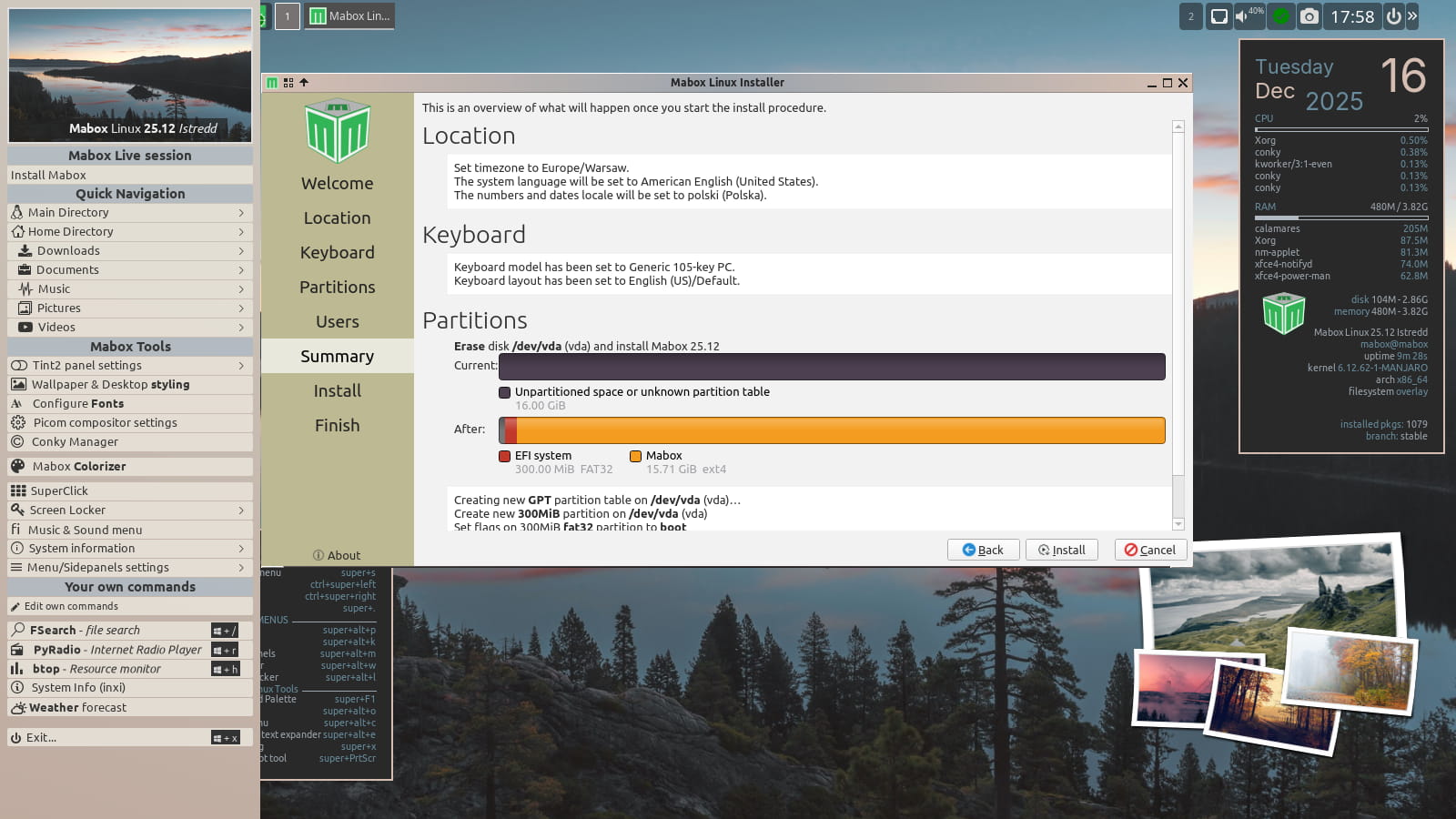
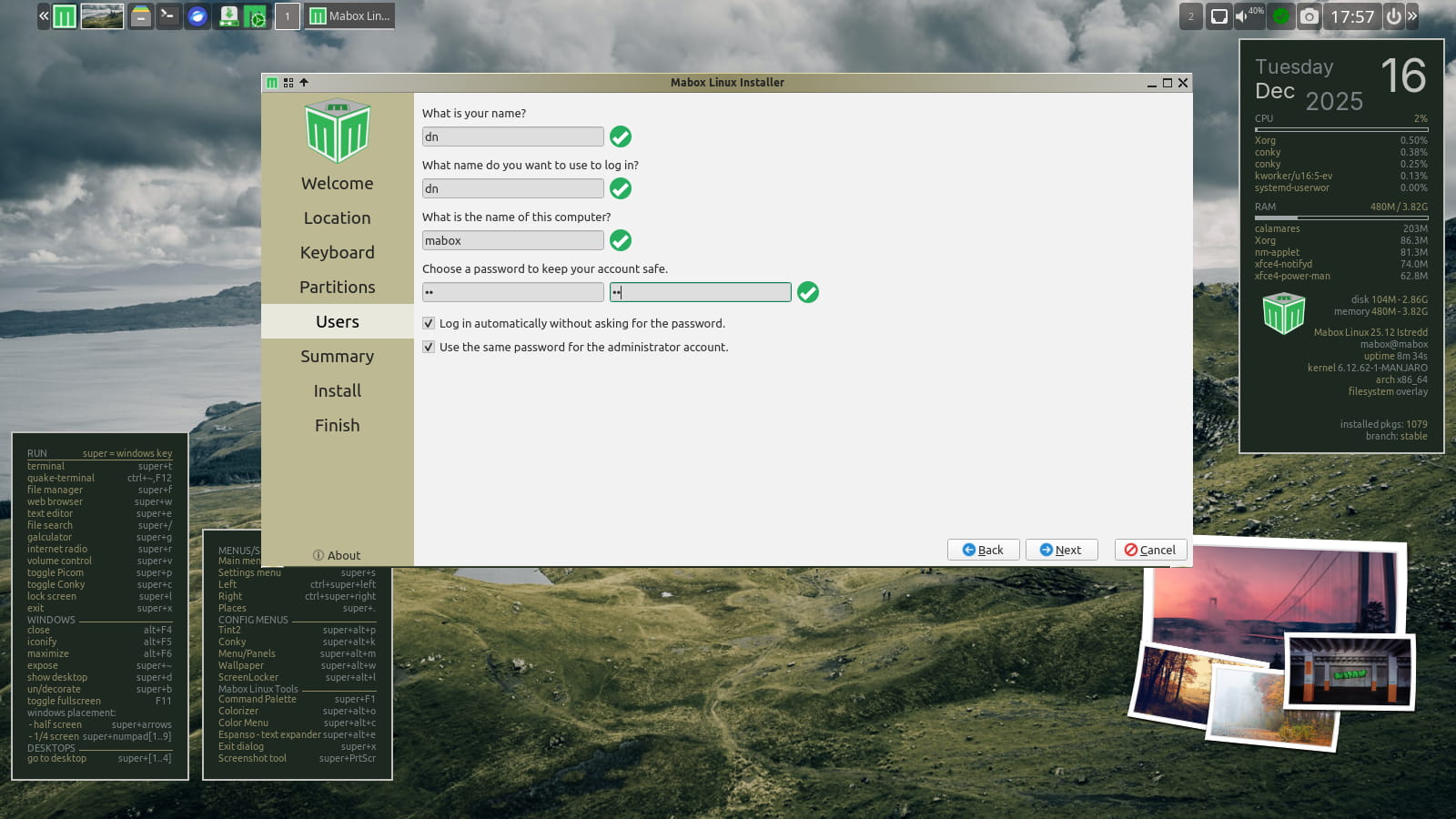
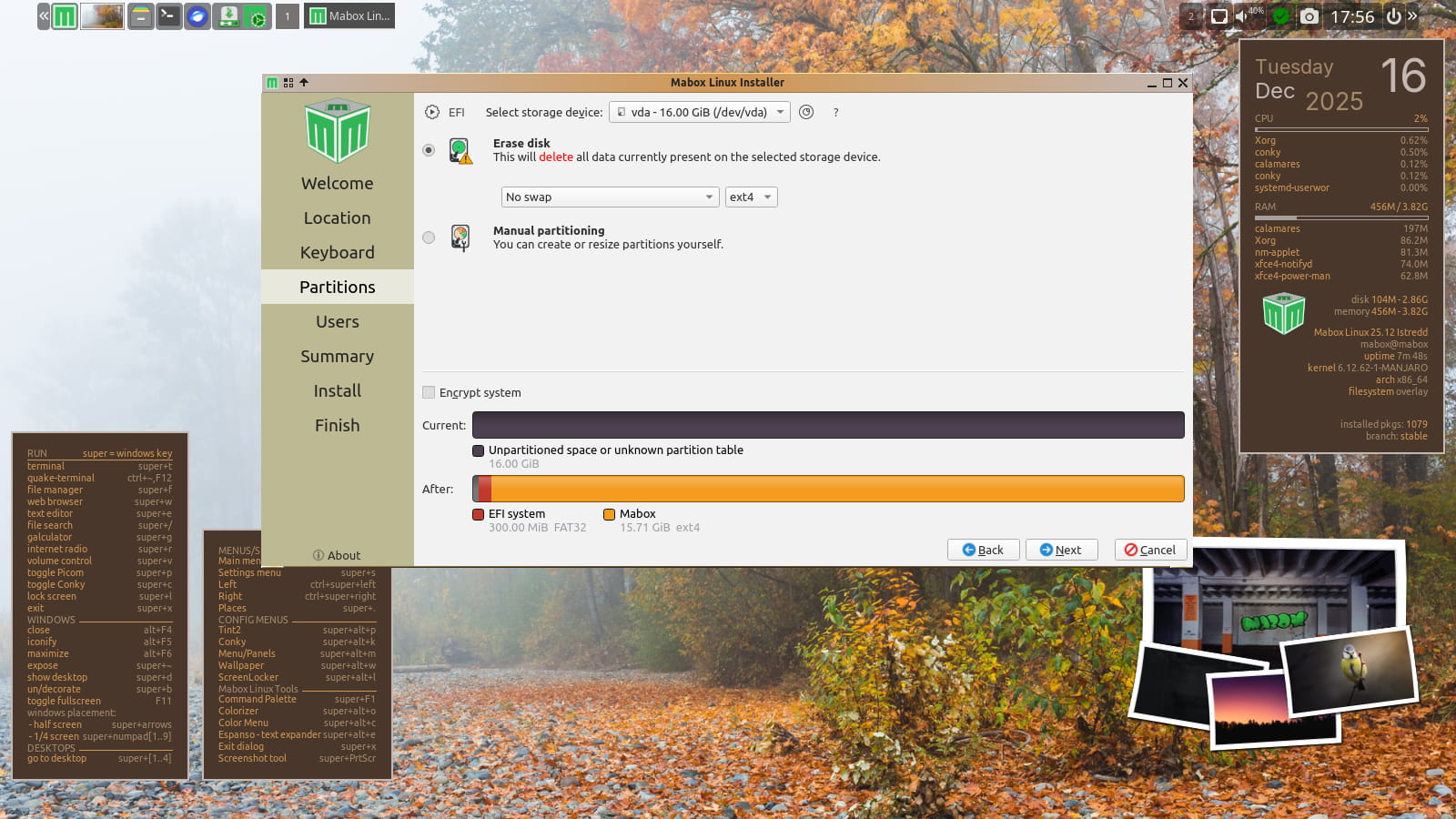
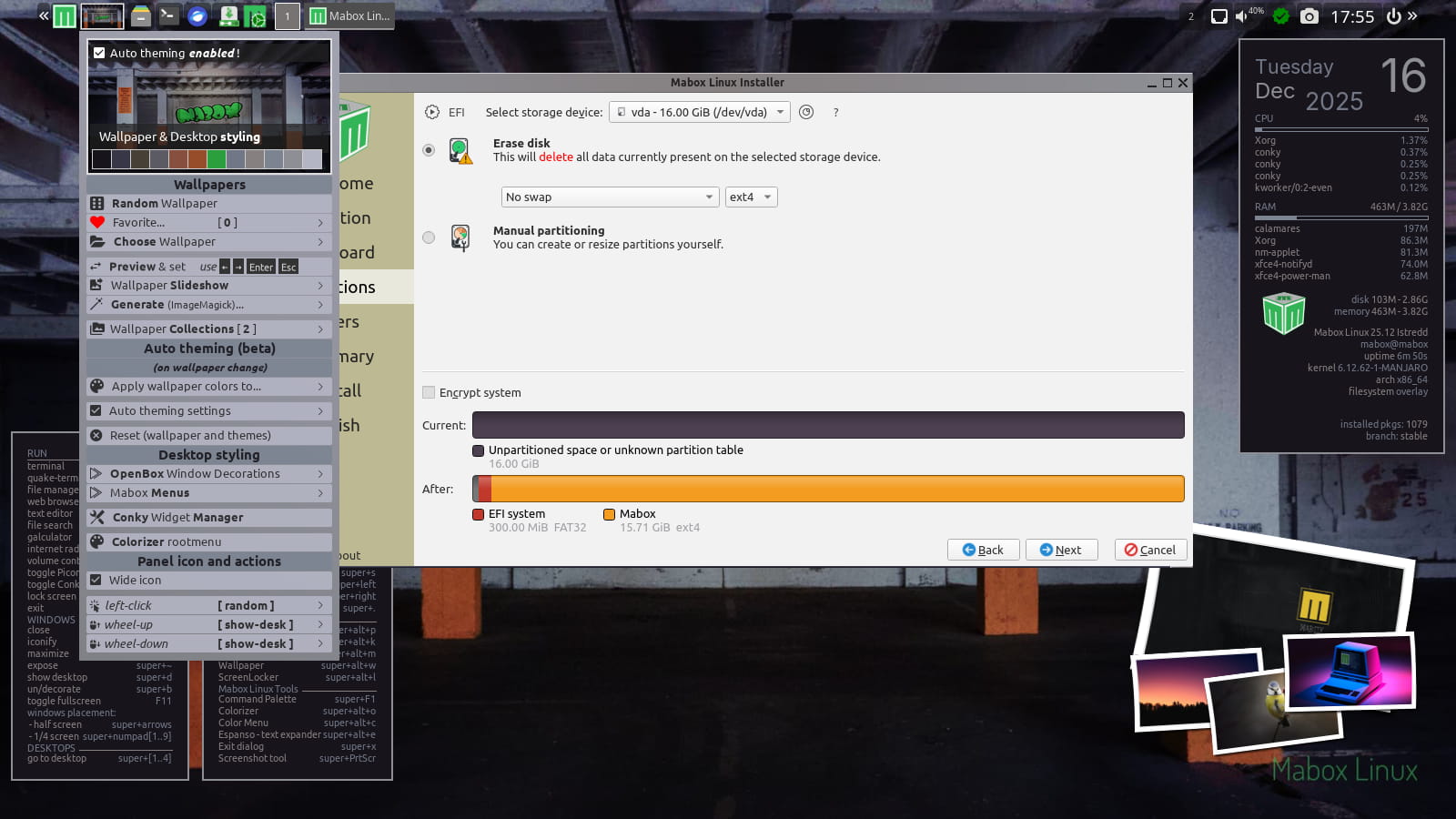
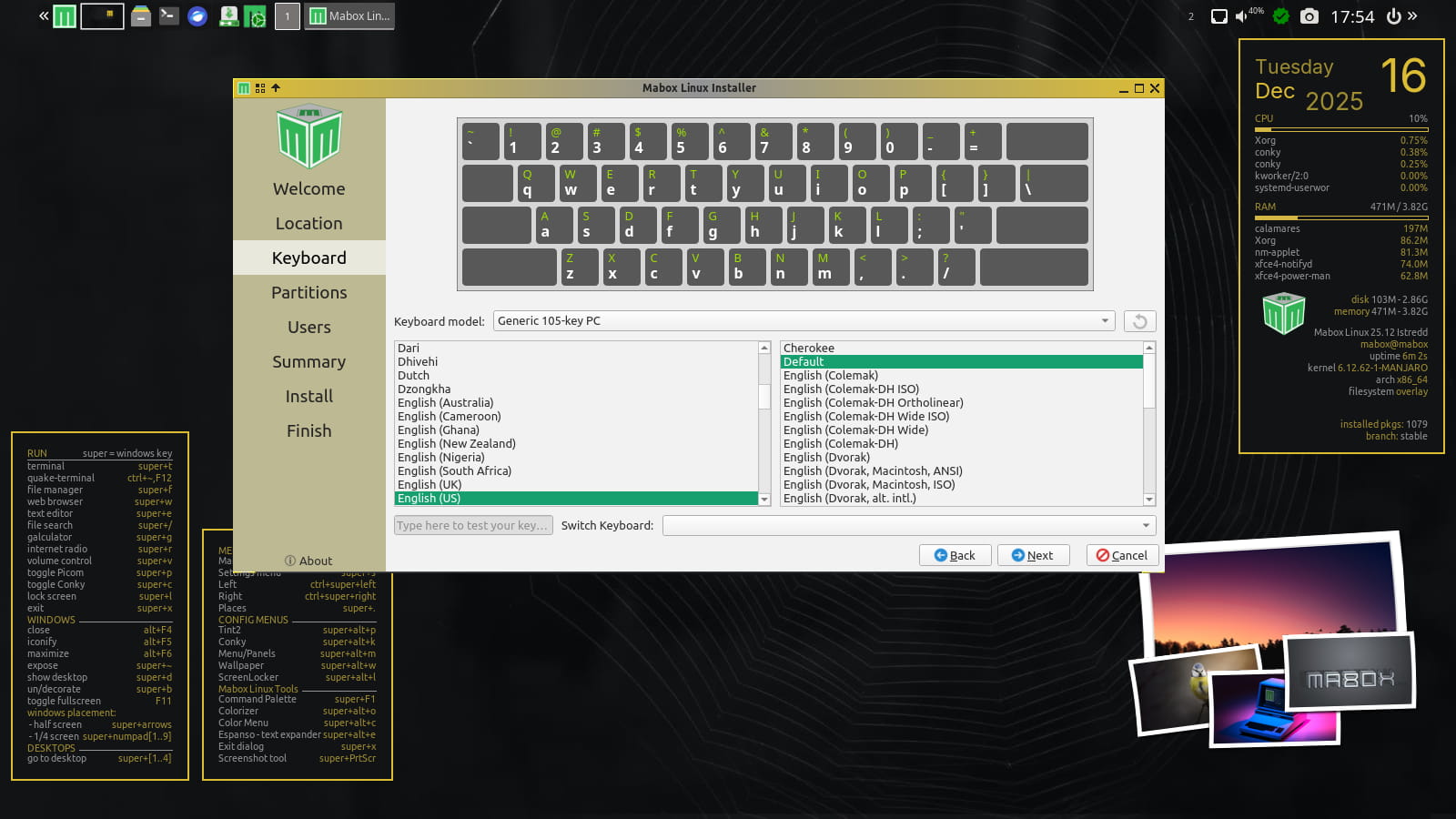
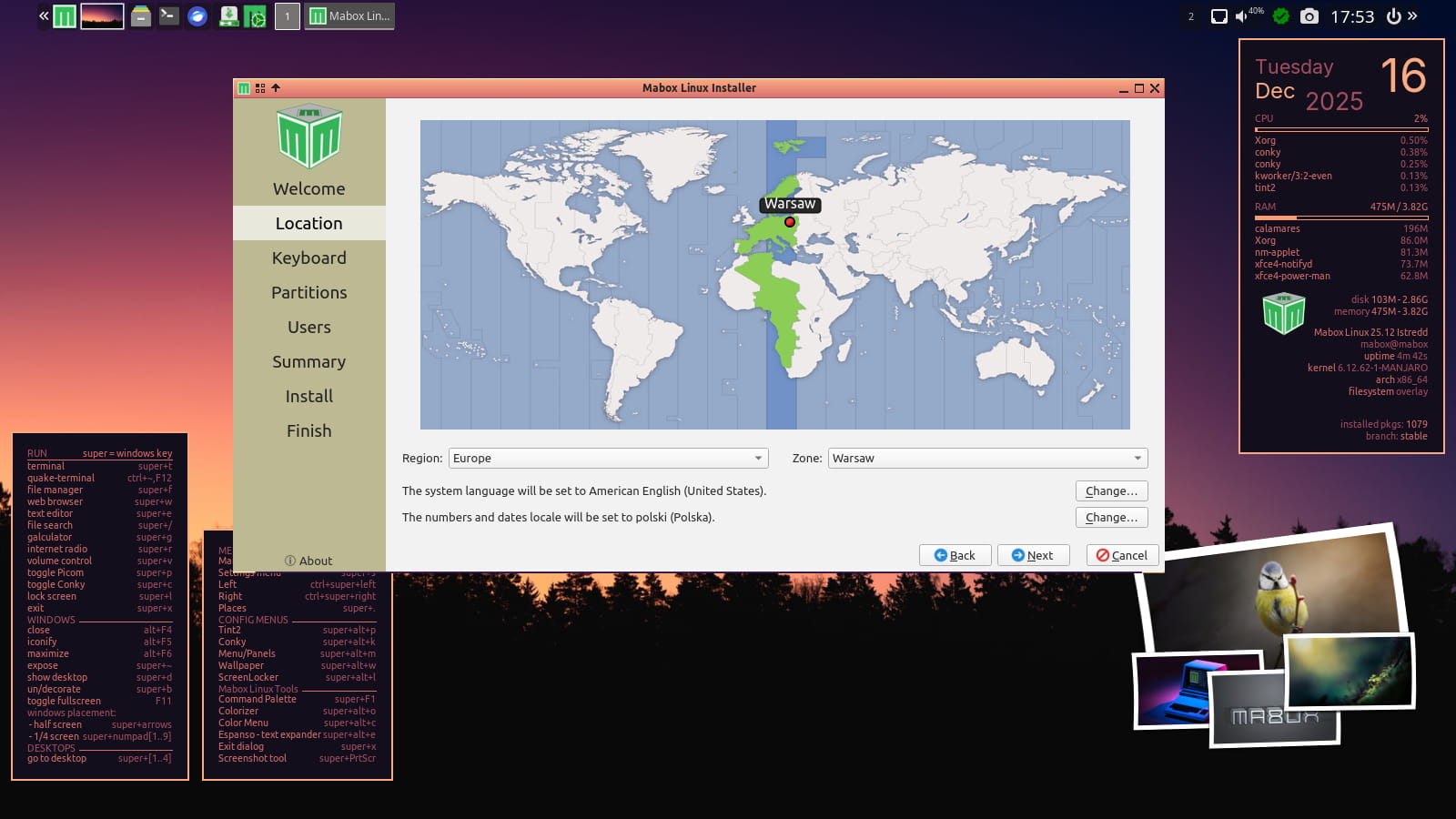
Autotheming enabled in live session
Just left-click on wallpaper “icon” in panel to set random wallpaper and see autotheming in action. Have some fun while installing Mabox 😉
Right-click on thumbnail icon for more options.
Autotheming is disabled by default after installation.
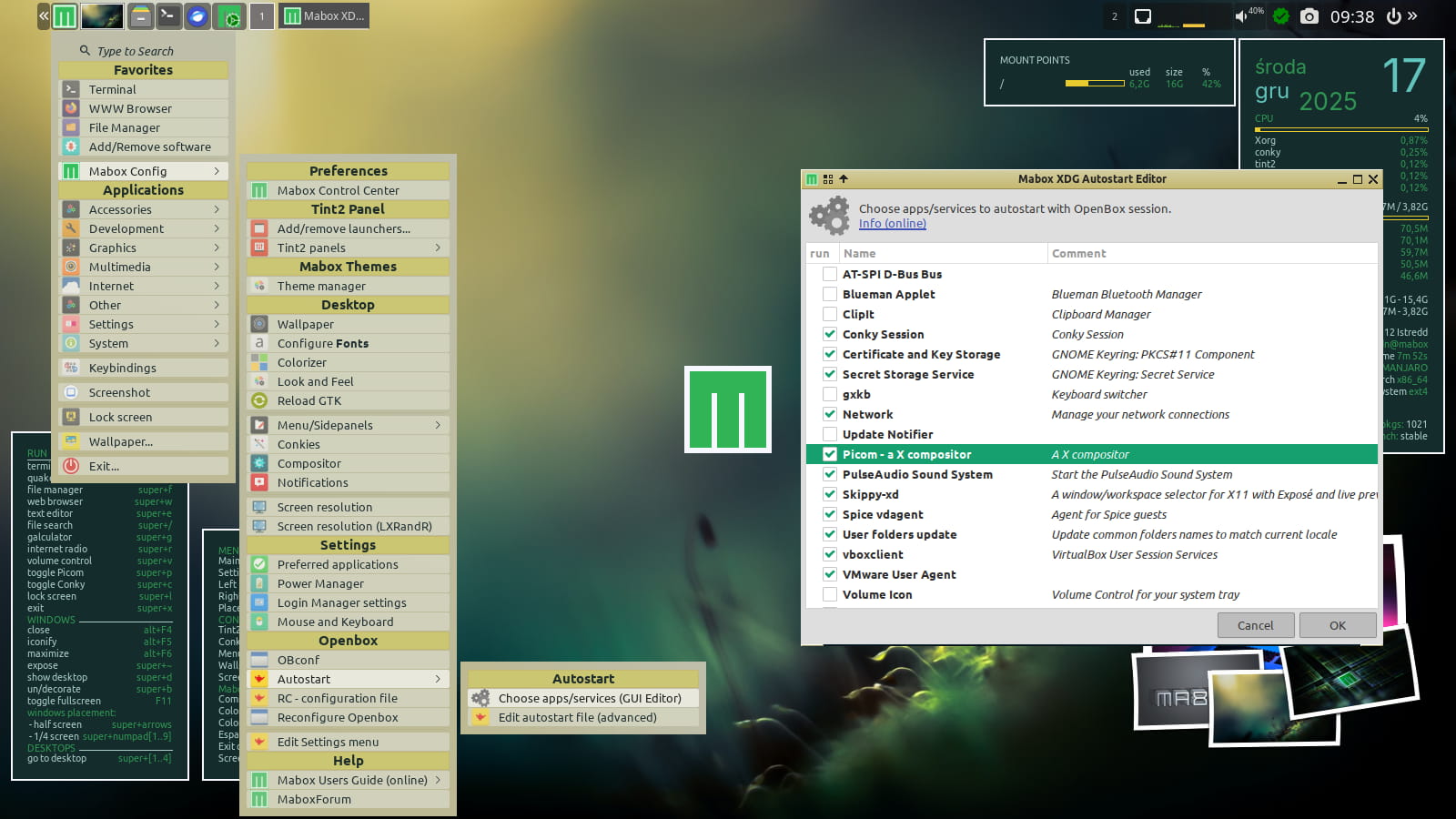
Picom compositor disabled by default
Why?
Mabox is often installed on aging computers. On some of them, Picom can cause problems.
Use the W-p shortcut to start/stop Picom.
If you want it to start automatically, select it in: Menu -> Mabox Config -> Autostart -> Choose apps/service (GUI Editor)
GTK3 replaces GTK2
The aging GTK2 toolkit has been sent into well-deserved retirement. Mabox now ships a number of tools built with GTK3.
- pcmanfm file manager
- lxtask task manager
- lxappearance
- lxappearance-obconf
- lxrandr display settings
- lxinput mouse and keyboard settings
- viewnior image viewer
GKrellm system monitor removed from iso-profile (moved to AUR)
Download
ISO images can be downloaded as always from SourceForge or from repo.maboxlinux.org
Two images are available:
– with the latest LTS kernel – linux612
– and with a slightly older LTS – linux61
After installing Mabox, I highly recommend reading:
Quick Introduction to Mabox Linux Desktop
Support Mabox development
If you like, you can support Mabox’s development and maintenance on Ko-fi or here.
Thank you 🙂